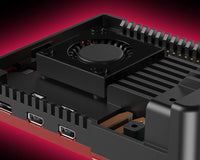
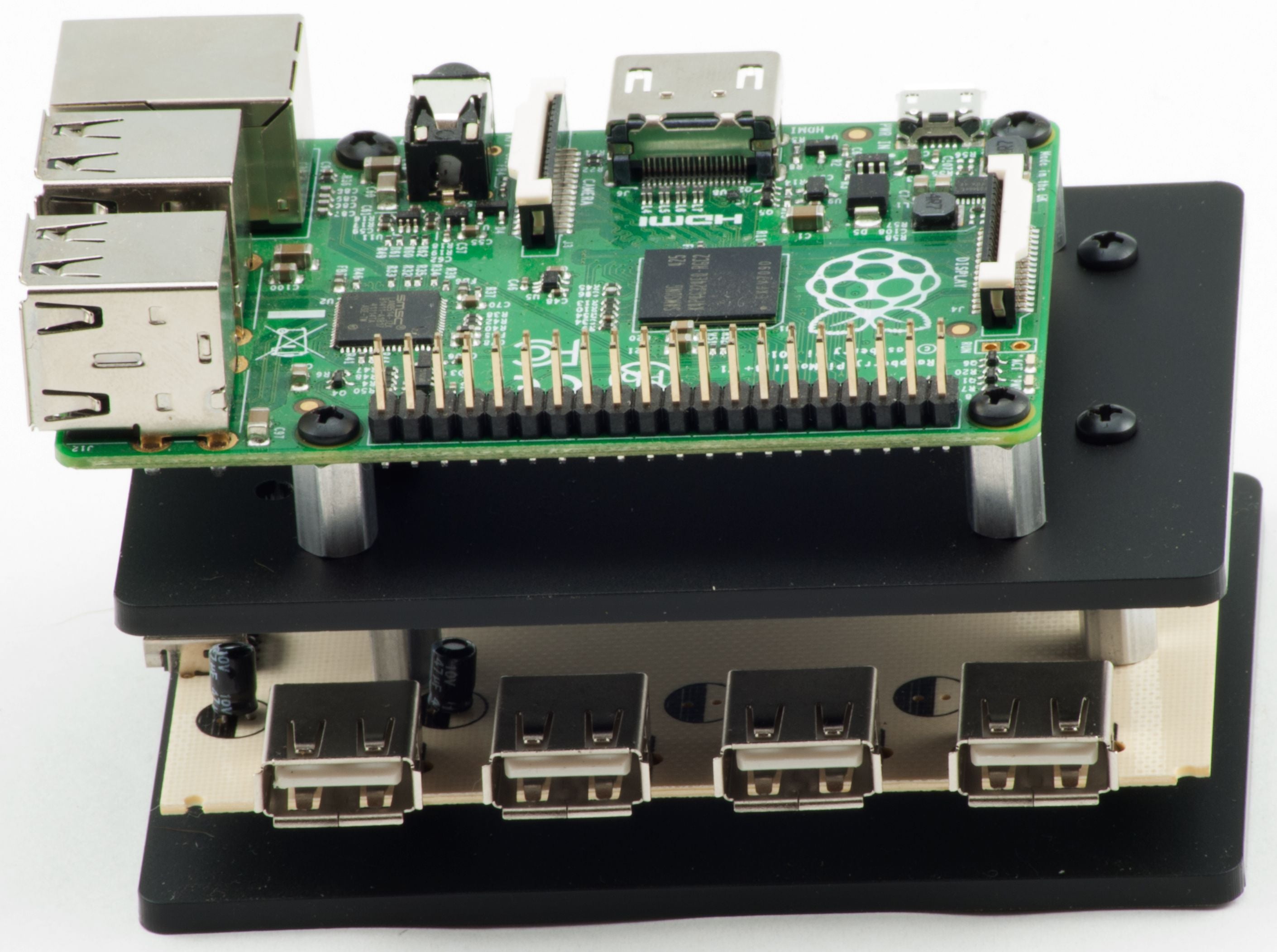
Naked USB Hub Case Assembly Instructions
Bill of materials: 4x 1/4" OD Hex Standoffs (Male-Female) / 4-40 x 3/4" 4x 1/4" OD Hex Standoffs (Male-Female) / 4-40 x 3/8" 4x 1/4" OD Hex Standoffs (Female-Female) / 4-40 x 1/4"...

Introduction to the Raspberry Pi
A Raspberry Pi can talk! No, really! What is this magic we speak of? Well, the Raspberry Pi is not in fact, a tasty, fruity, delicious pastry, but a fully...
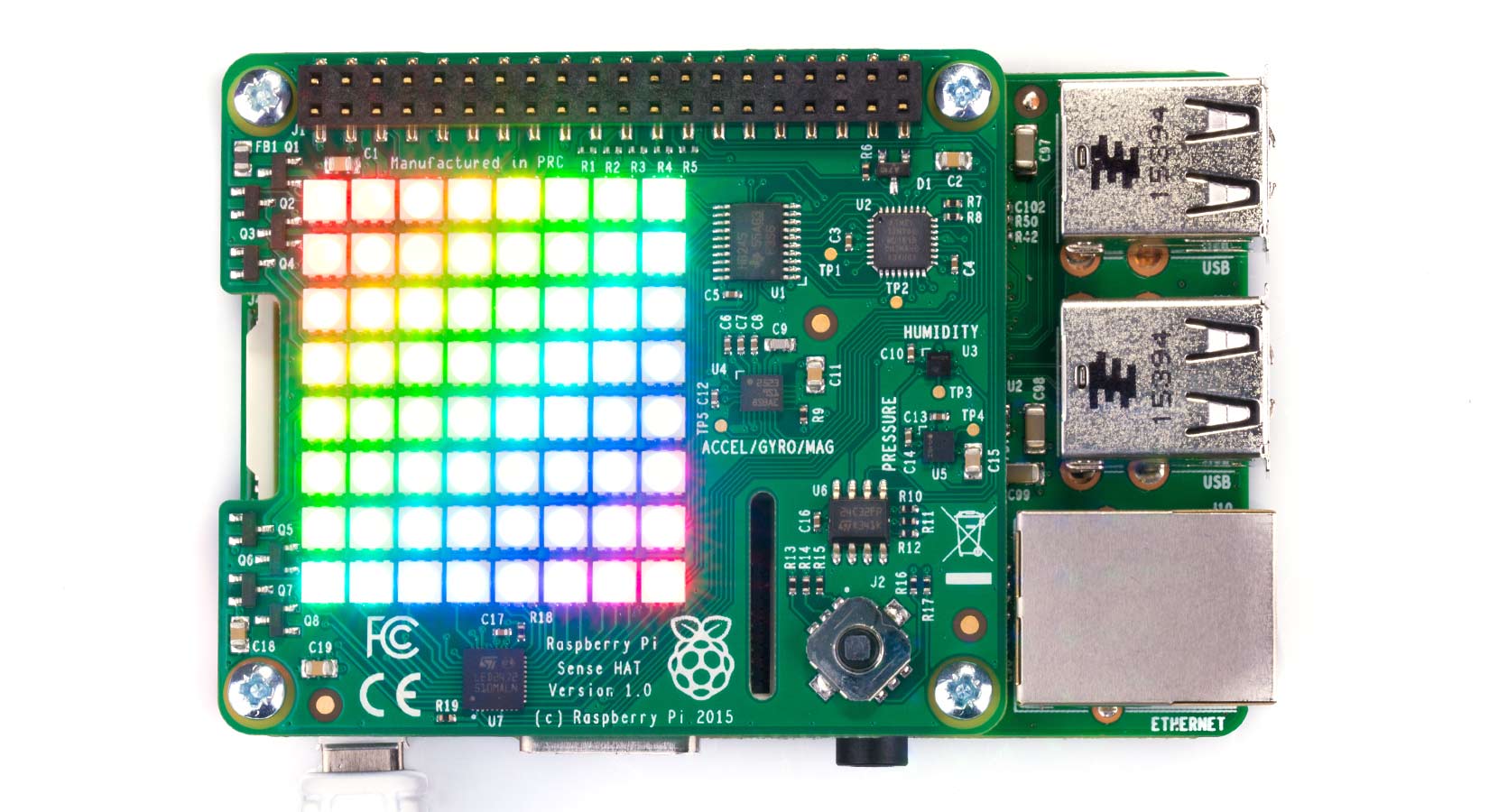
Raspberry Pi Sense HAT tutorial
Installing and using your Raspberry Pi Sense HAT is easy, just follow our simple guide below to get started. Install Install the Sense HAT software by opening a Terminal window...
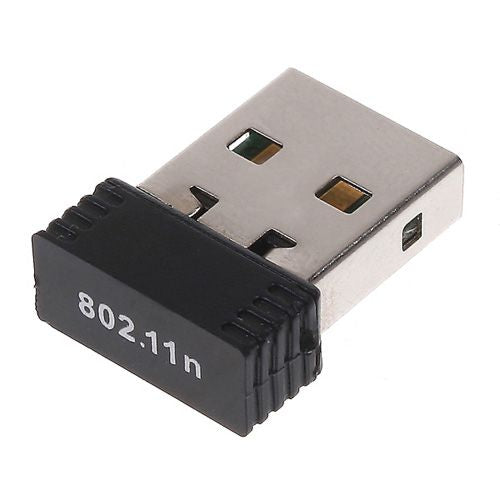
Installing the Wireless USB 11N Nano Adaptor 802.11N (WiFi Dongle)
Please Note. These instructions are outdated. The Raspberry Pi has drivers for Realtek 8188CU chipsets included as default. Devices using this chipset should now be plug and play. This guide...
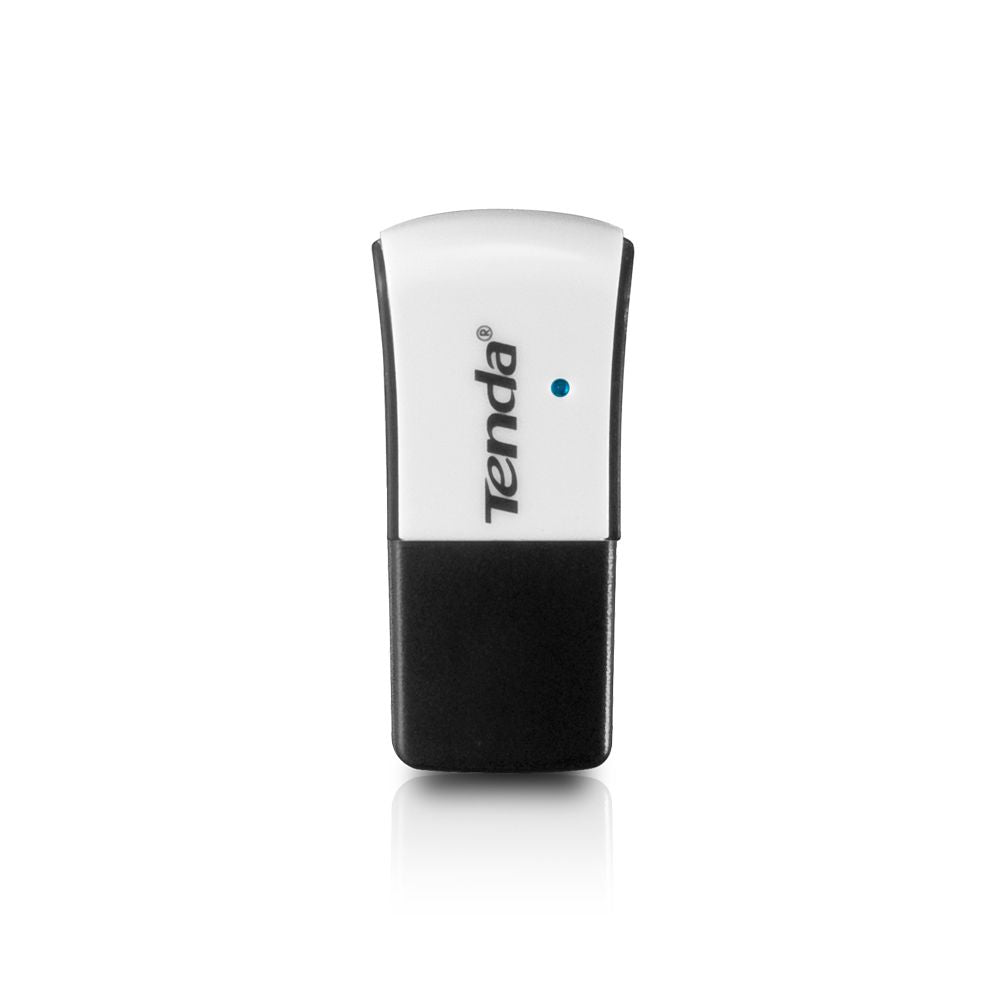
Installing the Tenda W311U Mini Wireless USB Dongle
This install guide was completed on the latest stable release of Debian Squeeze, but it should work on later releases, such as Wheezy. This guide will give a step by...
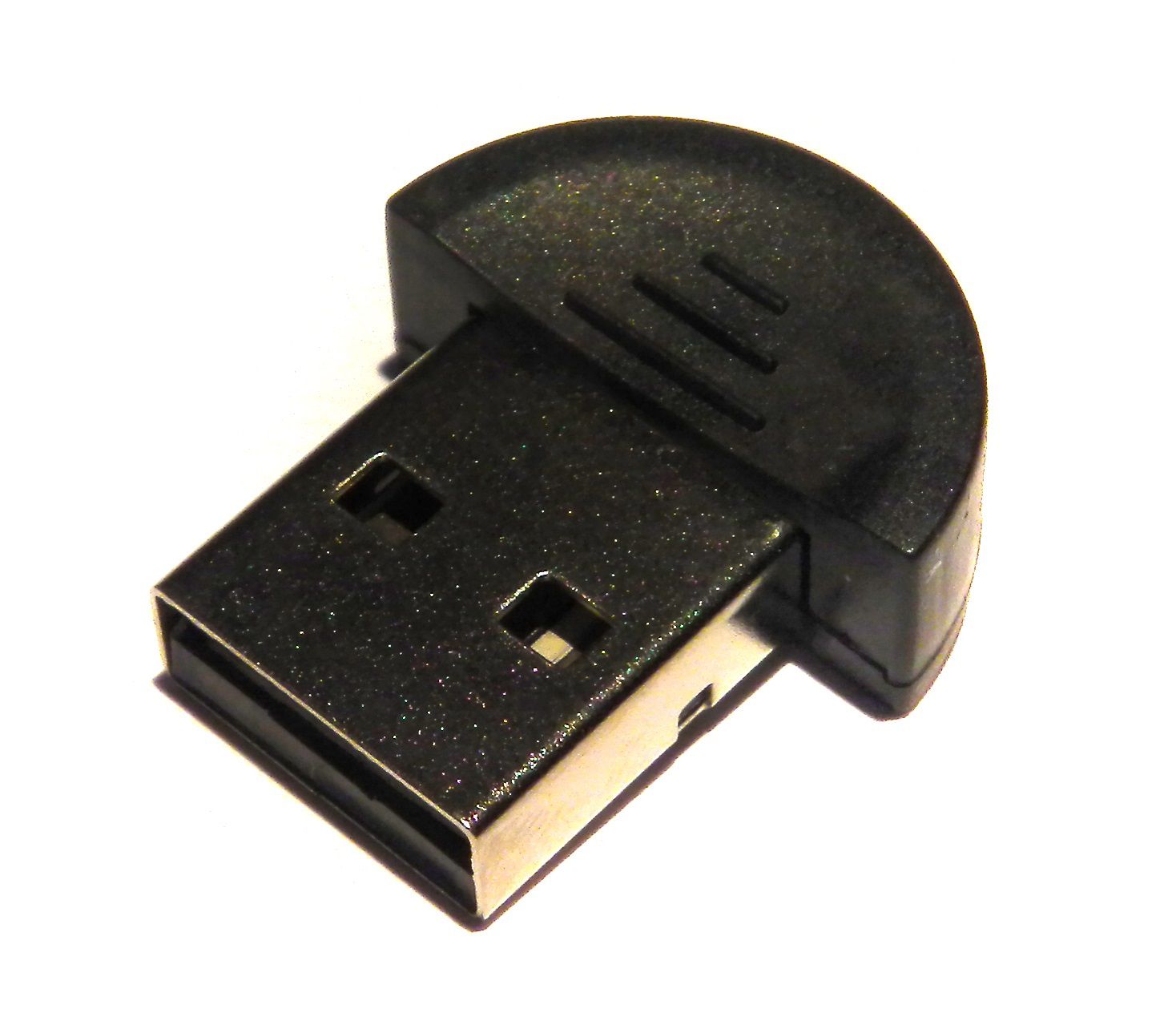
Installing the Raspberry Pi Nano Bluetooth Dongle
Introduction Bluetooth is a useful tool for getting devices communicating wirelessly. If you want your Raspberry Pi interacting with anything, from a printer, to a mobile phone, to setting up...
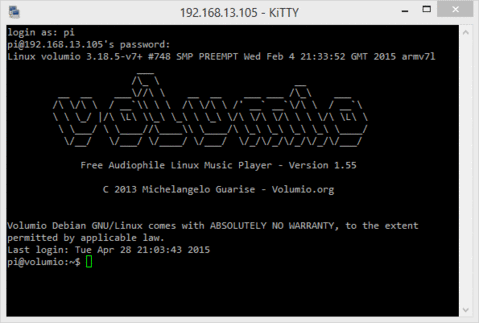
Running Things Regularly - cron
Last week I showed you how to run something each time your Raspberry Pi boots. This is not the only way; there is also 'cron'. But cron is actually a...
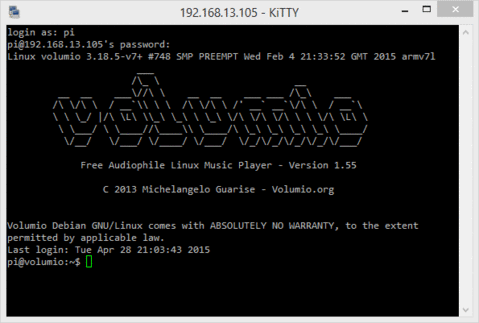
Starting Something on Boot
Have you ever wanted something to run every time you boot your Raspberry Pi? Like print out the IP address, mount a drive, or pretty much anything else you can...
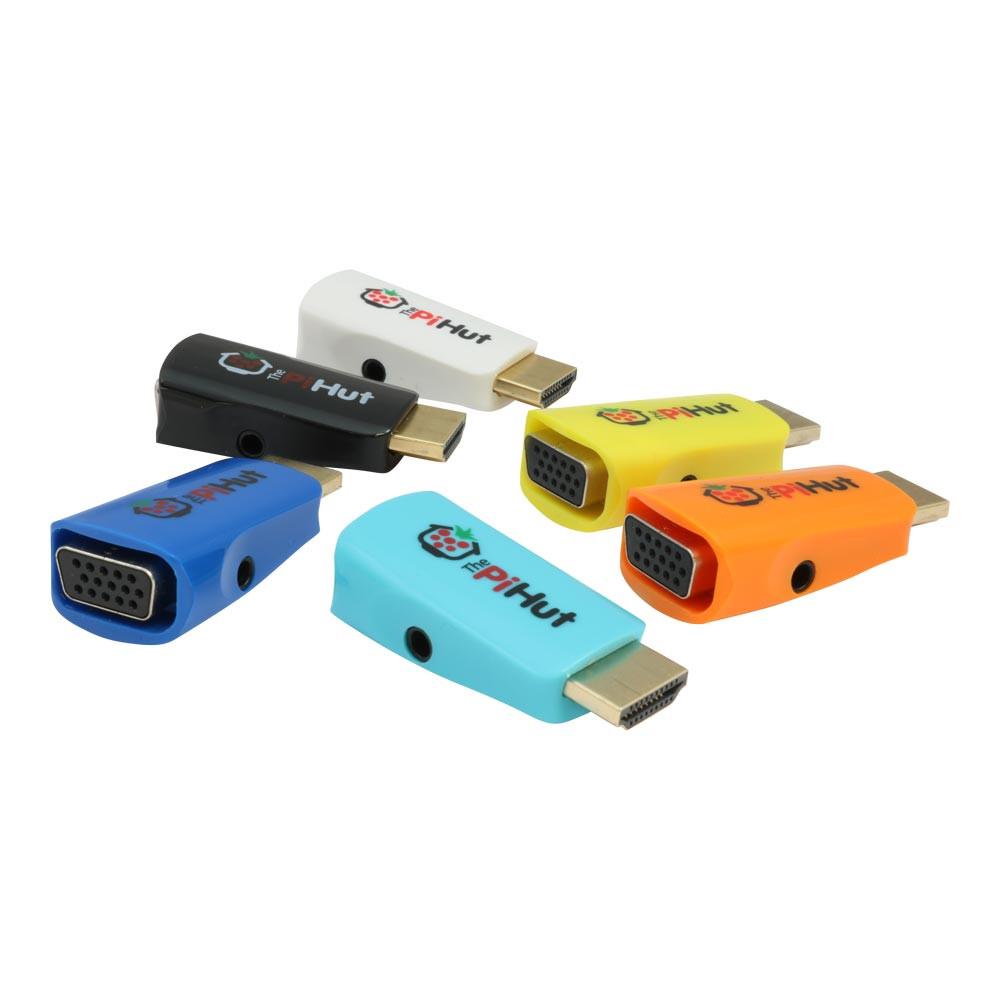
Troubleshooting a Raspberry Pi HDMI/VGA Adapter
While your monitor should be able to communicate its' abilities to your Raspberry Pi, there are times that the 'standard' that an old monitor uses is not recognised by the...
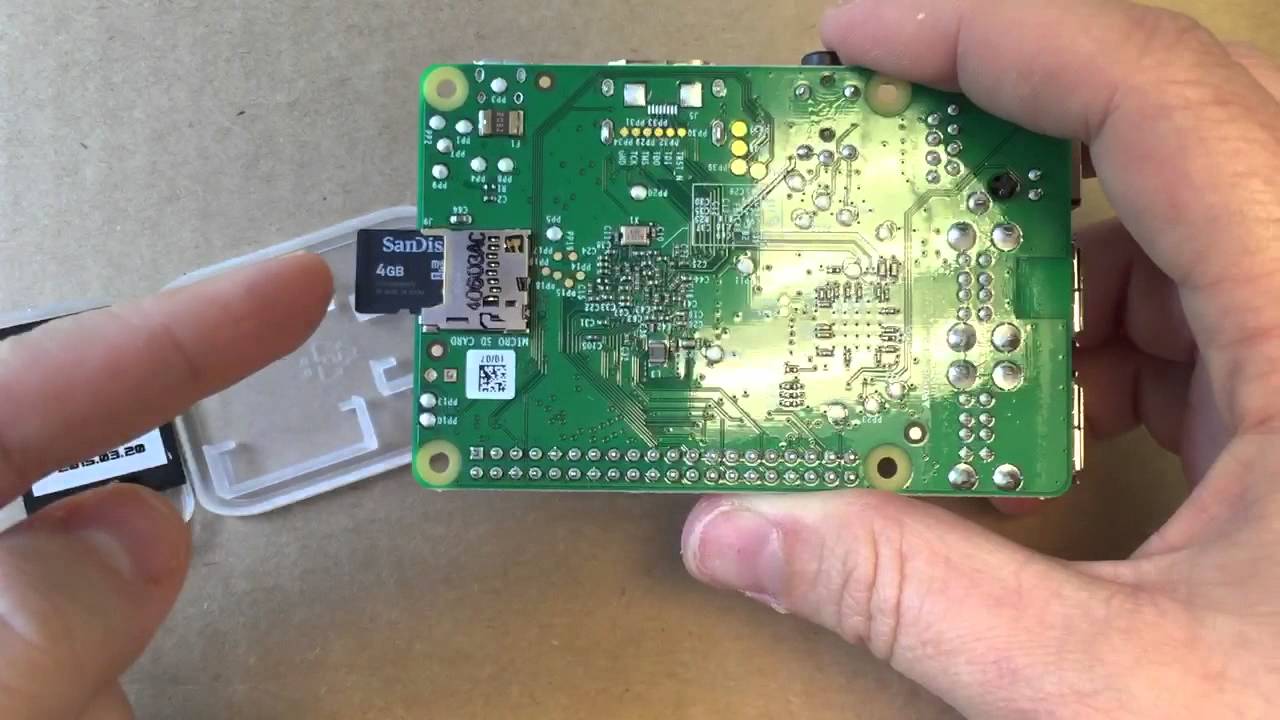
What's on your Raspberry Pi SD Card?
Have you ever wondered what is actually on your Raspberry Pi SD card? Take a look by opening the command line and running the following: cd /ls -la On the...
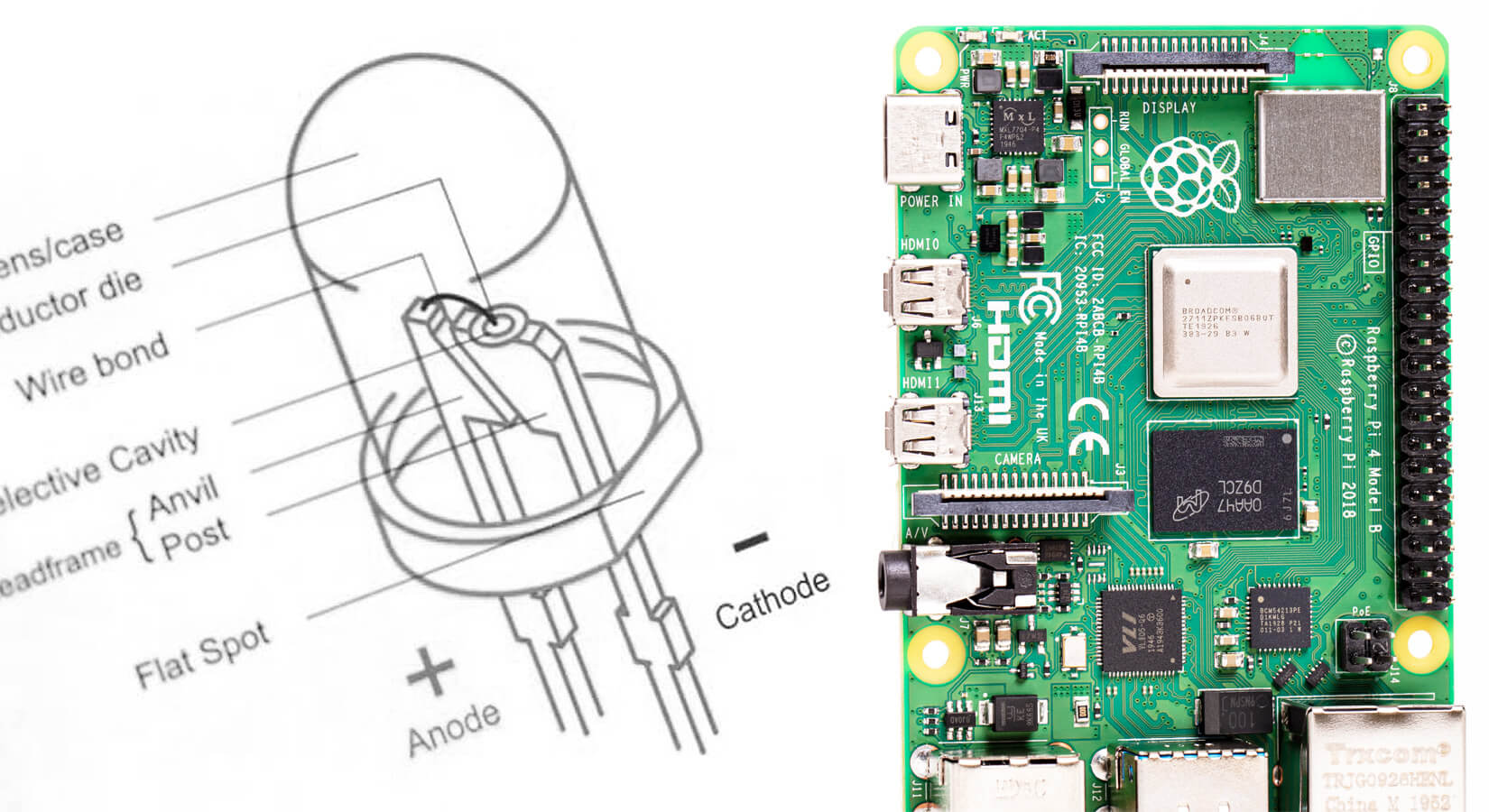
Turning on an LED with your Raspberry Pi's GPIO Pins
One of the biggest selling points of the Raspberry Pi is the GPIO, or General Purpose Input/Output pins. They are the little pins sticking out of the circuit board which allow...
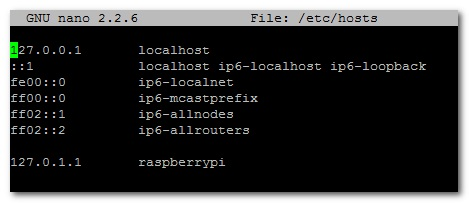
Renaming your Raspberry Pi's Hostname
If, like me, you have more than one Raspberry Pi on your network, then it is a good idea to give each one a unique name. If you use Raspbian,...