Inky Frame 7.3" (Pico 2 W Aboard)
Variants:Inky Frame Only
Price:
Sale price
£94.50
Stock:
Quantity:
Login / Signup
Cart
Your cart is empty


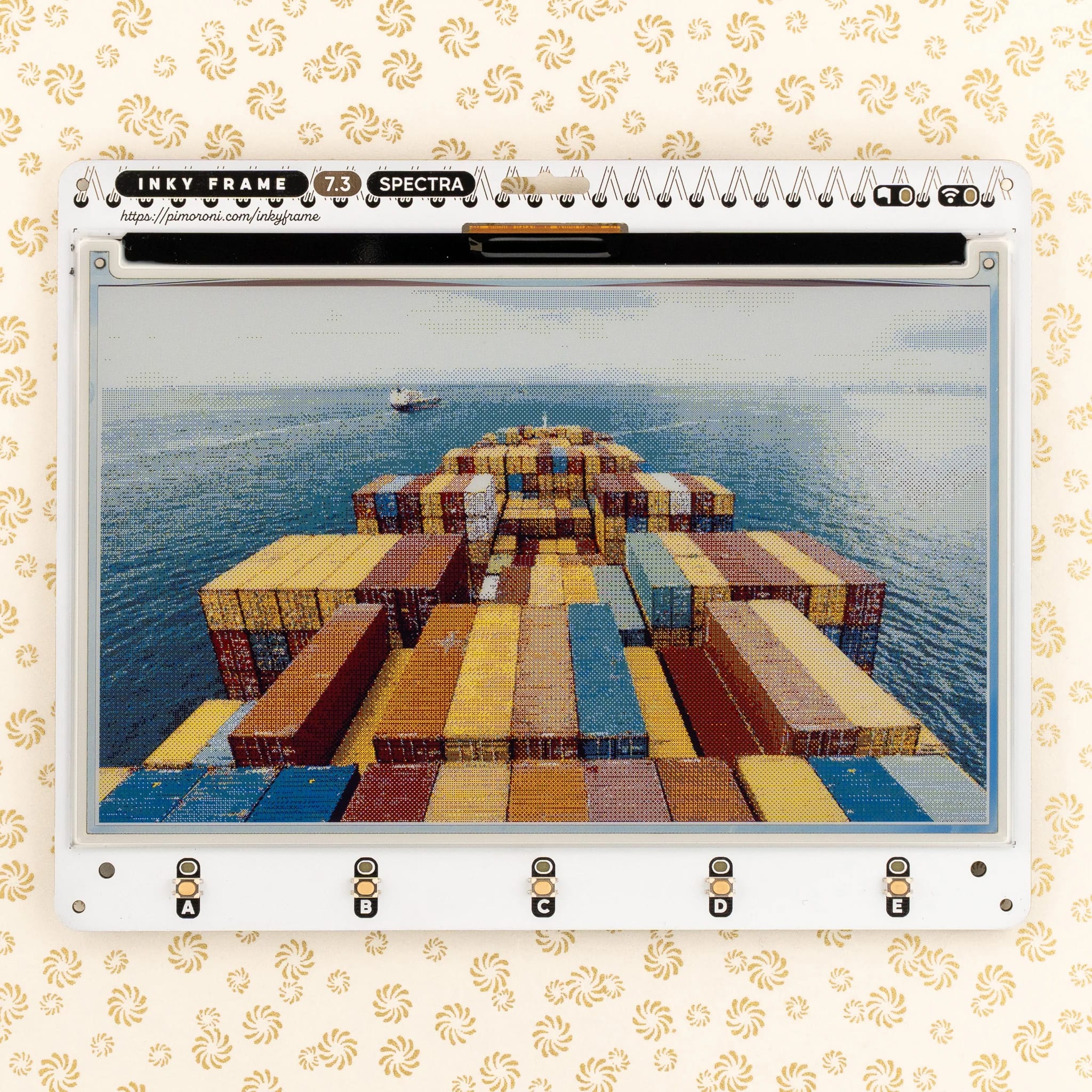
An extra-large Pico 2 W powered E Ink® photo frame / home dashboard / life organiser with glorious colour display and wireless connectivity.
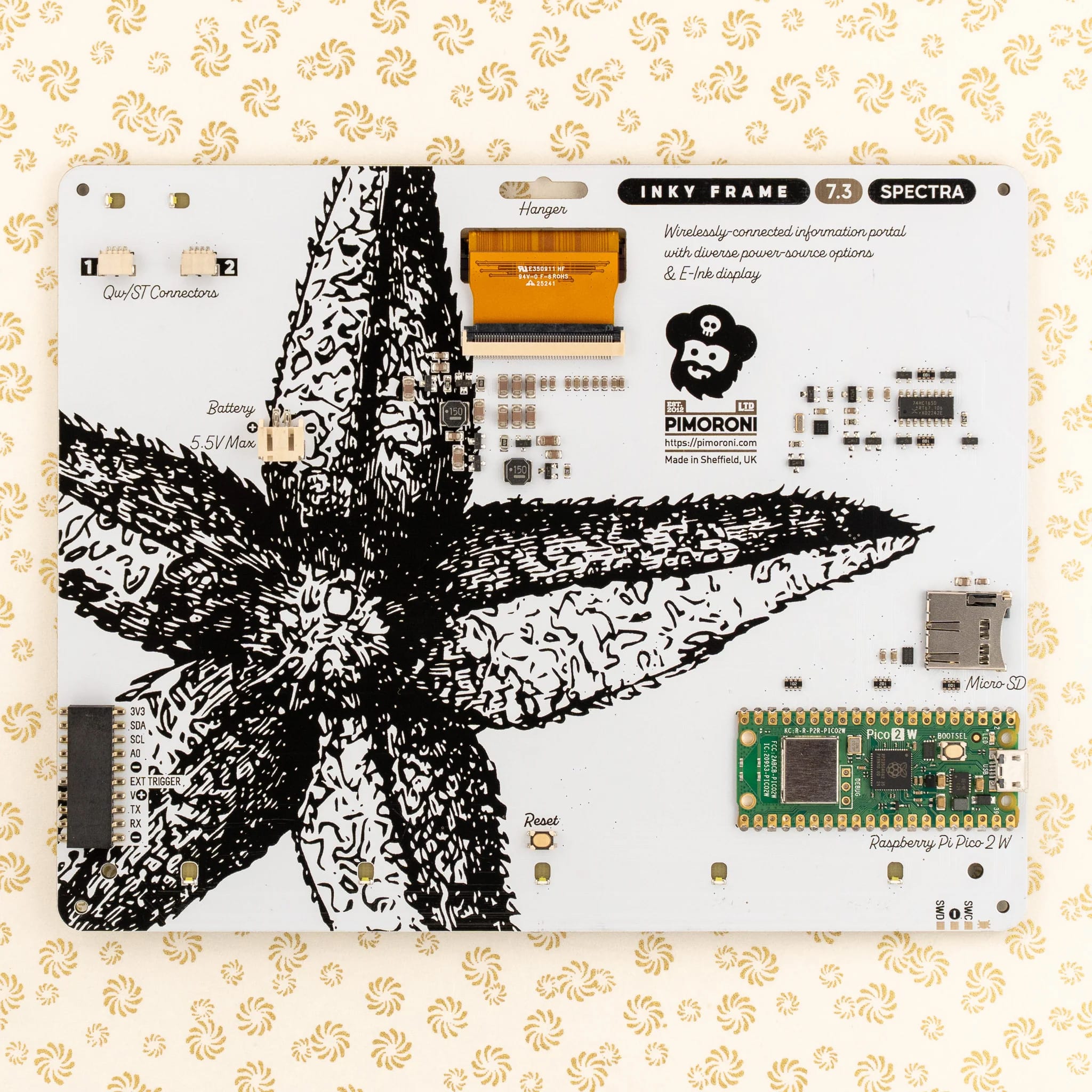
There's a new ePaper screen in town, and it's a biggie! Inky Frame 7.3" features a super crisp E Ink display with 800 x 480 pixels of seven-colour goodness. We've added five buttons with LED indicators for interacting with the display, two Qw/ST connectors for plugging in breakouts and a micro SD card slot for storing photos of fond maritime adventures (or whatever floats your boat).
Every Inky Frame comes with a pair of smart little metal legs so you can stand it up on your desk (and a selection of mounting holes if you'd prefer to do something else). There's also a battery connector so you can power it without annoying trailing wires, and some neato power saving features that mean you can run it from batteries for ages.
Here are some things we reckon this mahoosive Inky would be great for:
Two variants are available - Inky Frame Only, or Inky Frame with Accessory Kit. Please select an option before adding it to your cart!
A new generation of ePaper is here! Inky Frames manufactured after August 2025 will use a new Spectra 6 E Ink® display panel which brings a number of improvements over the panels that we’ve used previously - notably a shorter refresh time and more saturated colours.
Multi-colour EPD displays use ingenious electrophoresis to pull coloured particles up and down on the display. The coloured particles reflect light, unlike most display types, meaning that they're easily visible under bright lights.
E-paper is also ultra low power. It only consumes power whilst refreshing and the images on the display stick around for a really long time whilst the display is unpowered. This means these displays are perfect for powering from battery!
This display takes around 20-25 seconds to refresh so works best in projects that don't require constant screen updates.
To make it easy to get started, Inky Frame ships pre-loaded with pirate brand MicroPython and some fun examples that use the wireless capabilities of the Pico 2 W to display interesting things.
To enable Inky Frame to connect to the internet, you'll need to save a file called secrets.py to the Pico 2 W using Thonny. It should contain the following lines:
WIFI_SSID = "your_ssid_goes_here"
WIFI_PASSWORD = "your_password_goes_here"
To return to the launcher, hold down buttons A and E and tap reset.
You can find more examples on Github:
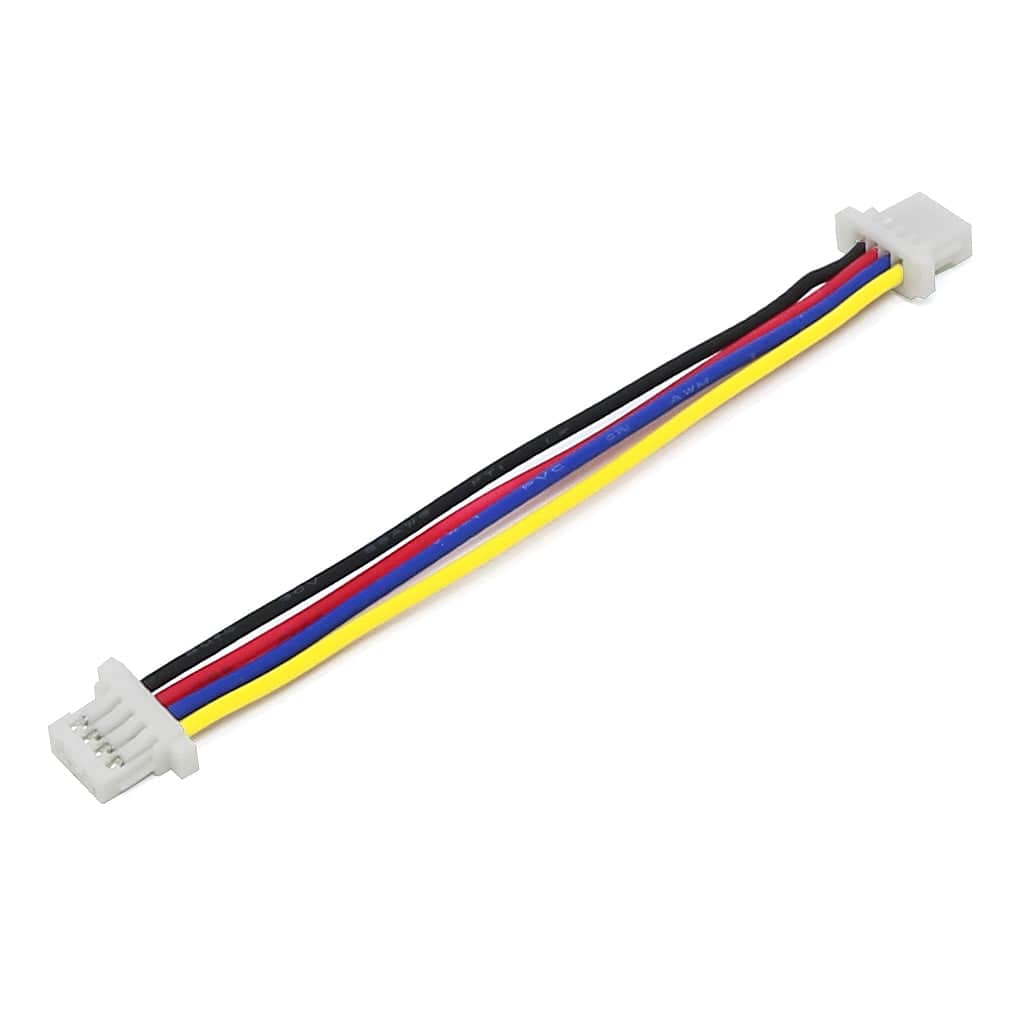
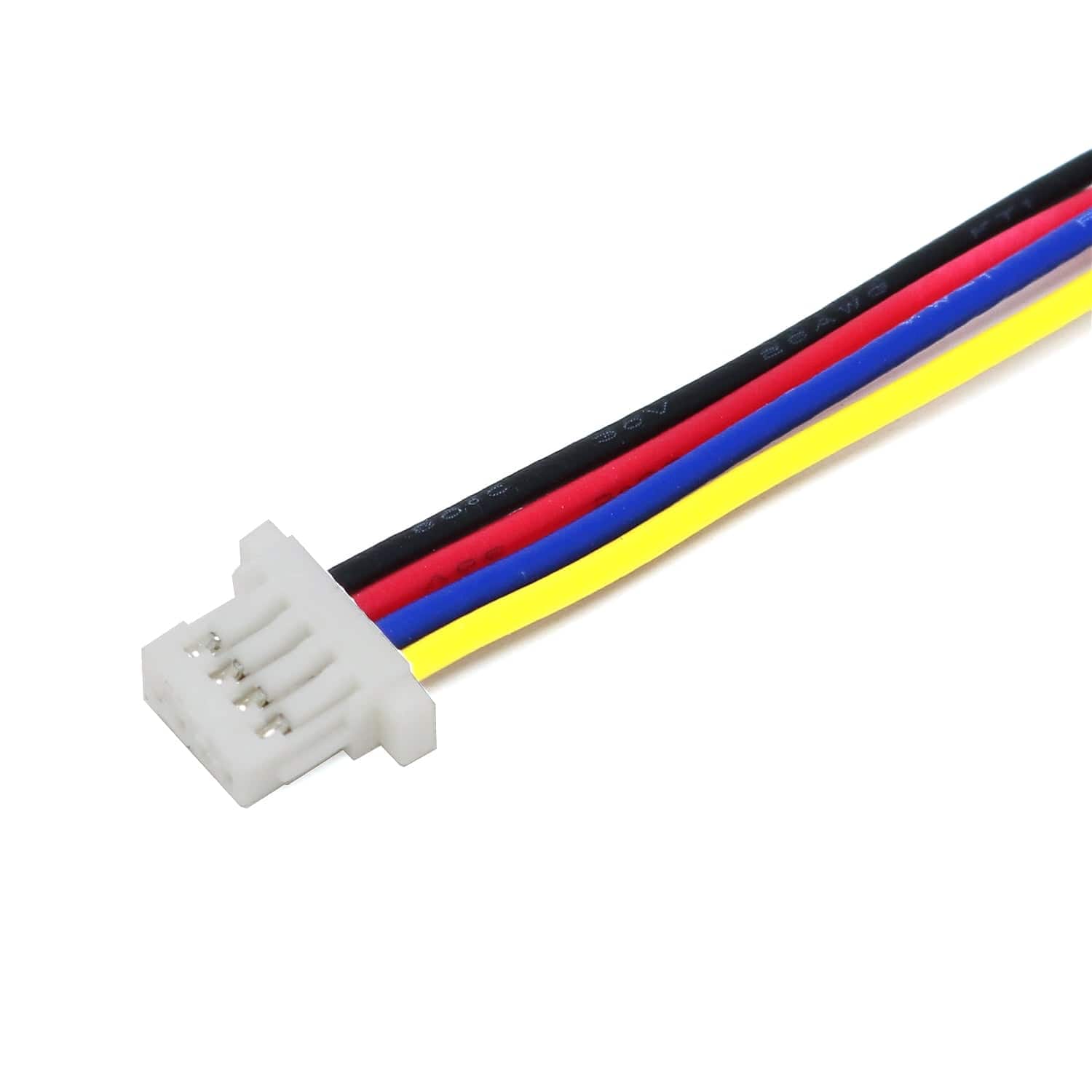
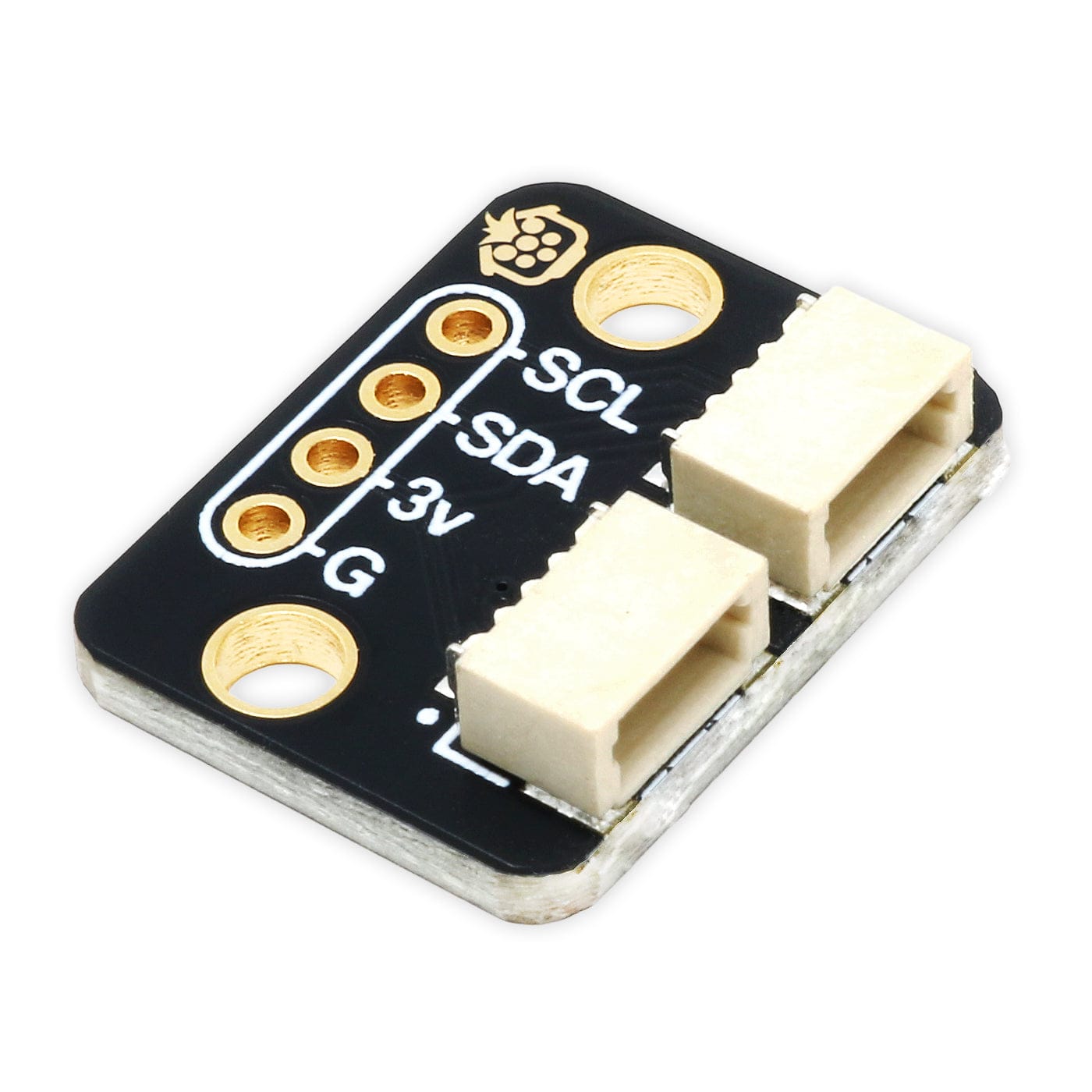
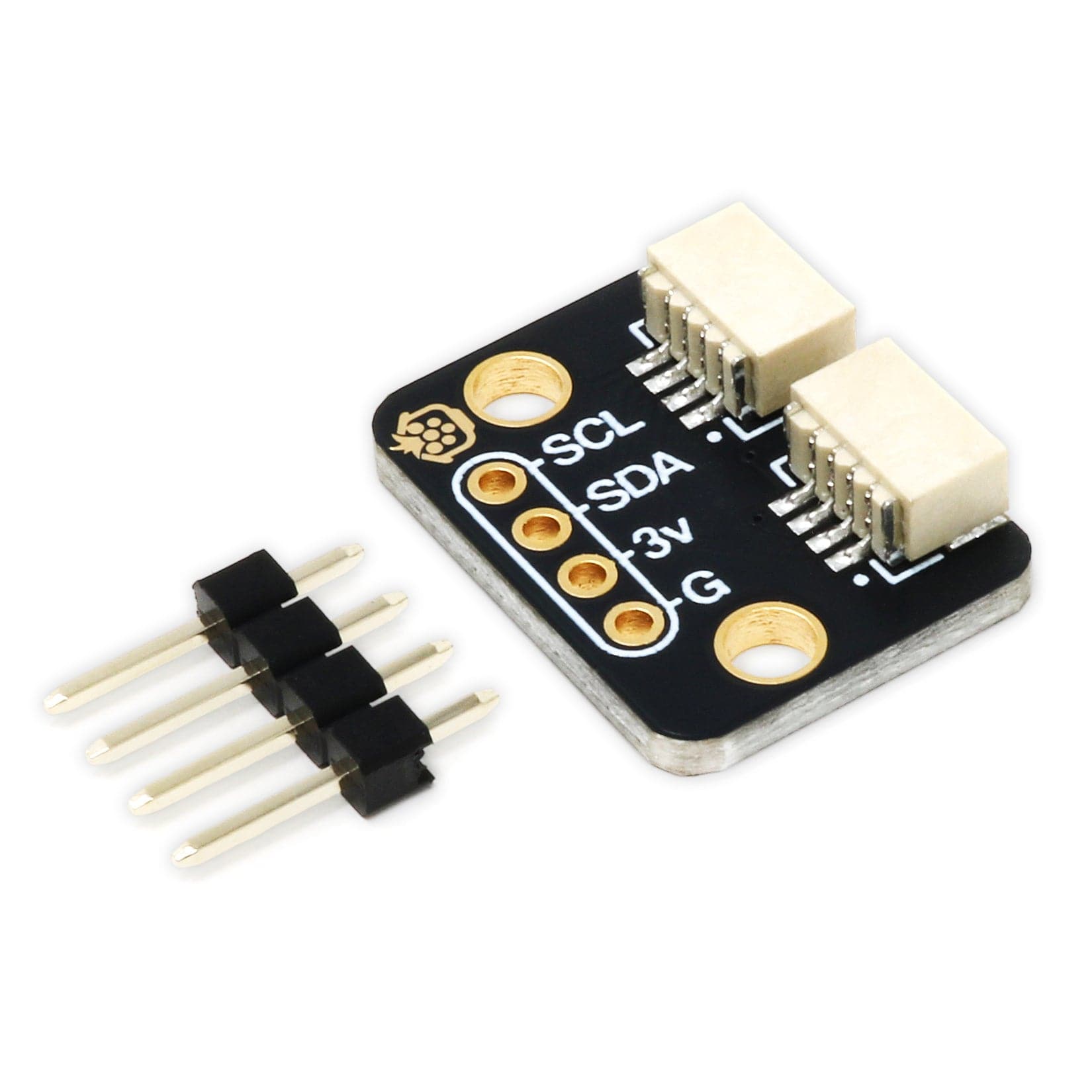
Inky Frame has two Qw/ST connectors (AKA Qwiic/STEMMA QT) so you can connect up Qw/ST breakouts easily using a JST-SH to JST-SH cable.
DISPLAY_INKY_FRAME_SPECTRA_7).Your payment information is processed securely. We do not store credit card details nor have access to your credit card information.