Power over Ethernet HAT for Raspberry Pi 4/3B+

WaveshareSKU: WAV-18014
Price:
Sale price £19.20
incl. VAT
excl. VAT
Stock:
In stock
Quantity:

Compatible with:

Awesome Extras

Raspberry Pi 4 Model B by Raspberry Pi - The Pi HutRaspberry Pi 4 Model B by Raspberry Pi - The Pi Hut
Raspberry PiRaspberry Pi 4 Model B
Sale priceFrom £33.60 incl. VAT excl. VAT
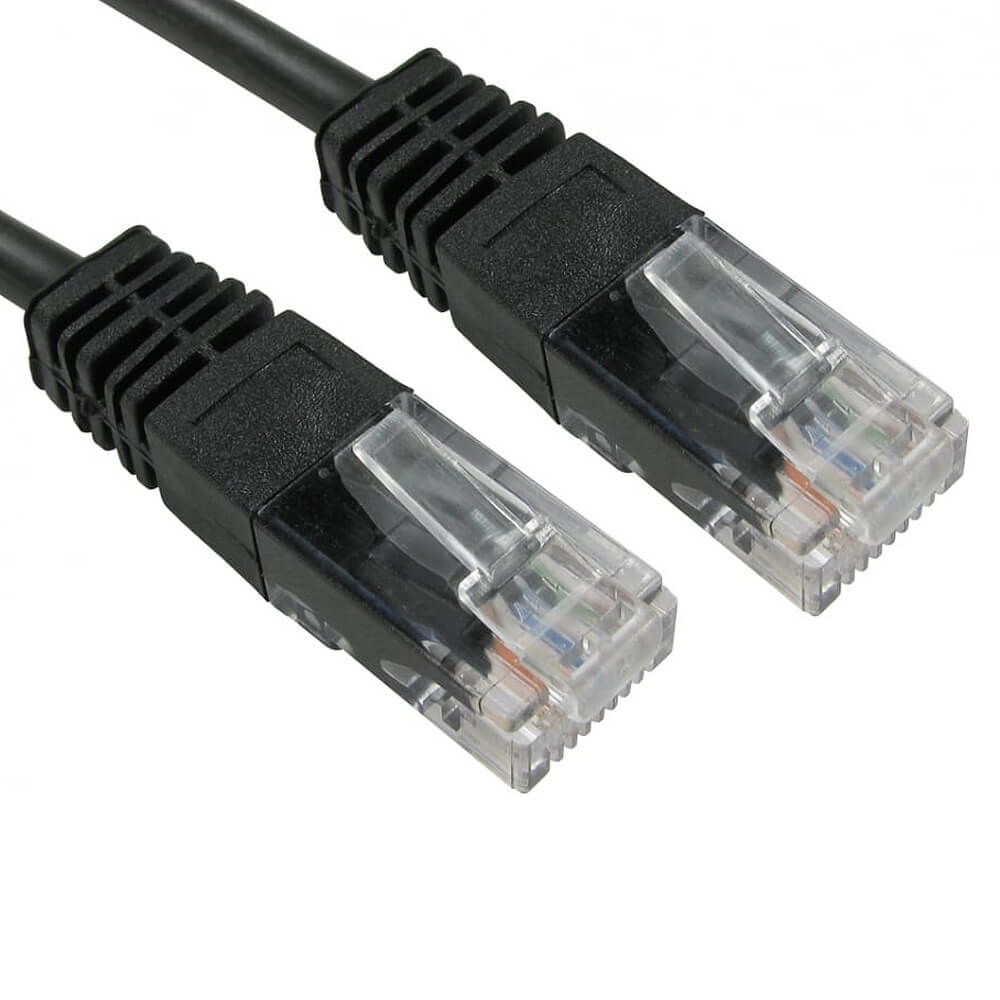
Pure Copper RJ45 Cat5e Ethernet LAN Cable by The Pi Hut - The Pi Hut
The Pi HutPure Copper RJ45 Cat5e Ethernet LAN Cable
Sale priceFrom £2 incl. VAT excl. VAT
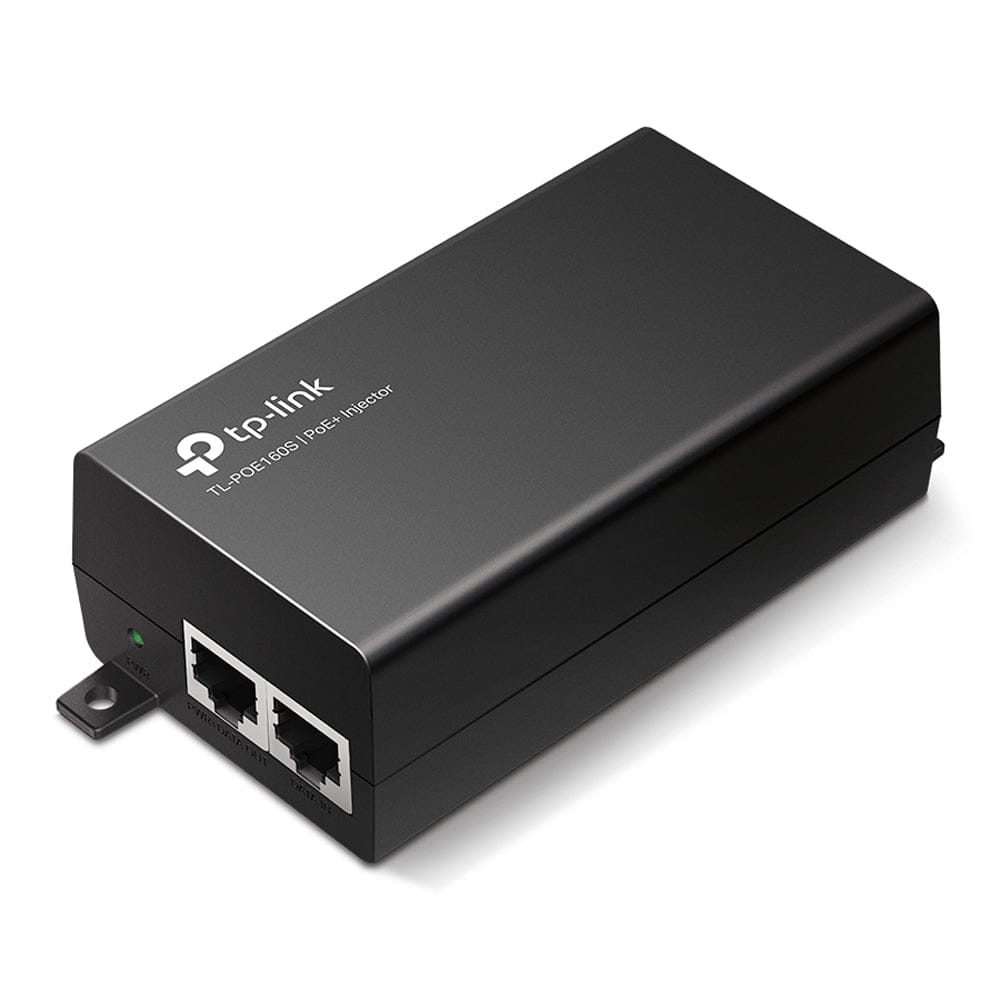
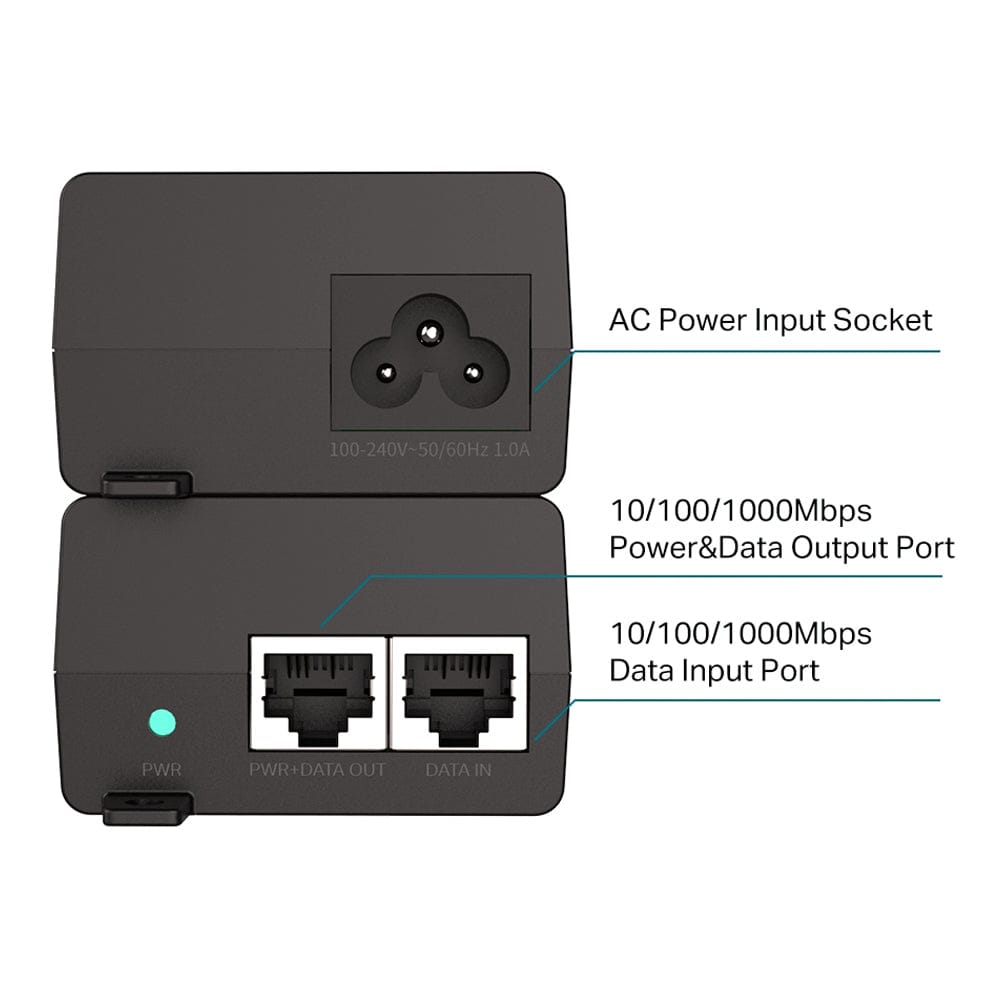
TP-Link TL-POE160S 30W PoE+ Injector by TP-Link - The Pi HutTP-Link TL-POE160S 30W PoE+ Injector by TP-Link - The Pi Hut
TP-LinkTP-Link TL-POE160S 30W PoE+ Injector
Sale price £18.50 incl. VAT excl. VAT
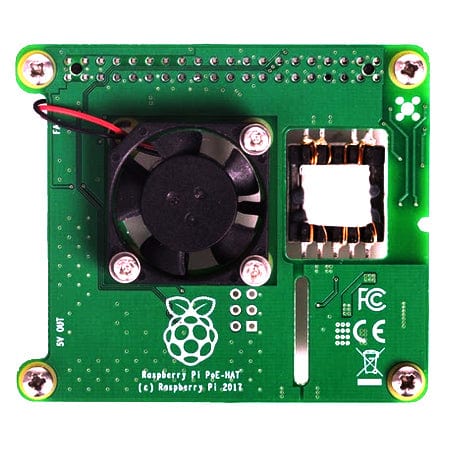
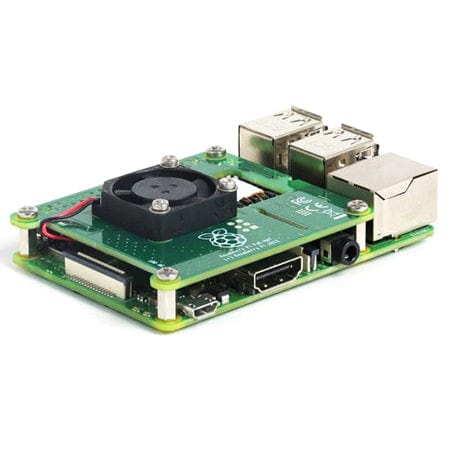
Raspberry Pi PoE HAT by Raspberry Pi - The Pi HutRaspberry Pi PoE HAT by Raspberry Pi - The Pi Hut
Raspberry PiRaspberry Pi PoE HAT
Sale price £19.80 incl. VAT excl. VAT

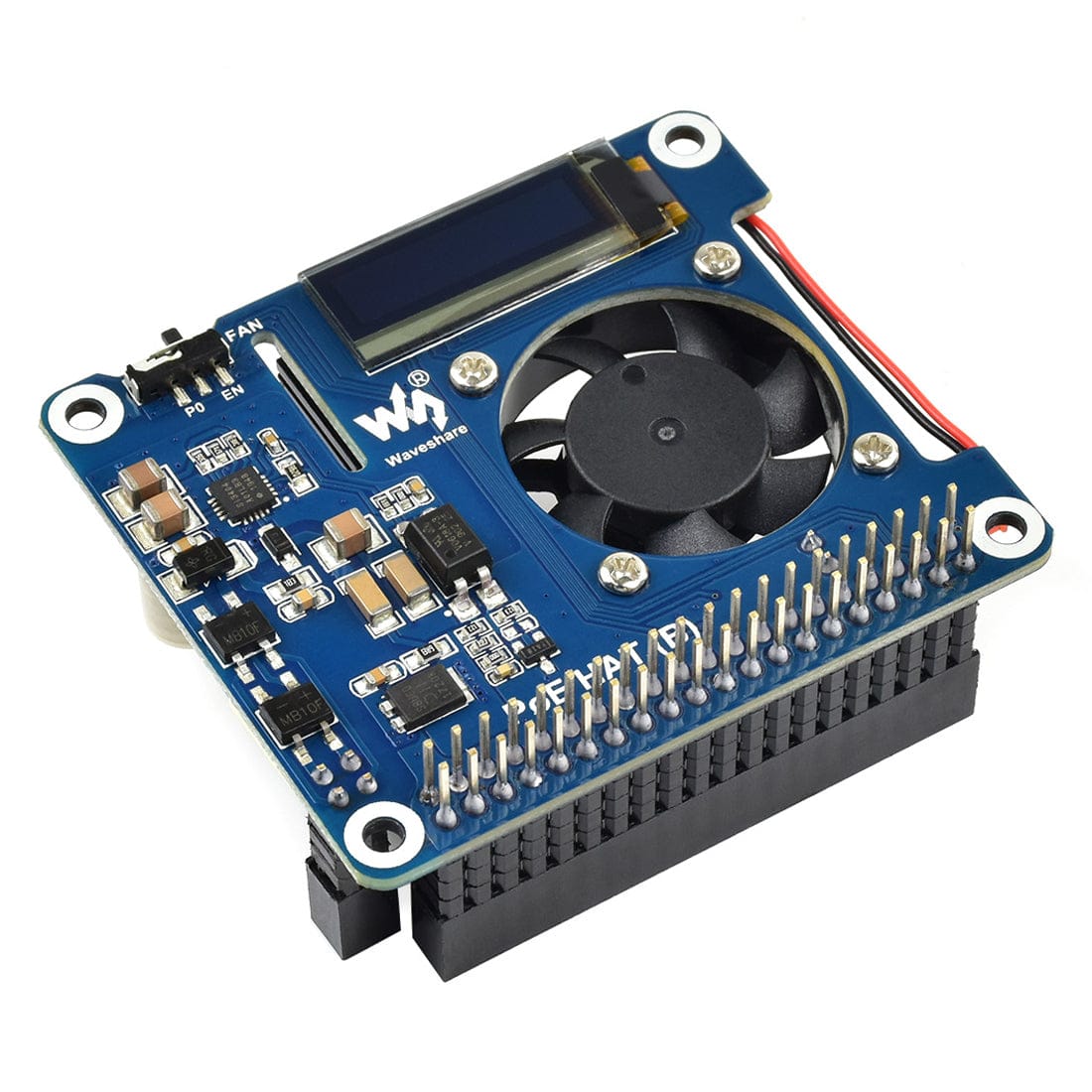
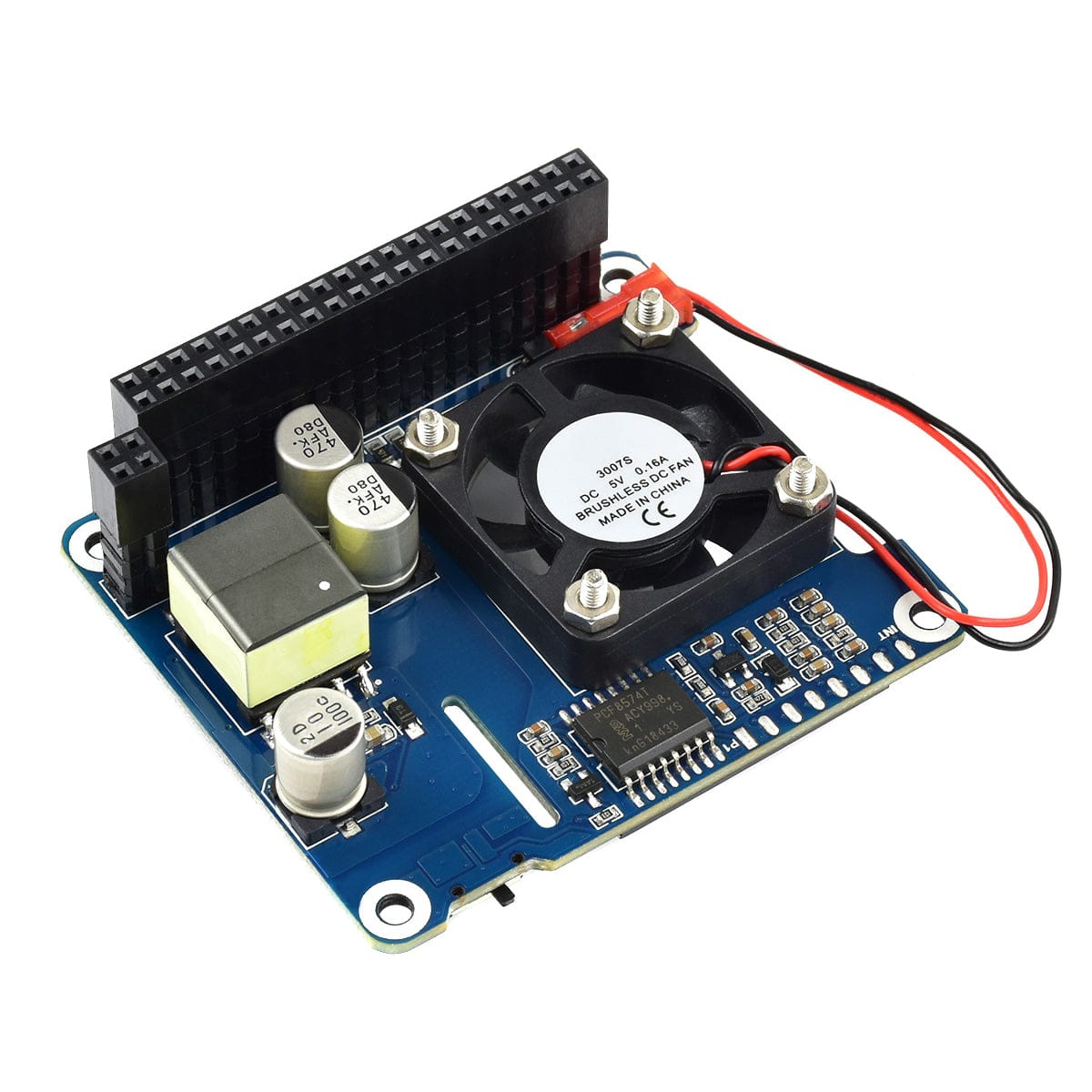
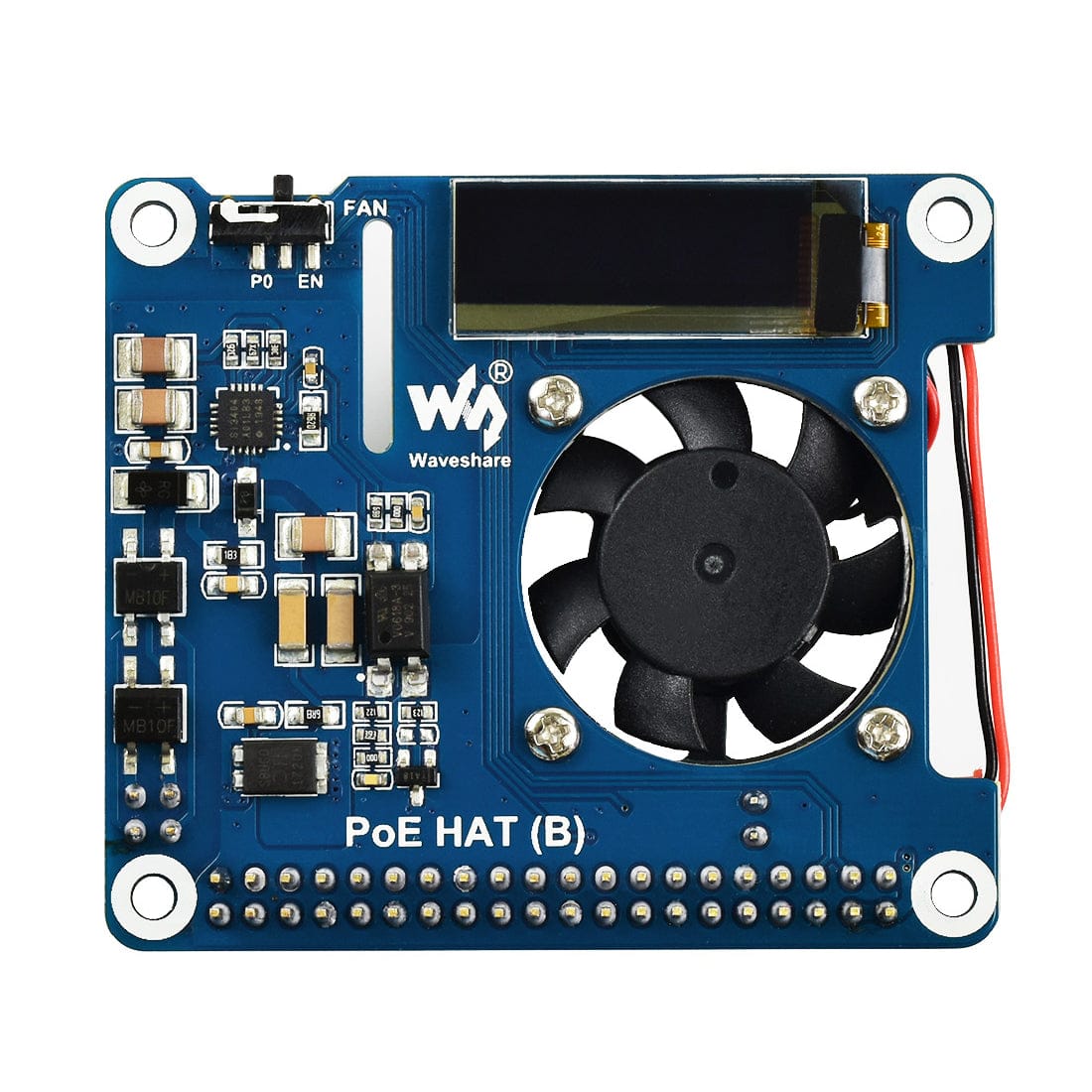
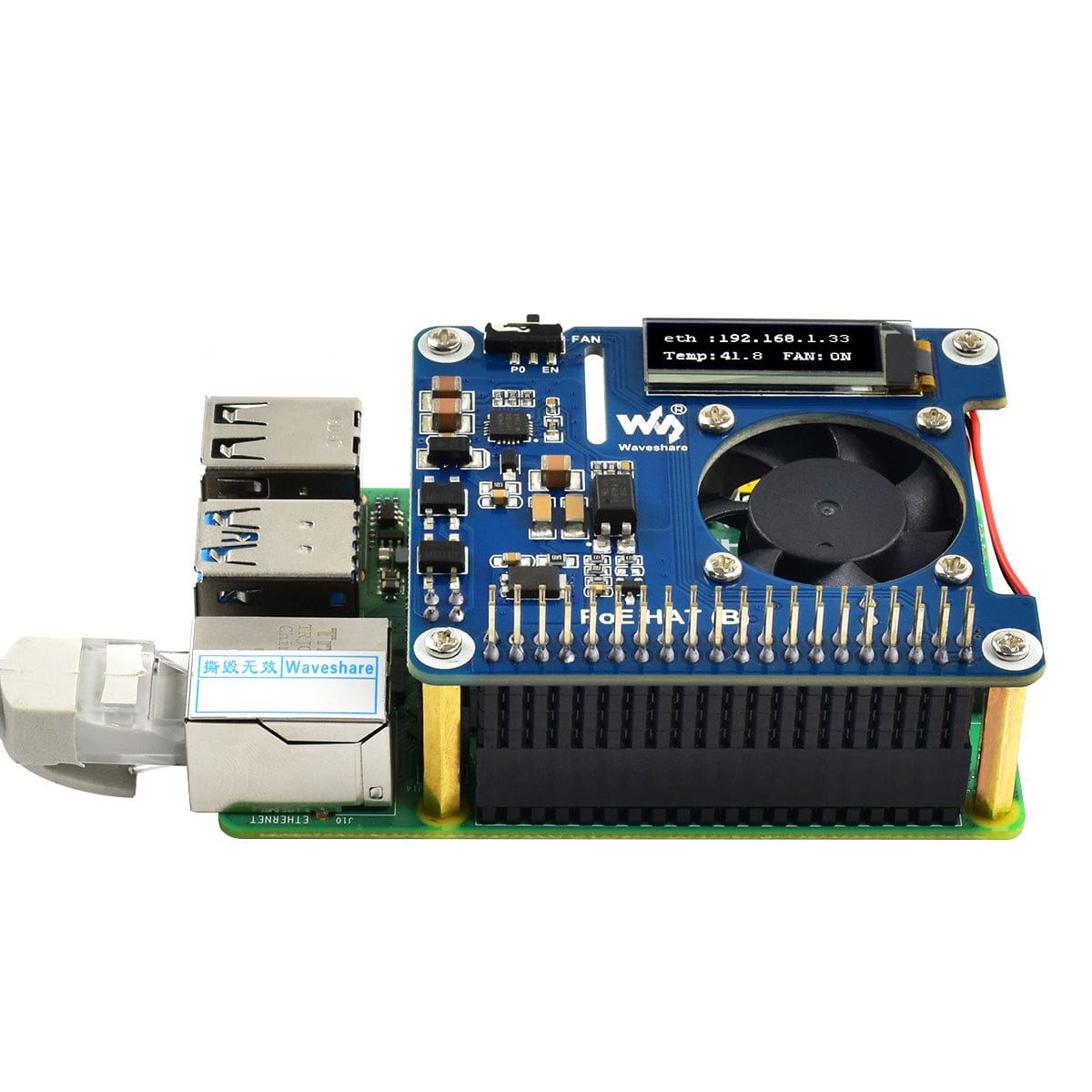
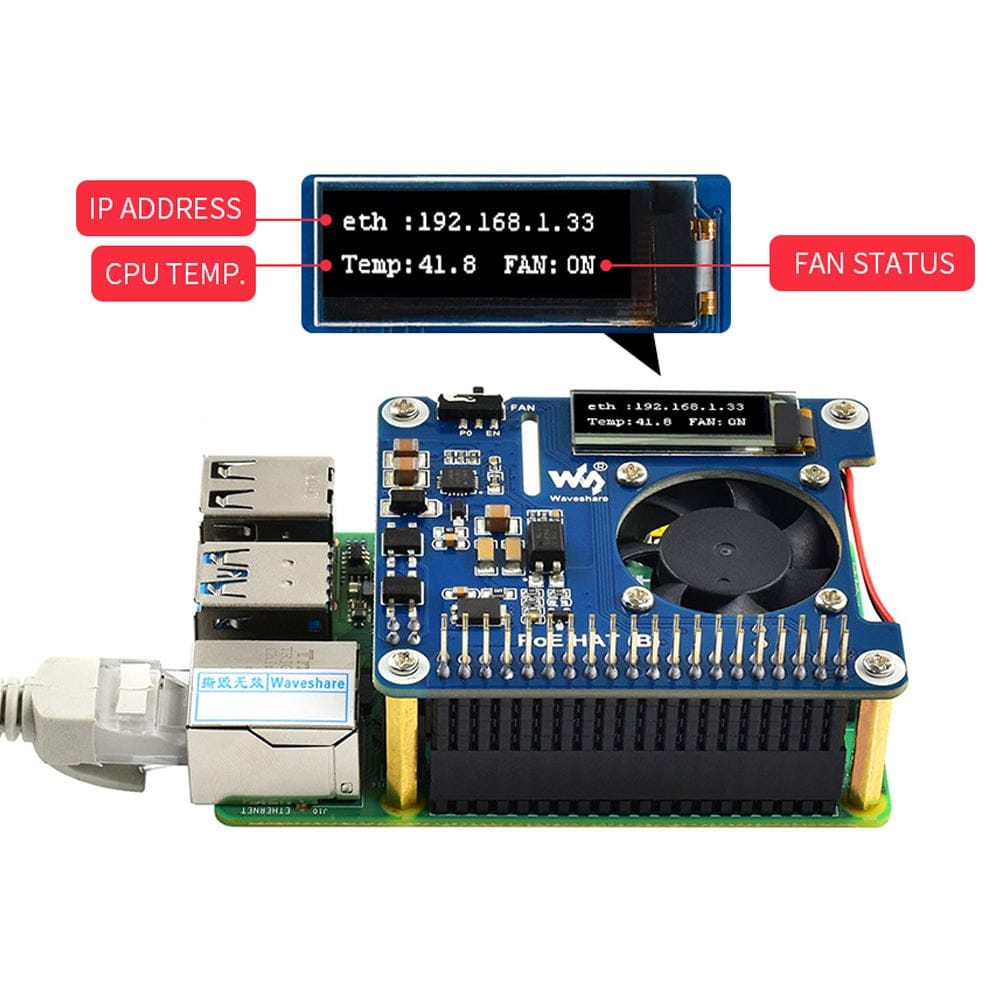
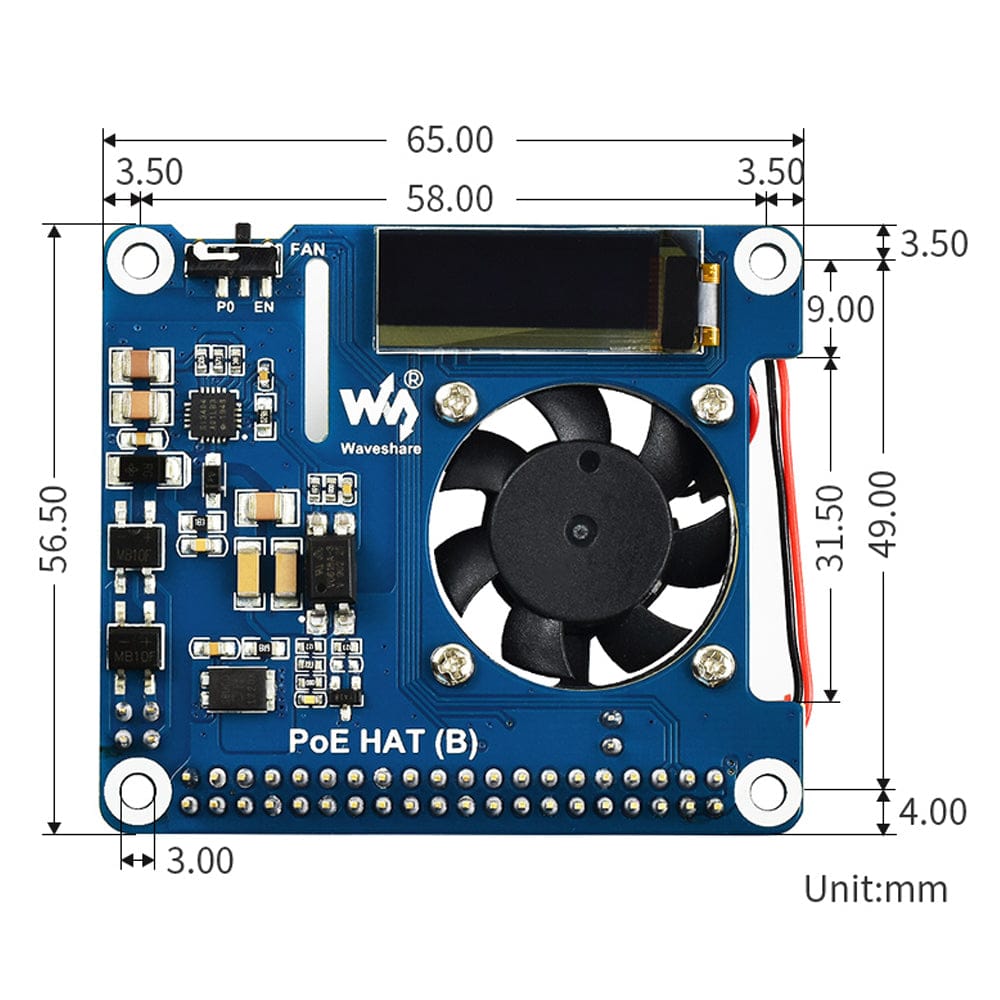
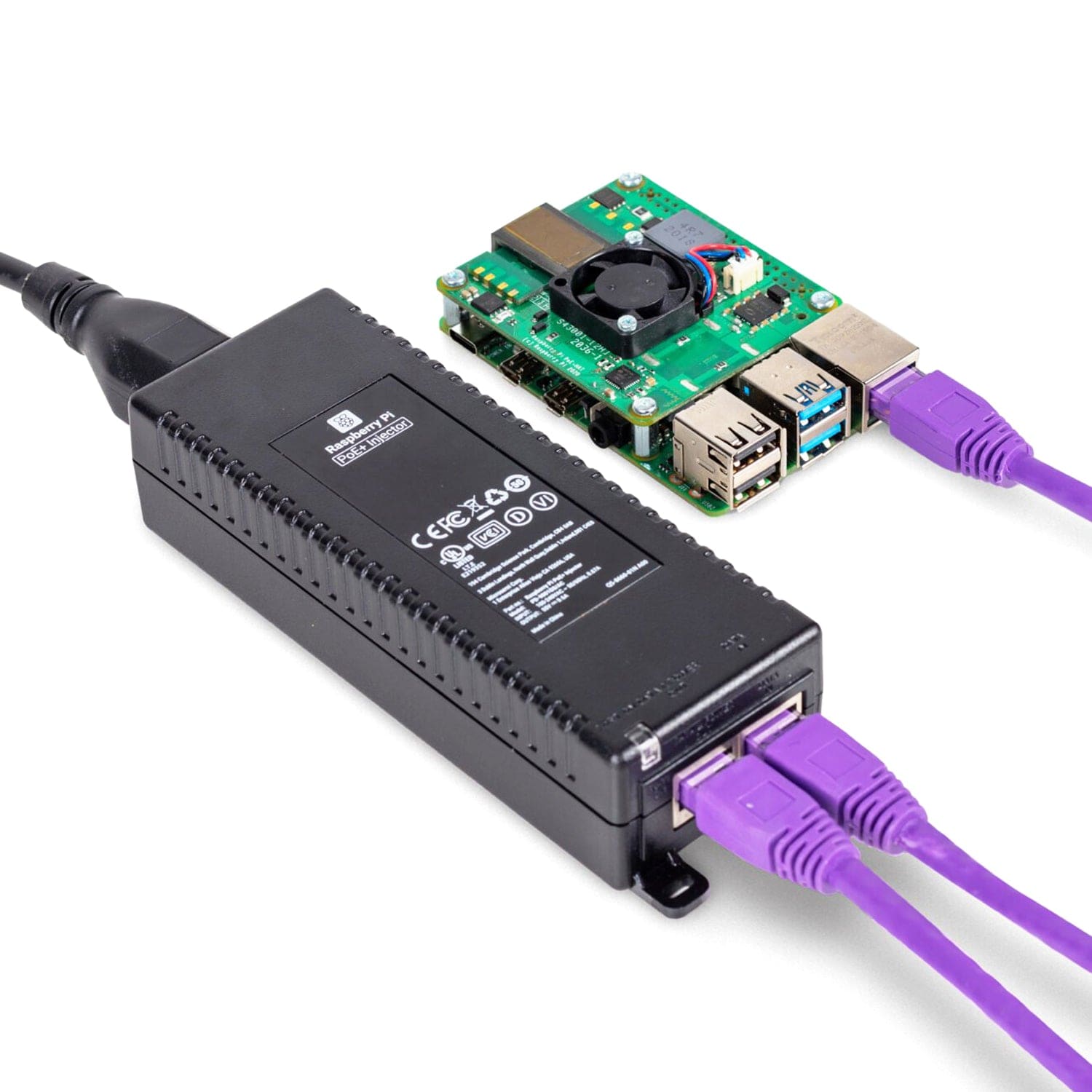
This is an 802.3af compliant Power over Ethernet (PoE) HAT for Raspberry Pi 4 and 3B+, featuring a built-in fan and a 0.91" OLED display for monitoring temperature, IP address, fan status or anything else you want to show!

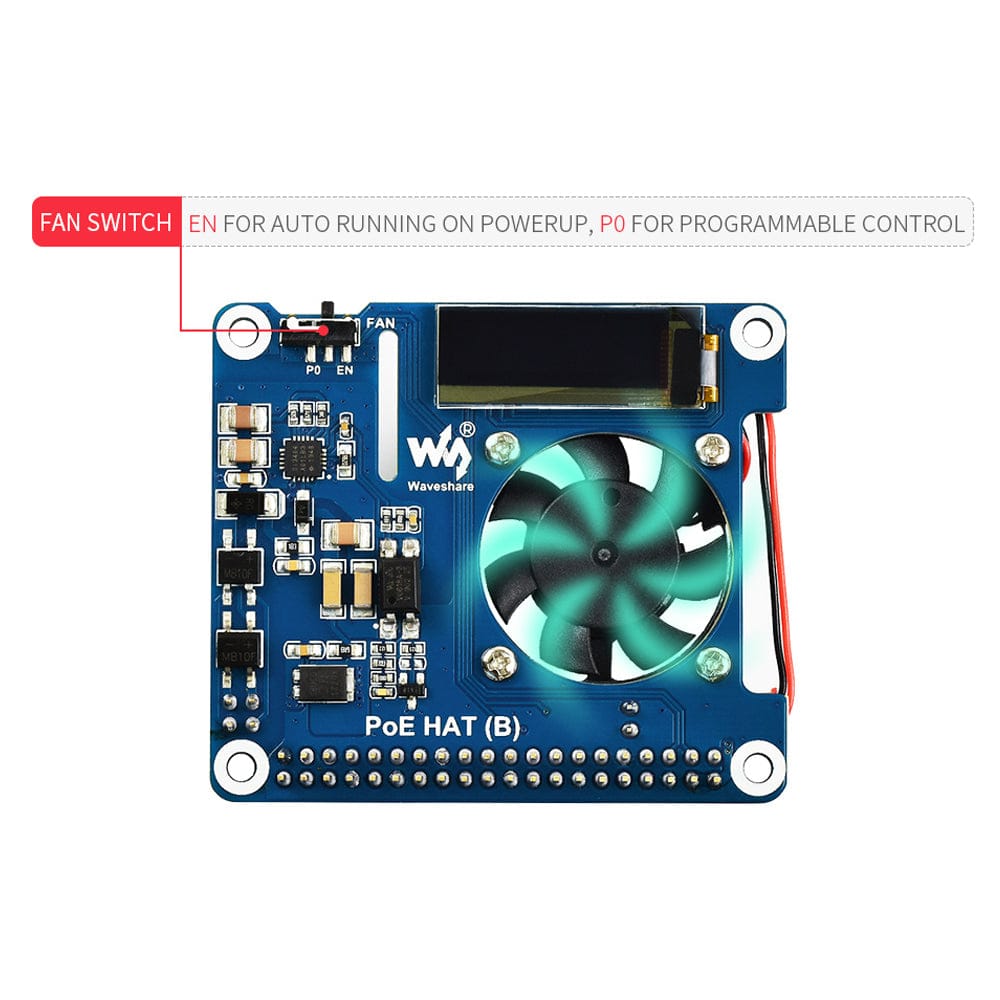
The HAT's cooling fan allows auto running on boot or programmable control, configured by the switch, to automatically turn on/off depending on the Raspberry Pi's processor temperature.

By using this small HAT and some proper 802.3af-compliant power sourcing equipment, it is possible to provide both network connection and power supply for your Raspberry Pi with a single Ethernet cable.

Compatibility

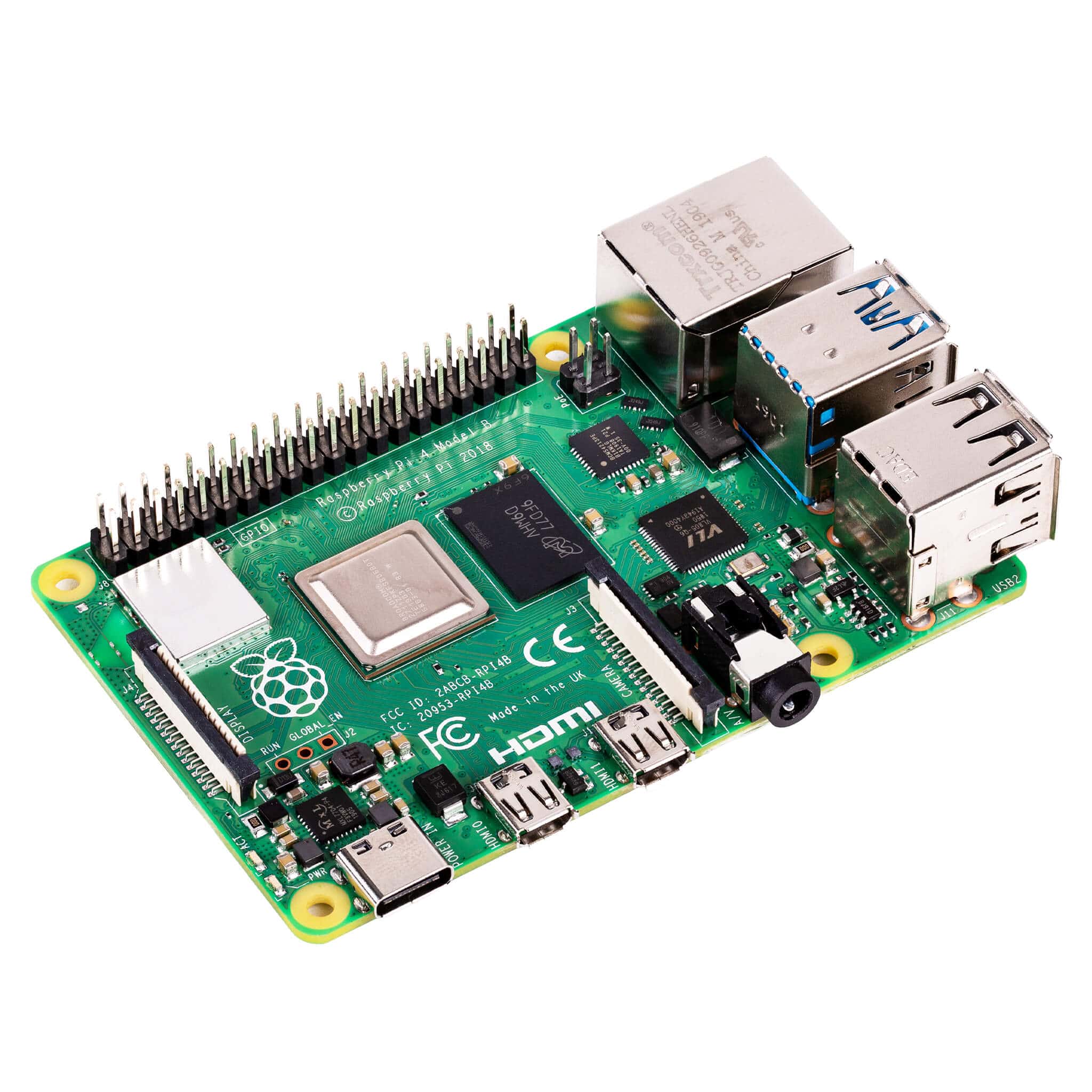
This product will only work with the Raspberry Pi 3B+ or Pi 4. Not compatible with Raspberry Pi 5.

Features

  • Standard Raspberry Pi 40-pin GPIO header
  • PoE (Power Over Ethernet) capability - 802.3af-compliant
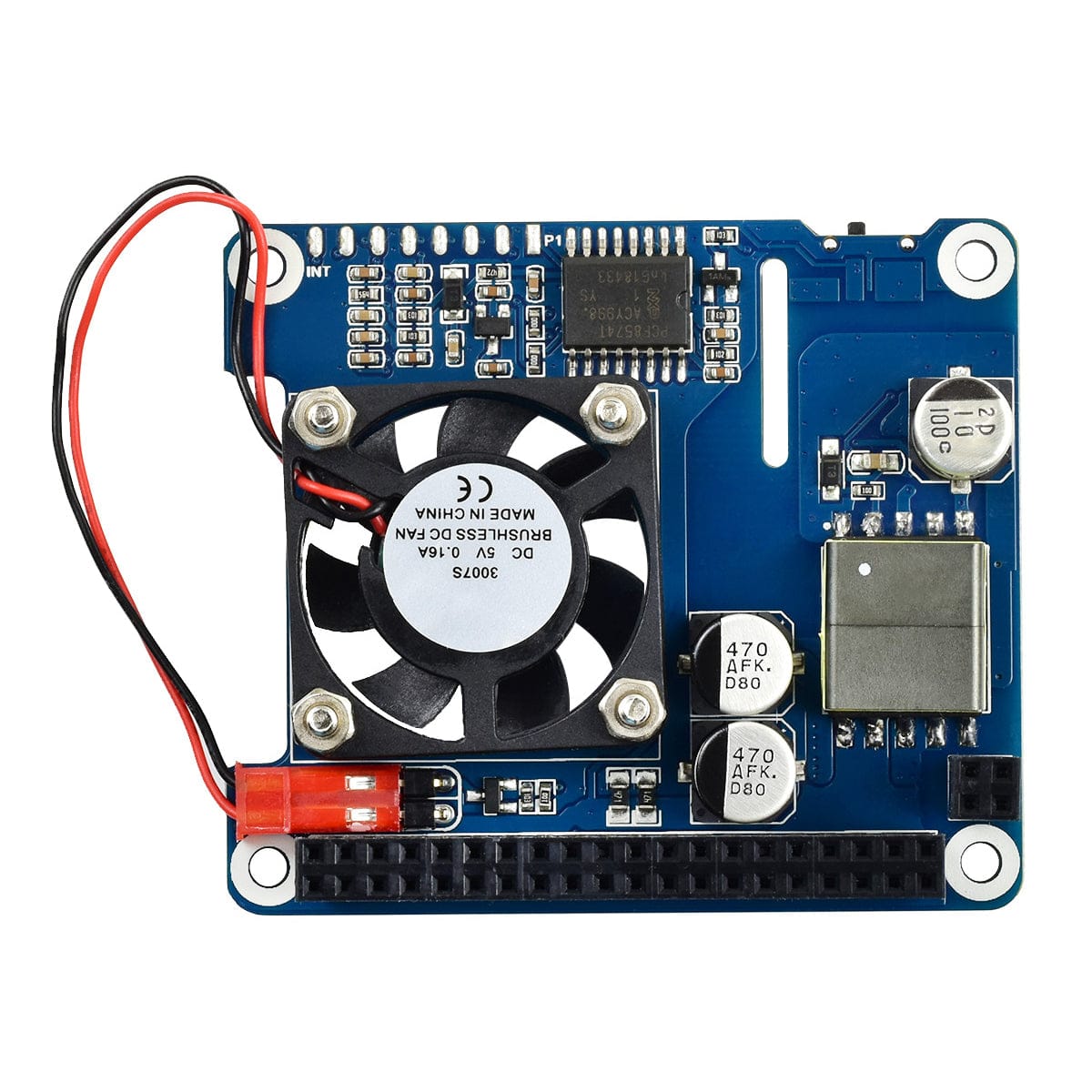
  • Fully isolated switched-mode power supply (SMPS)
  • 0.91" SSD1306 OLED, for monitoring processor temperature, IP address, and fan status in real-time
  • Onboard cooling fan, allows auto running on powerup OR programmable control, configured by the switch
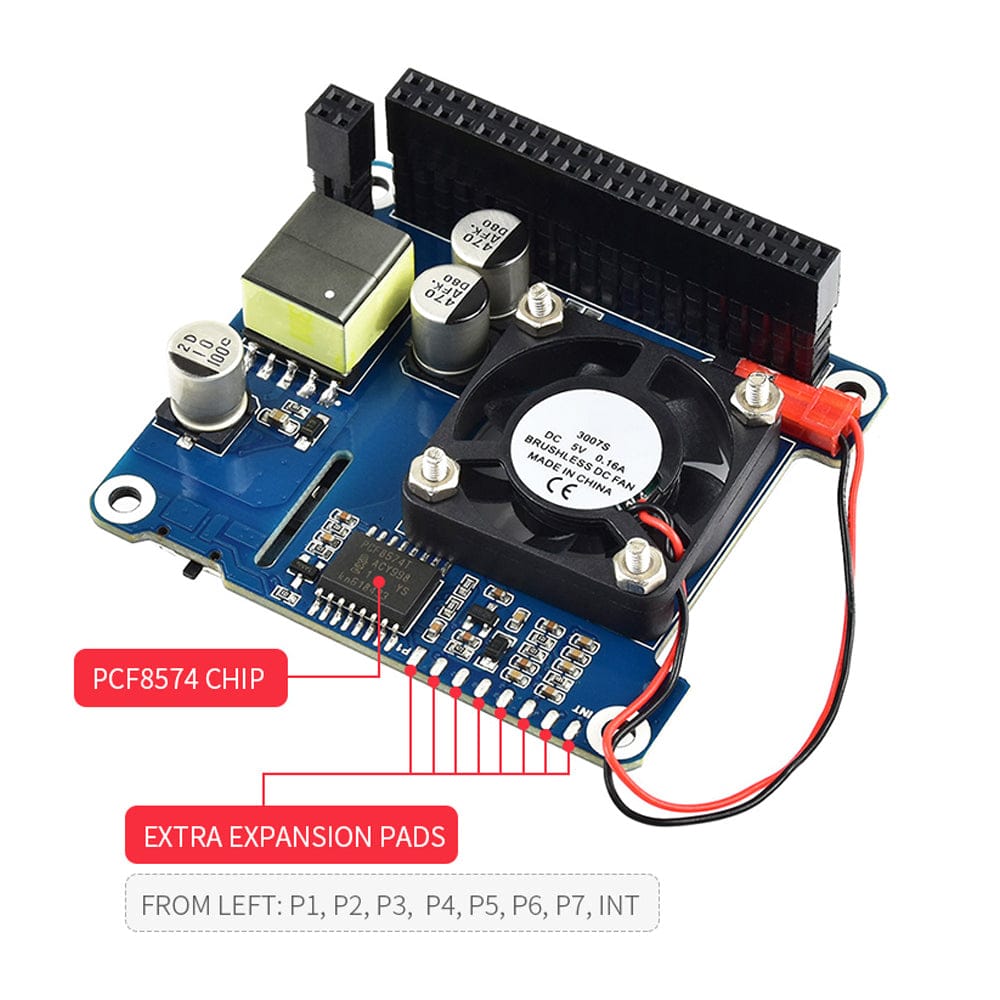
  • Integrates PCF8574 IO expander for I2C bus, providing pin P0 for directly fan control, and more spare IO pins

Resources

  • Note: Please enable I2C to use the OLED display. You can enable I2C by opening a terminal window and entering 'sudo raspi-config' and hitting enter. You then need to go to 'Interfacing options' and select 'I2C' to enable it.
  • Product Wiki: https://www.waveshare.com/wiki/PoE_HAT_(B)

Specification

  • PoE Power Input: 37v-57V DC
  • PoE Power Output: 5V 2.5A DC
  • Network Standard: 802.3af PoE
  • Dimensions: 56.5 × 65mm
  • OLED Size: 0.91"
  • OLED Pixels: 128x32
  • OLED Driver: SSD1306
  • OLED Display Colour: White

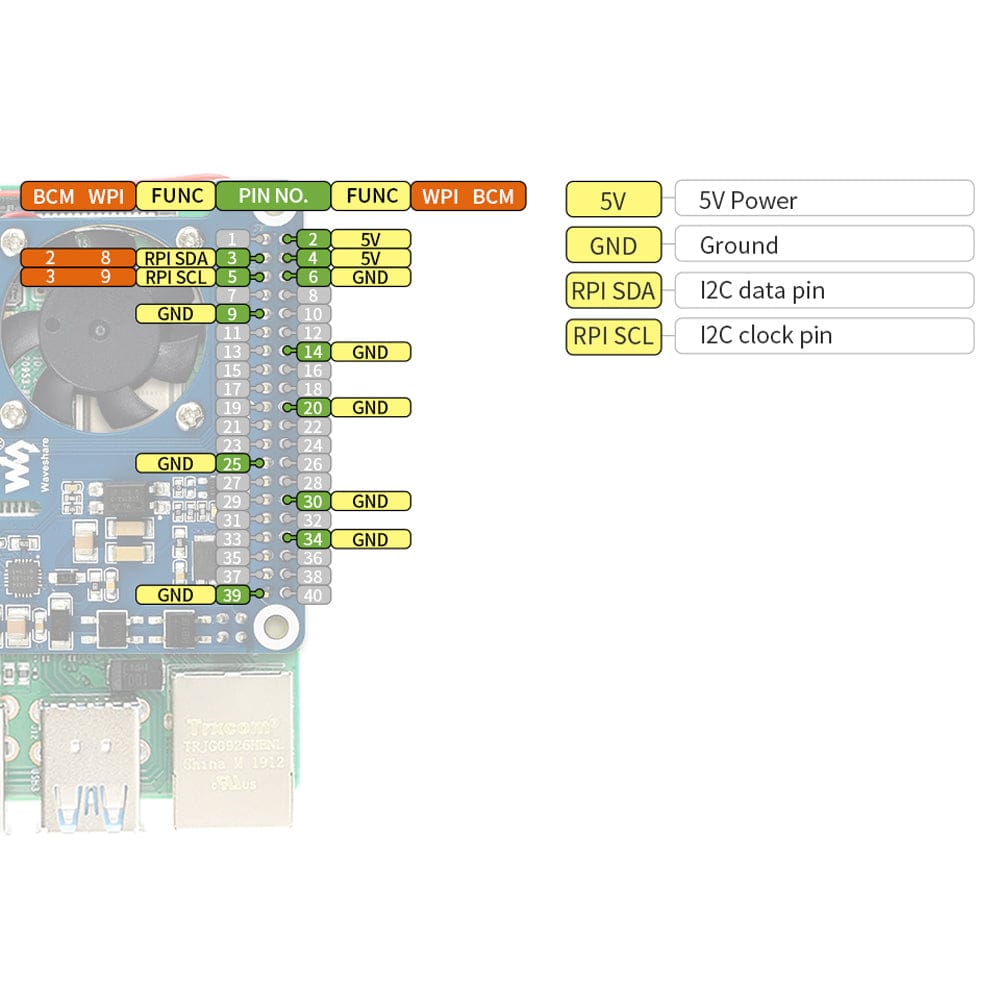
Pinout

Payment & Accreditations

Payment methods
Visa Mastercard Maestro PayPal Amazon Klarna Bitcoin

Your payment information is processed securely. We do not store credit card details nor have access to your credit card information.

Accreditations