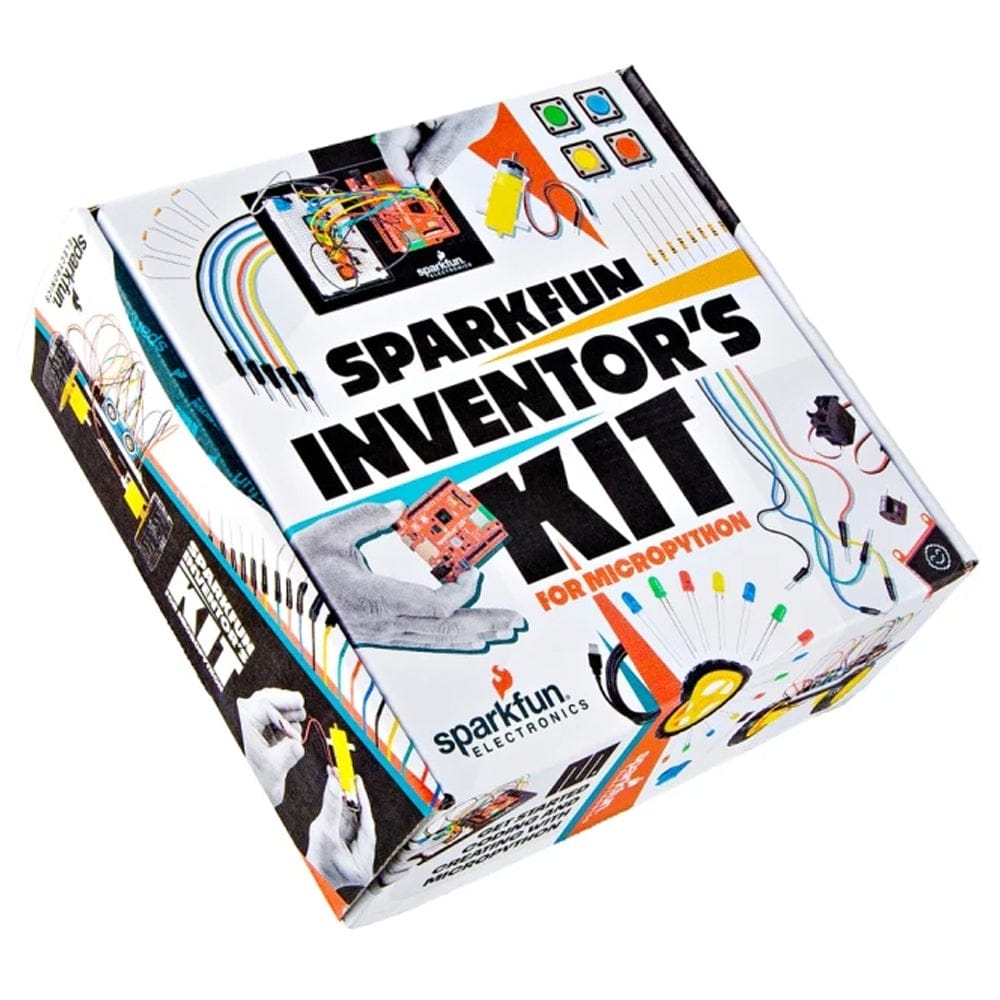
SparkFun Inventor's Kit for MicroPython
Price:
Sale price
£120
Stock:
Quantity:
Login / Signup
Cart
Your cart is empty


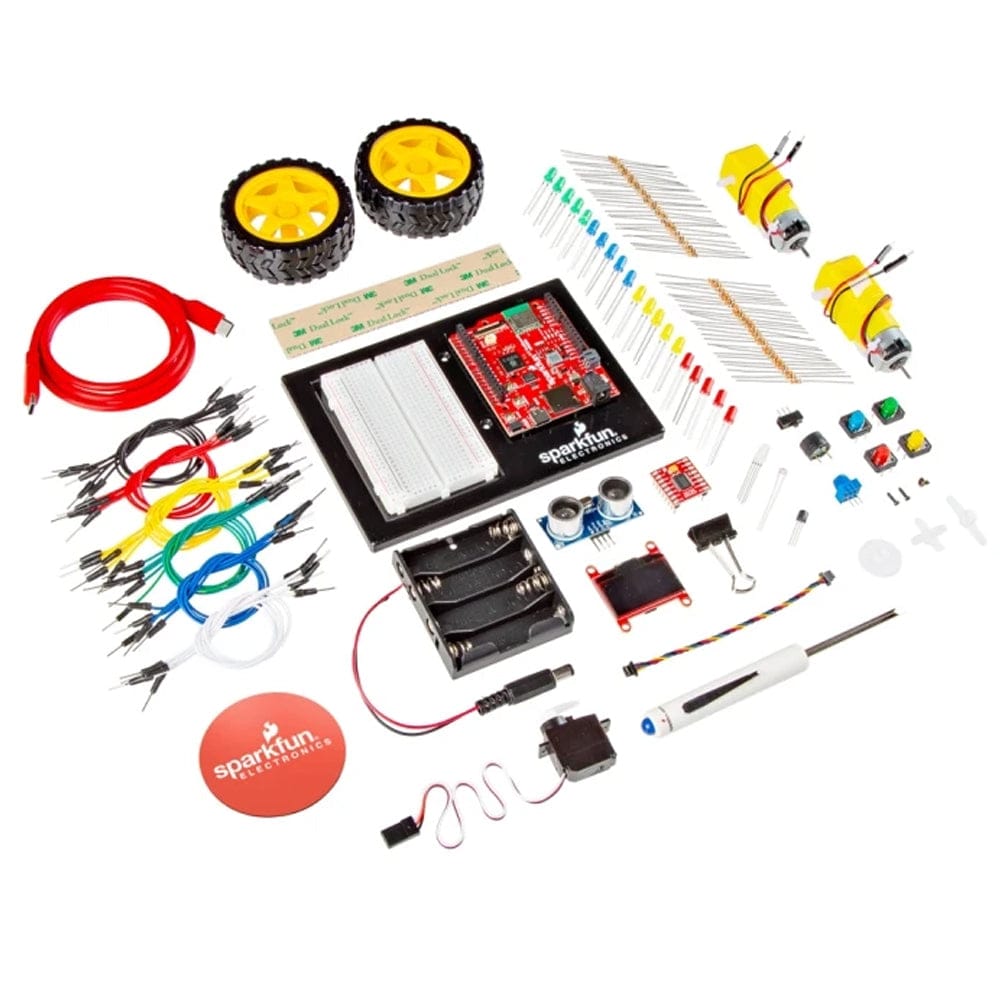
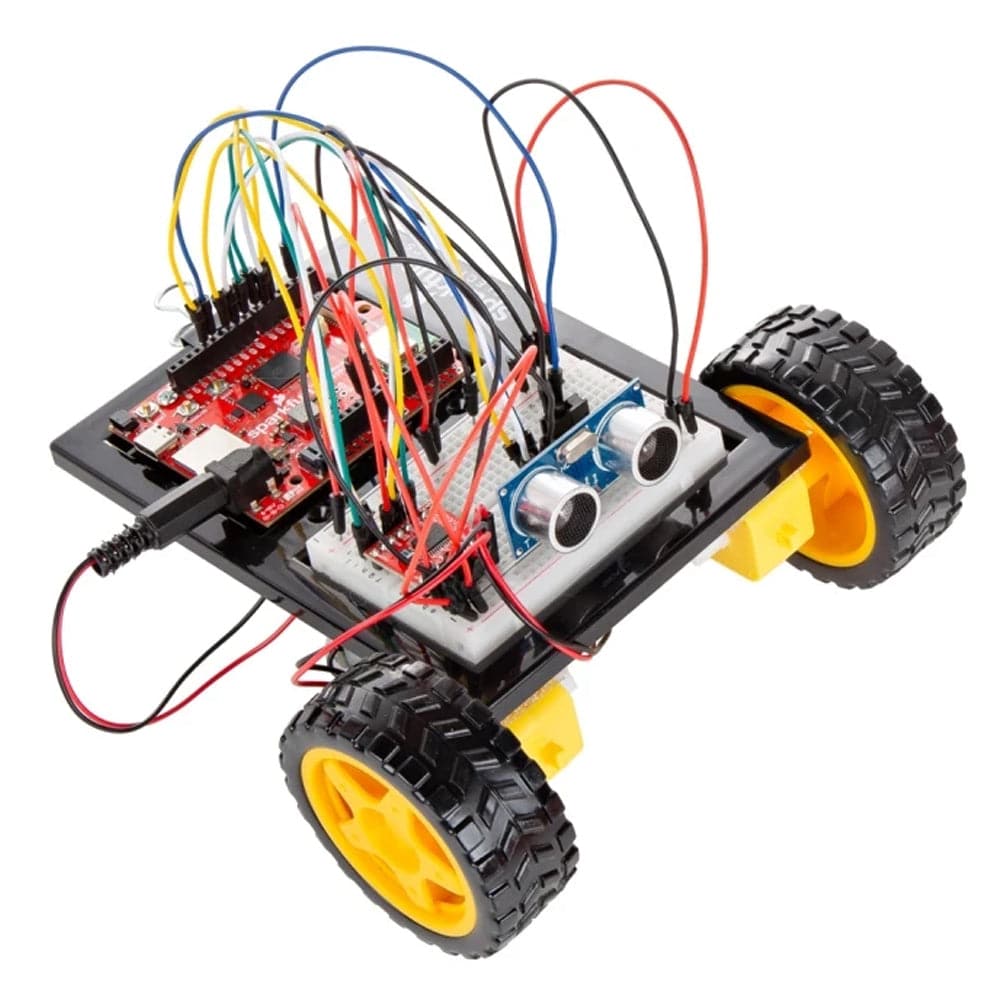
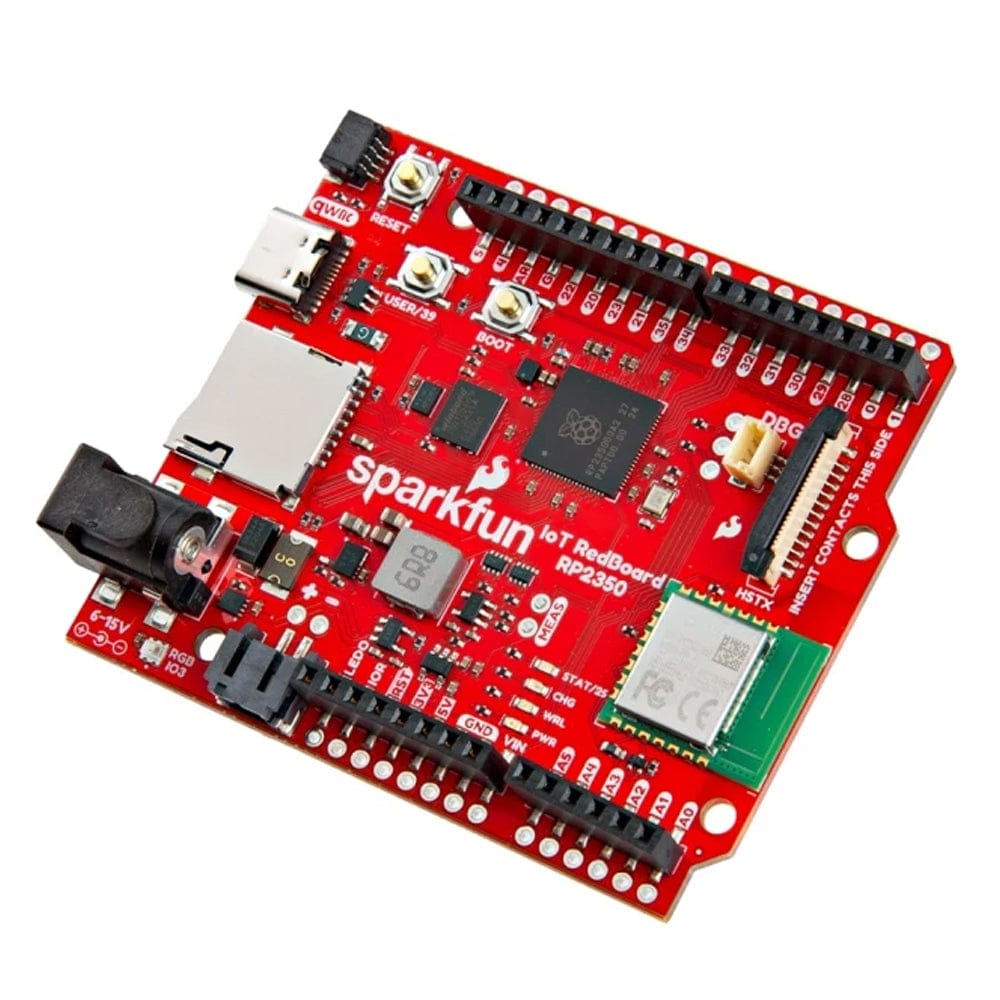
The SparkFun Inventor’s Kit for MicroPython teaches embedded electronics through 16 guided circuits and five projects, ending with an autonomous robot. Learn MicroPython in your browser with no soldering required, using the RP2350 IoT RedBoard with Wi-Fi and Bluetooth.
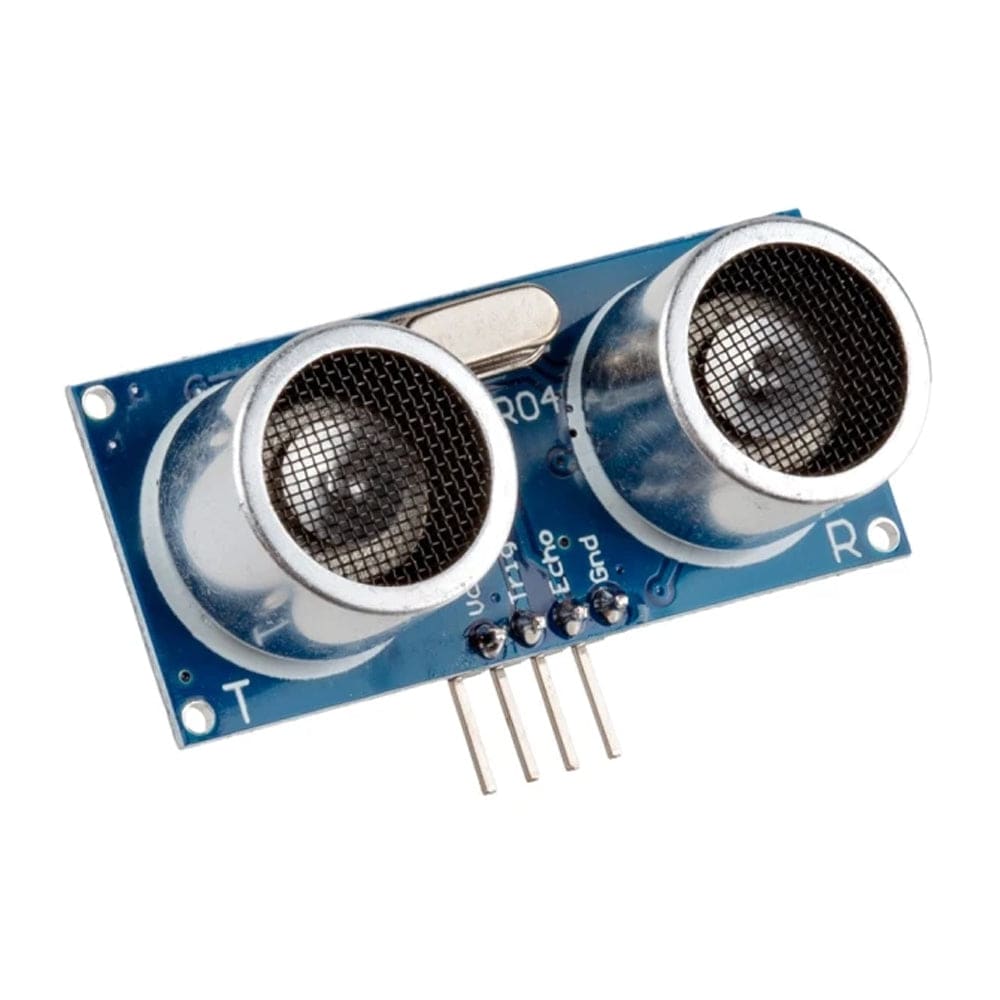
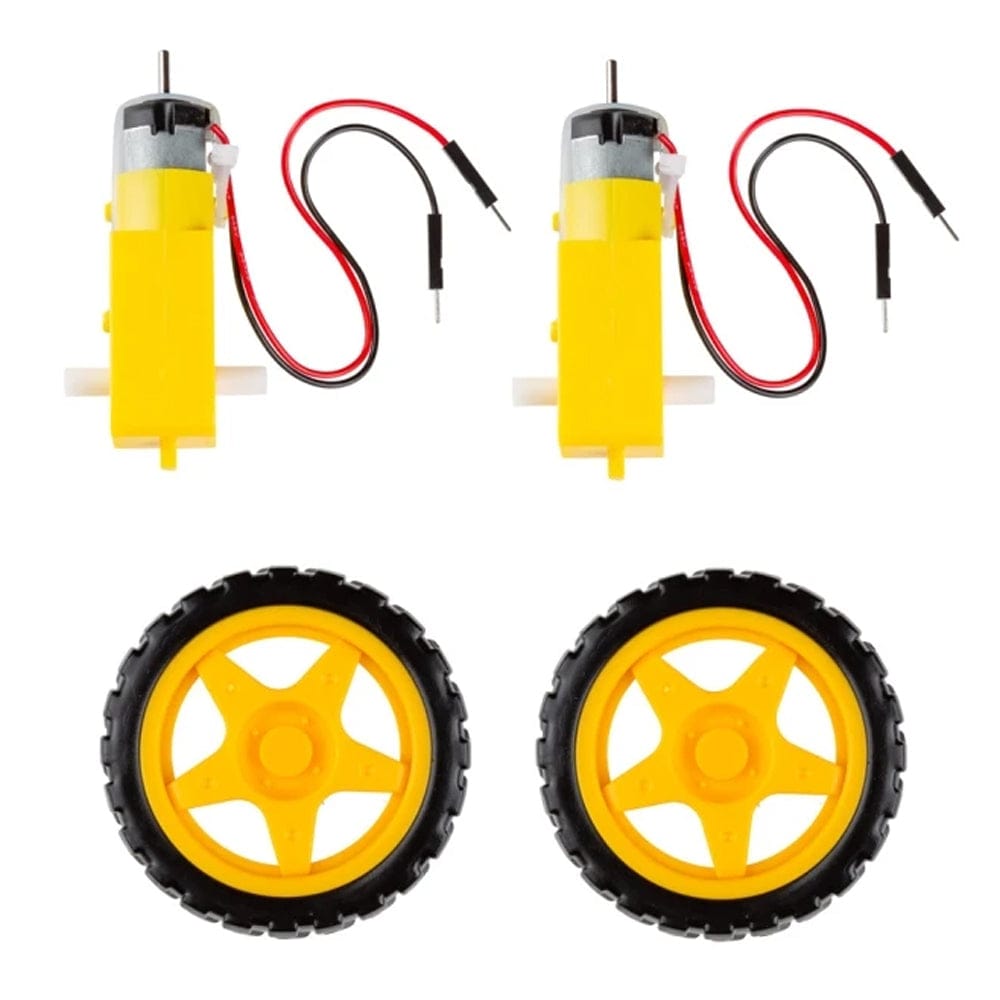
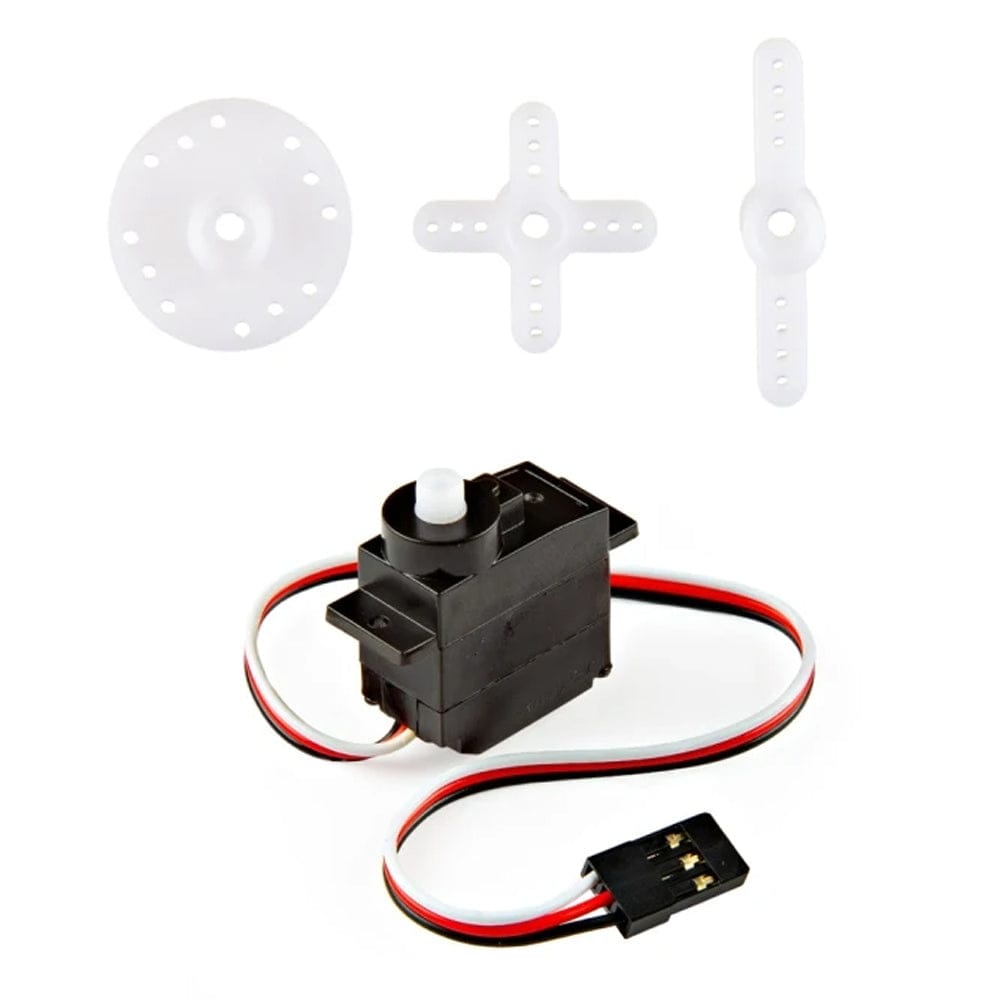
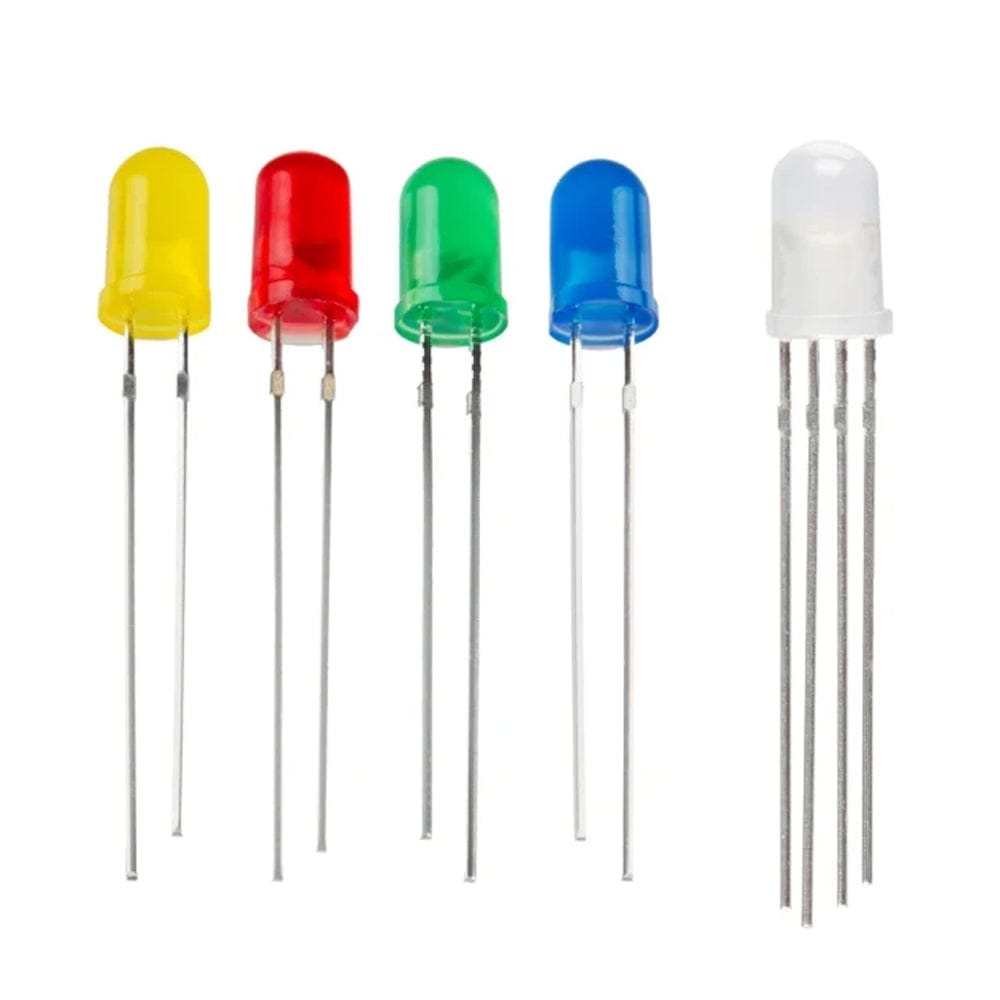
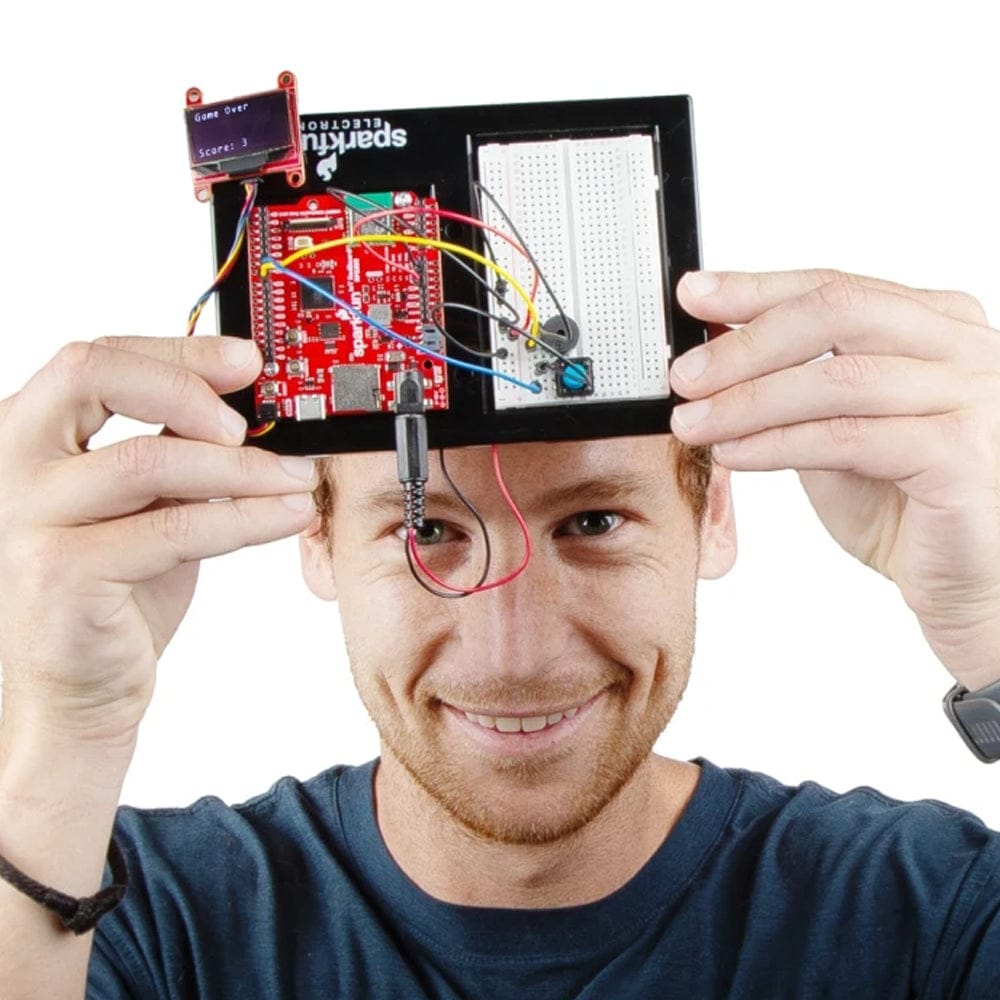
The SparkFun Inventor’s Kit for MicroPython is an all-in-one starter kit for learning embedded electronics using MicroPython, a beginner-friendly version of Python 3. It guides you through 16 interconnected circuits and five major projects, starting with simple tasks like blinking an LED and building up to a final challenge: assembling and programming an autonomous robot that can navigate on its own. No previous programming or electronics experience is needed — if you can use a computer and access the internet, you can get started.
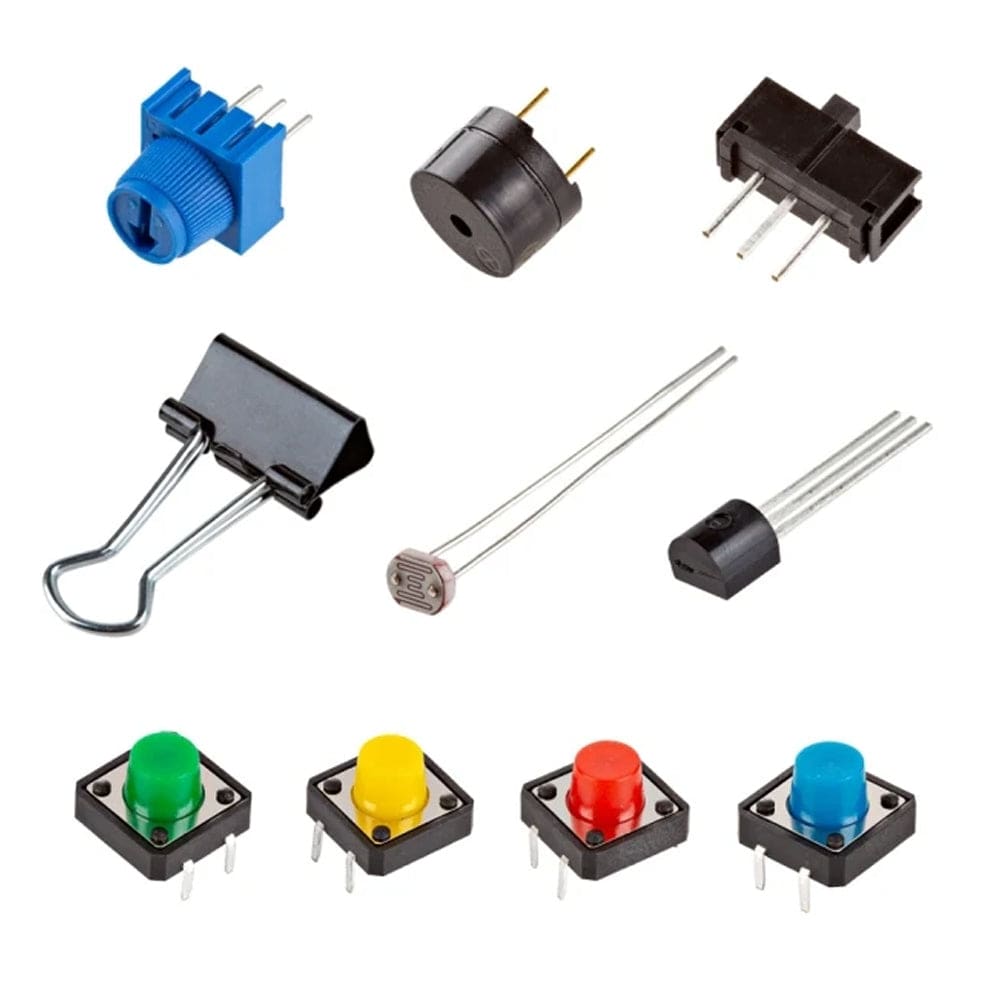
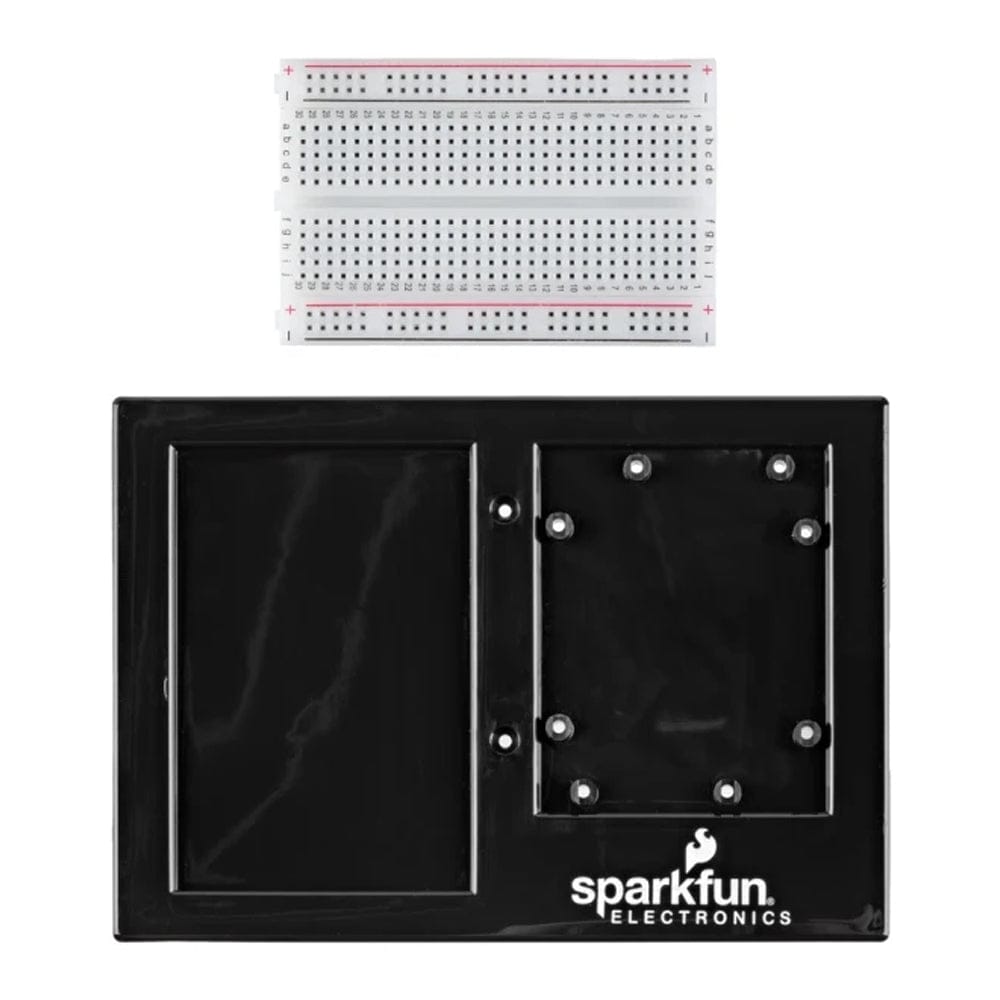
Everything is designed to be beginner-friendly and hands-on, with no soldering required. The kit uses plug-and-play parts and a solderless breadboard, so you can start building immediately. Because MicroPython is built to be close to standard Python, it’s easy to write readable code that interacts with real hardware, and the skills you learn transfer well to other Python projects.
Browser-Based Interactive Learning
To make setup simple, the main learning experience runs entirely in your web browser at sik.sparkfun.com. The guide uses JupyterLite Notebooks, which keep the step-by-step instructions and coding environment side by side. This means you can write and run MicroPython code in small chunks and see the results straight away on your hardware, with no complex software to install. A version using a more traditional IDE environment is also included.
Expandable Hardware for Future Projects
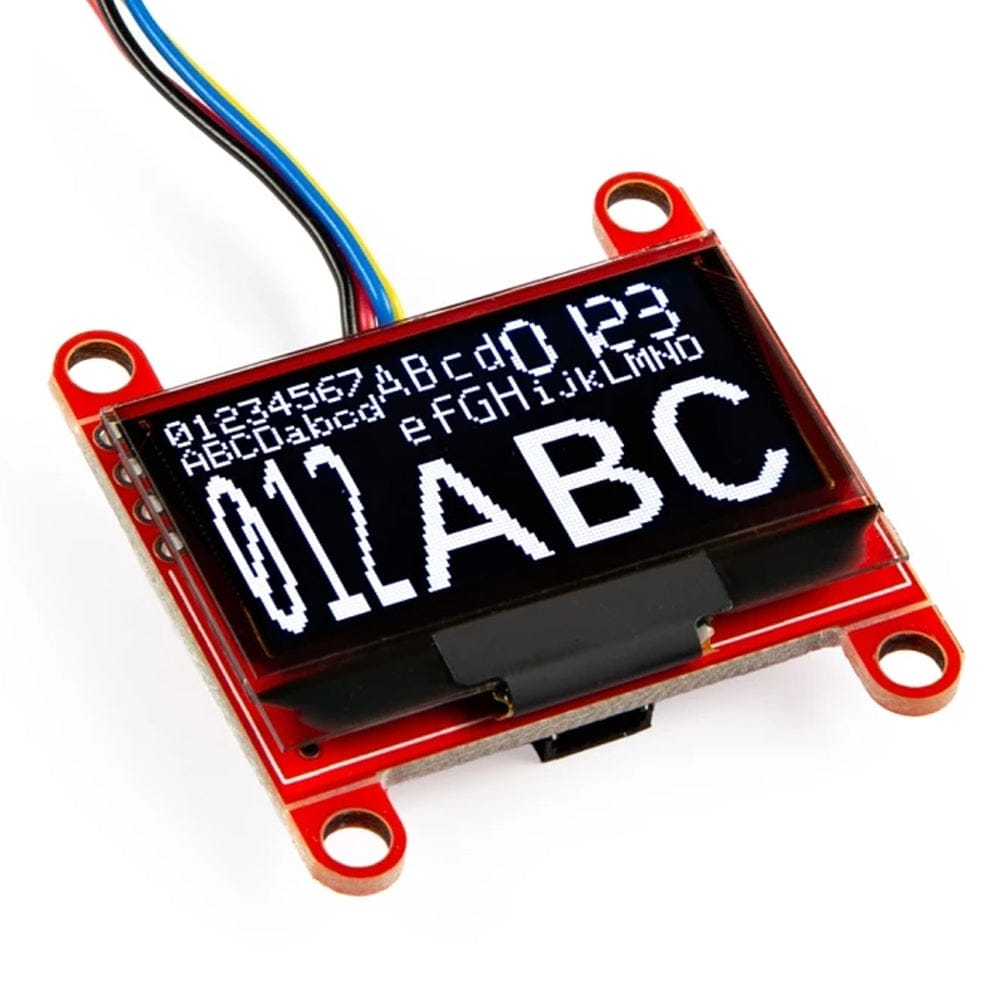
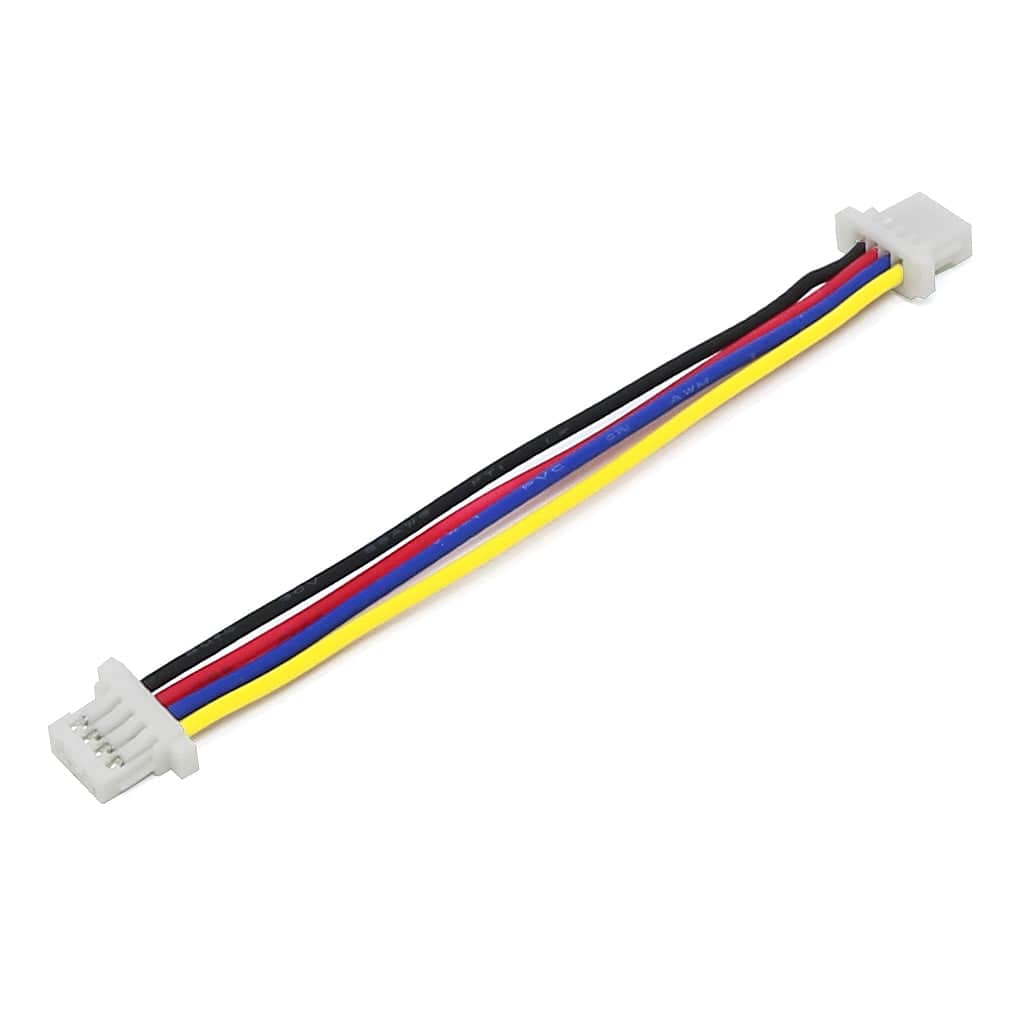
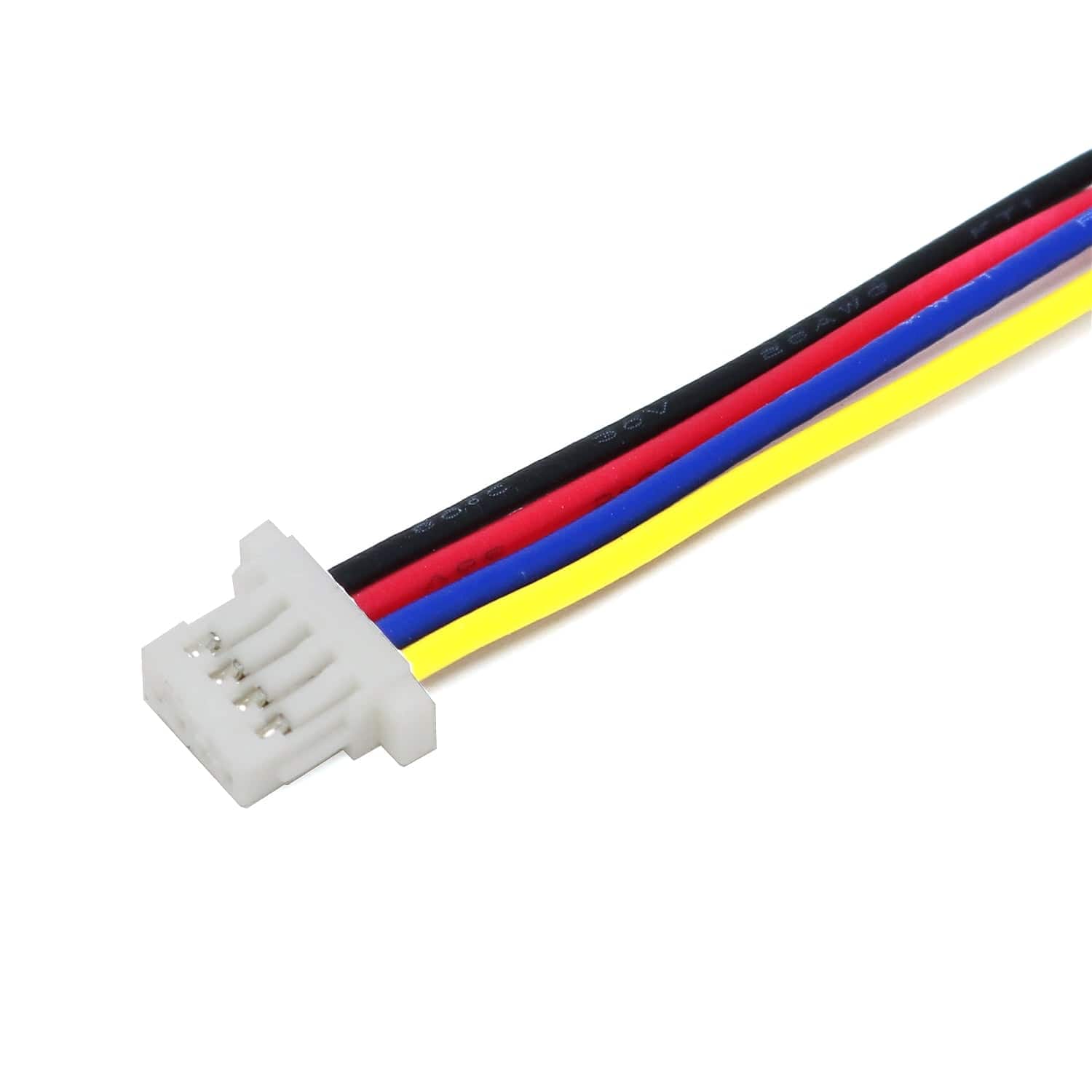
At the centre of the kit is the SparkFun RP2350 IoT RedBoard, which provides the processing power for reading sensors, controlling motors, and running your projects. It includes built-in Wi-Fi and Bluetooth, making it a strong base for future IoT work once you’ve learned the fundamentals. The RedBoard also supports expansion into the SparkFun Qwiic ecosystem, allowing you to add a wide range of I2C sensors and modules using standard 1 mm, 4-pin connectors for faster, more reliable prototyping.
Once you’ve completed the included projects, the kit is designed to keep growing with you — a solid starting point for learning electronics and a platform you can build on long after you finish the guide.
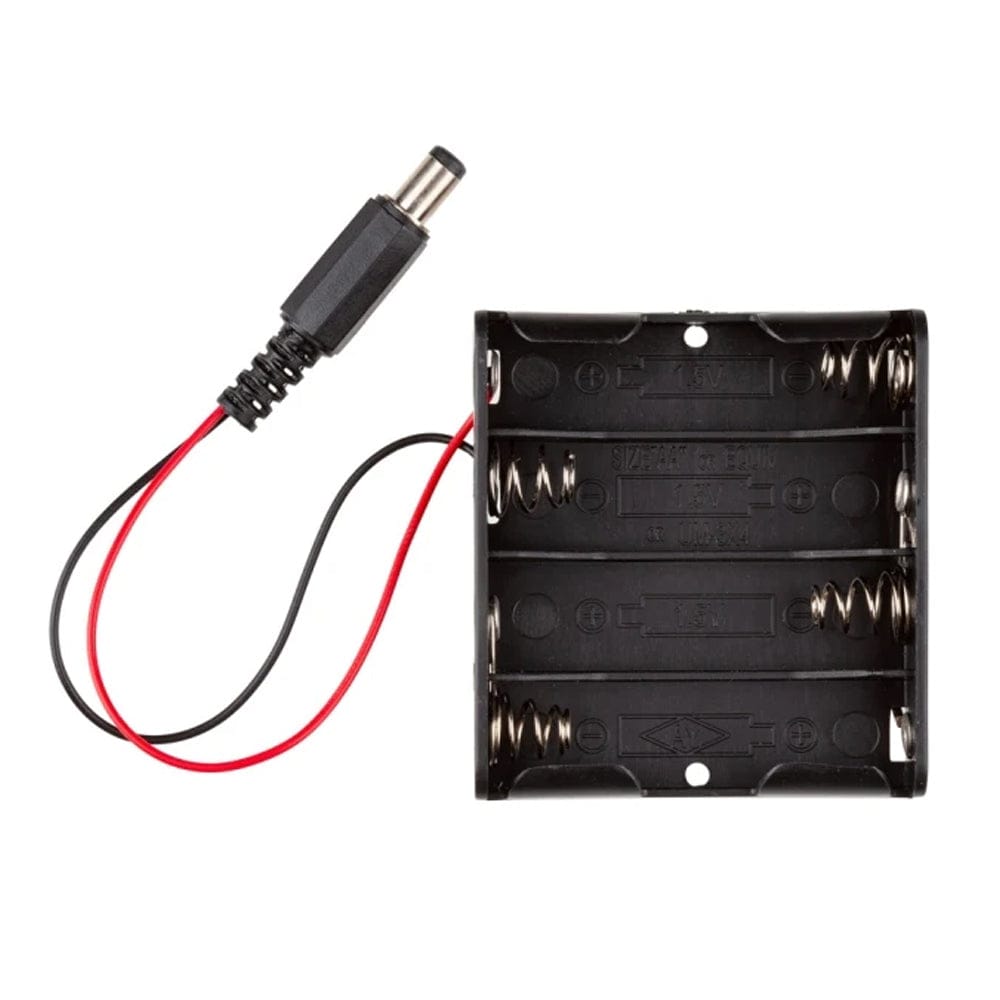
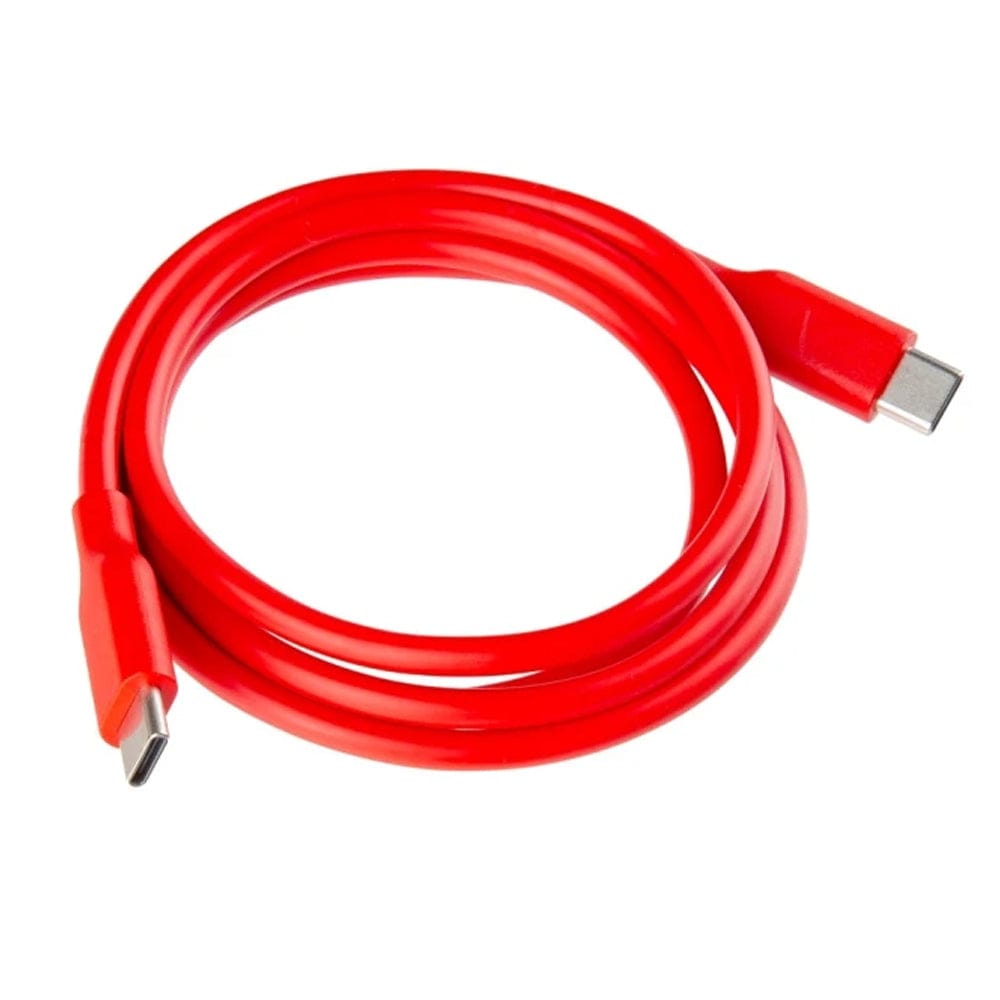
Please note: The USB cable pictured on the interior box art is inaccurate. The correct USB-C to USB-C cable has been provided. AA batteries are not included, but you can pick some up here.
Your payment information is processed securely. We do not store credit card details nor have access to your credit card information.