LiPo Amigo (LiPo/LiIon Battery Charger)
Version:LiPo Amigo
Price:
Sale price
£6
Stock:
Quantity:
Login / Signup
Cart
Your cart is empty
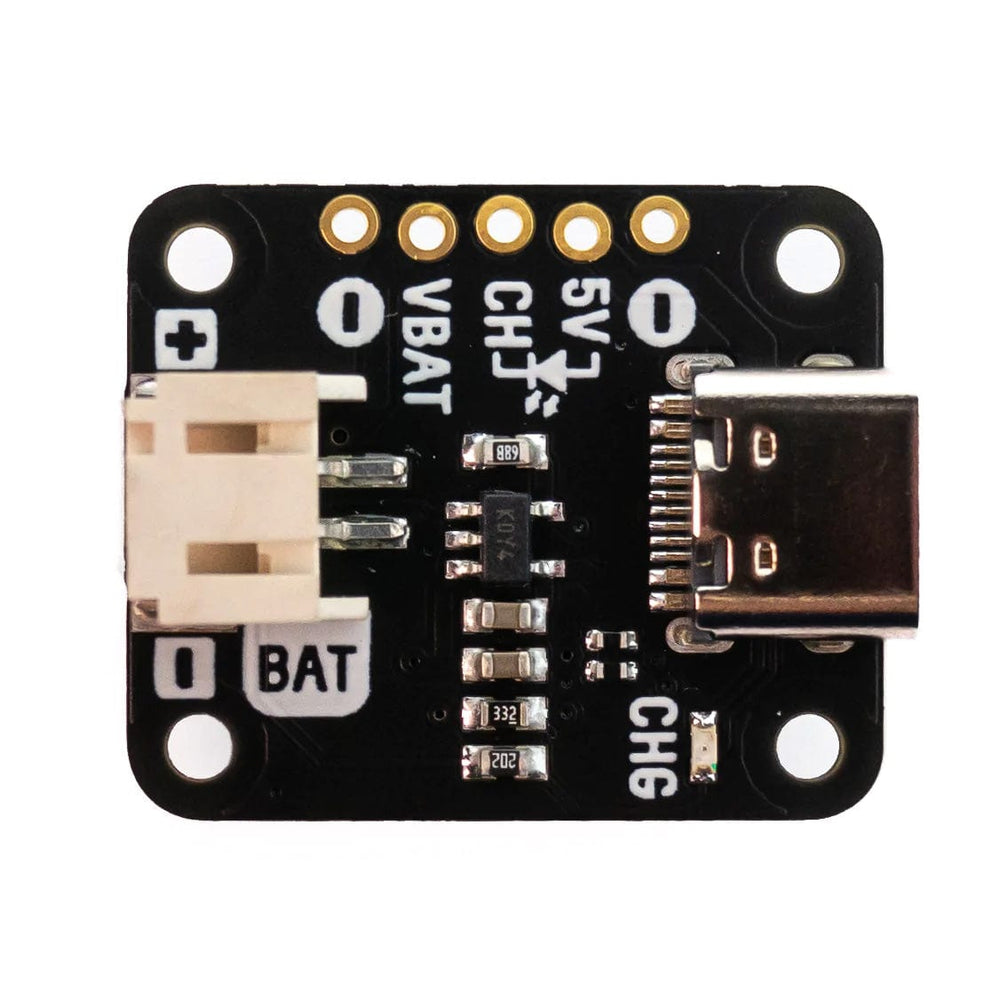
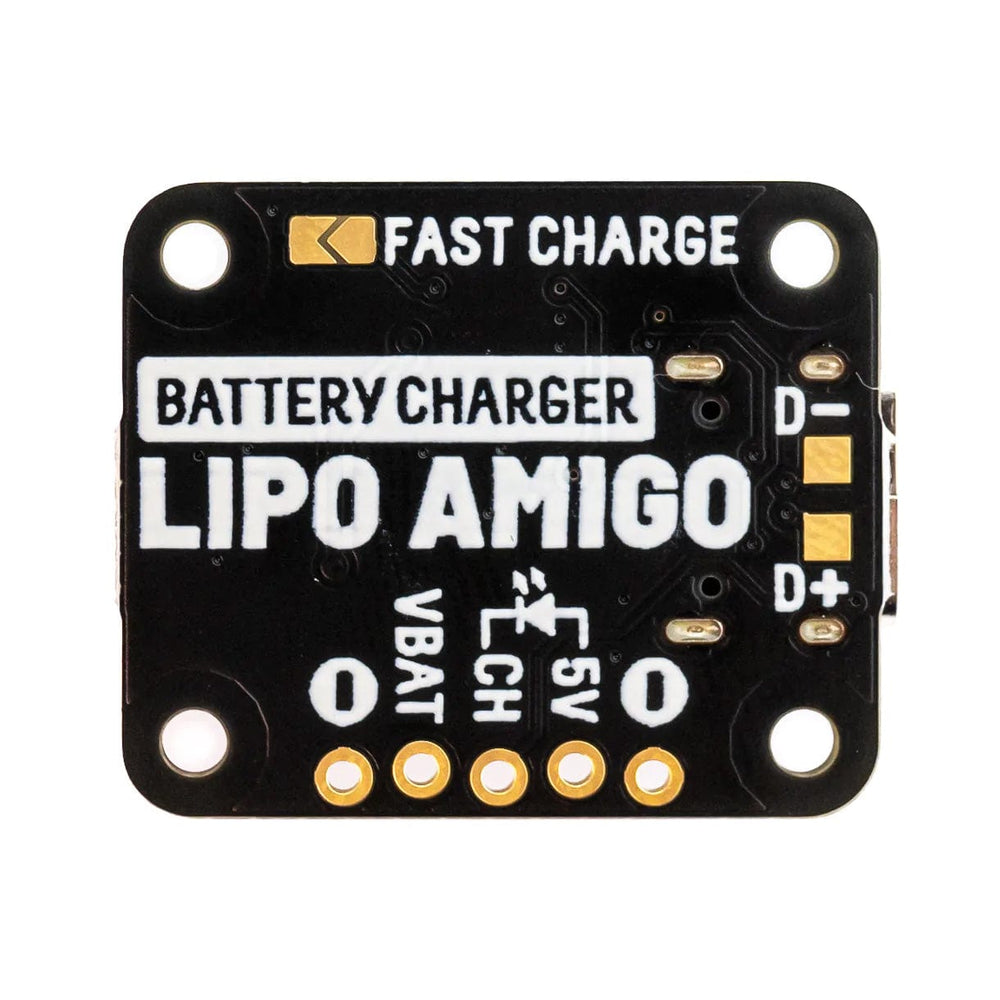
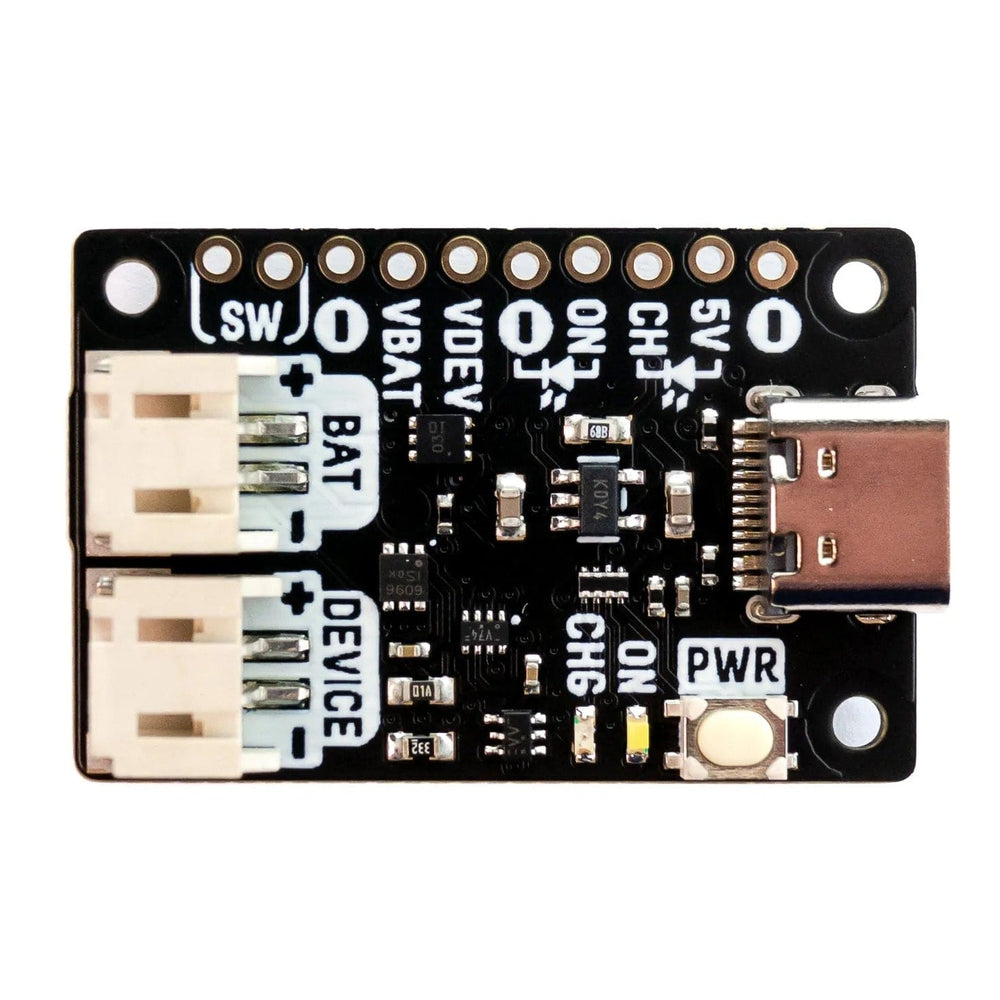
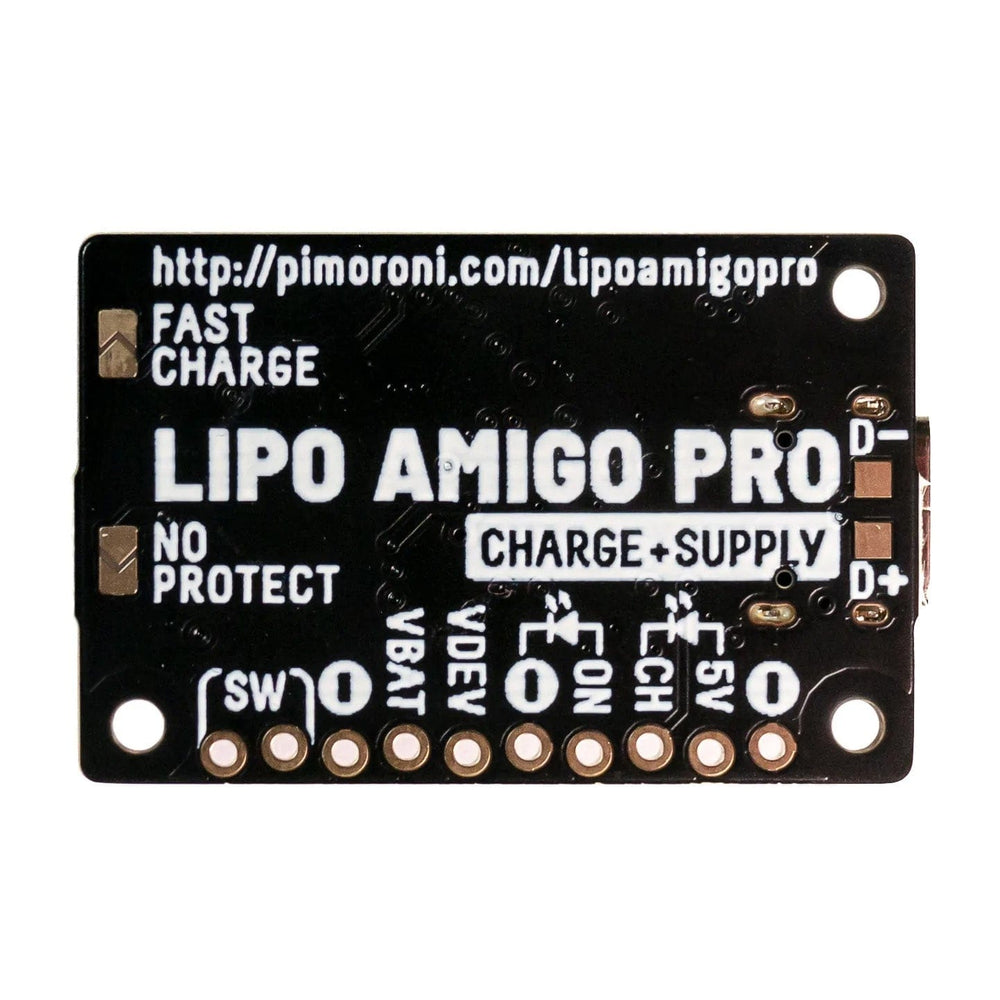
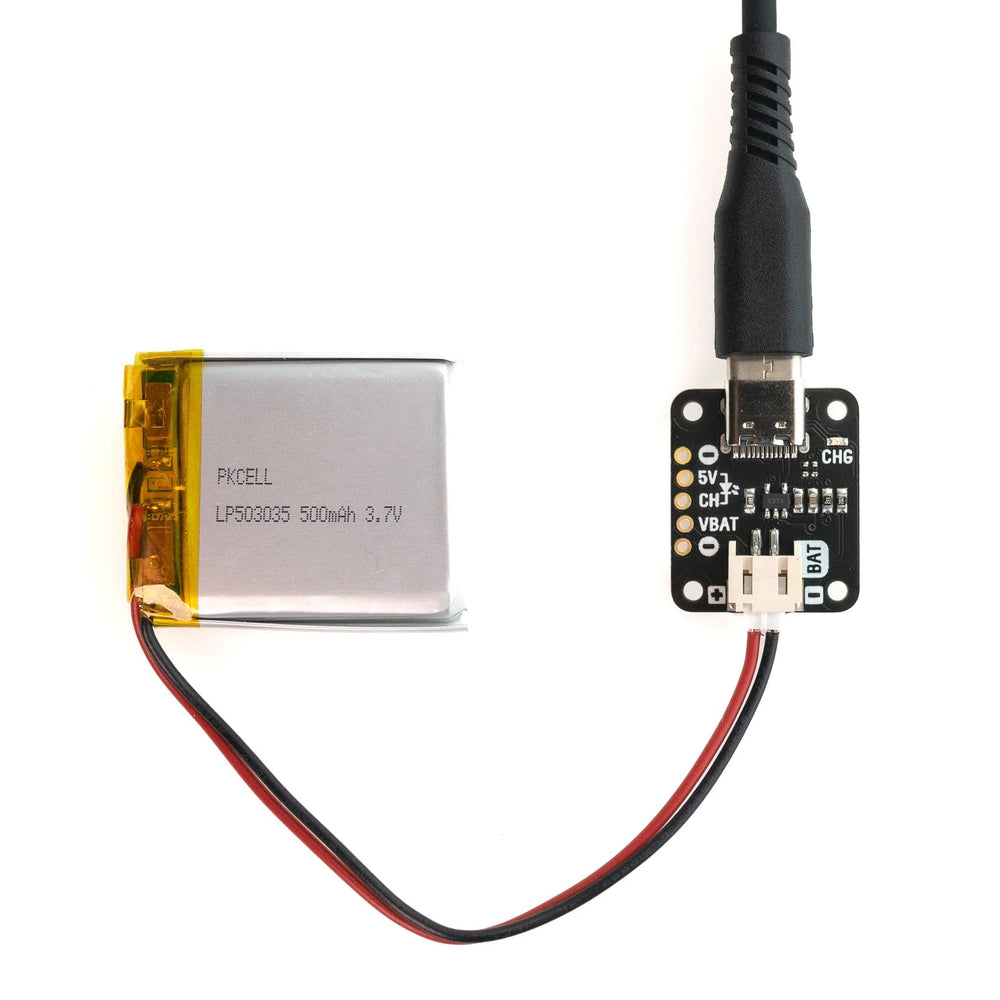
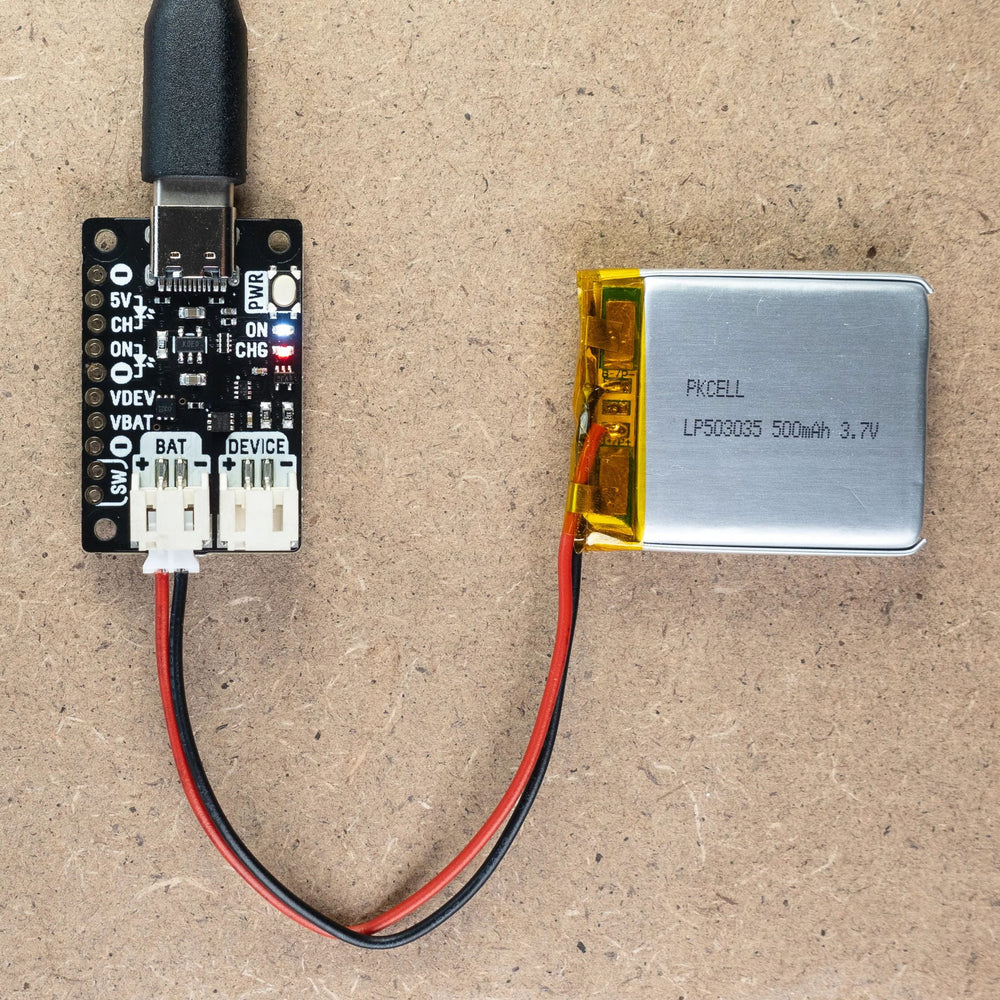
A range of compact, convenient USB-C LiPo/LiIon battery chargers, perfect for feeding hungry batteries.
The folks at Pimoroni spent quite a lot of time figuring out ways to charge up batteries for their Badger 2040s, and they've come up with all sorts of interesting solutions. Good news though - you won't have to make do with dubious bits of leftover prototype, because they've made some straightforward, small LiPo battery chargers that are just the job.
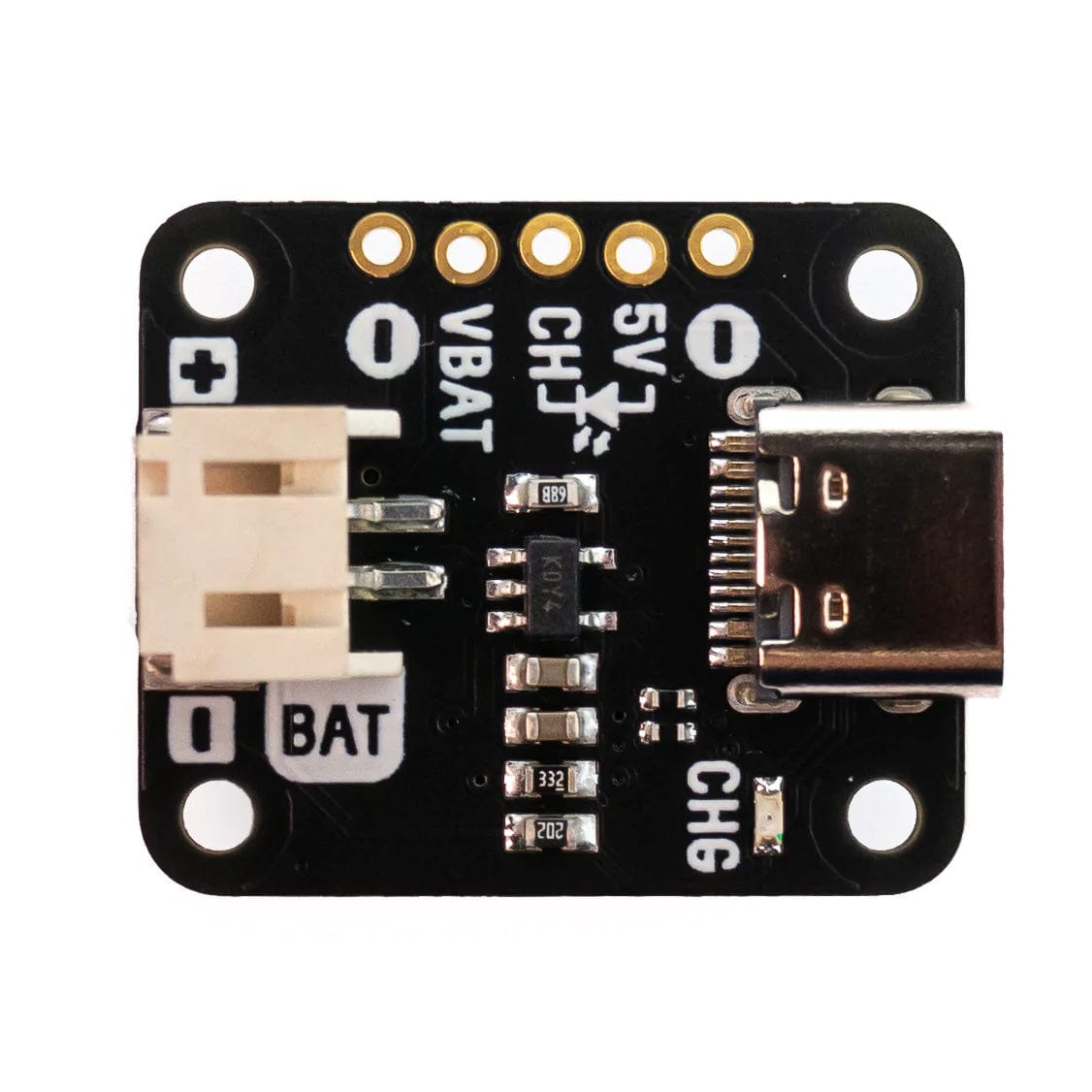
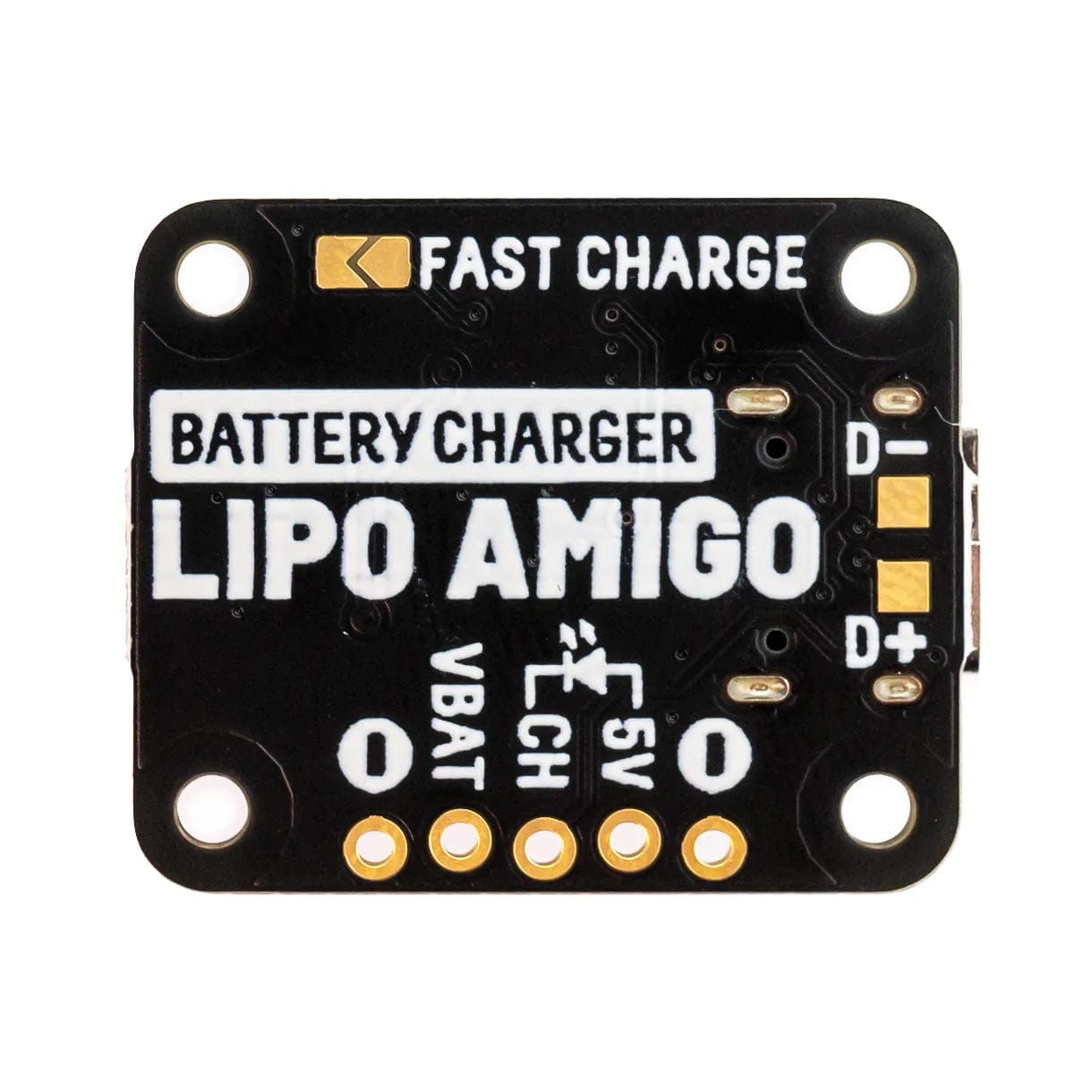
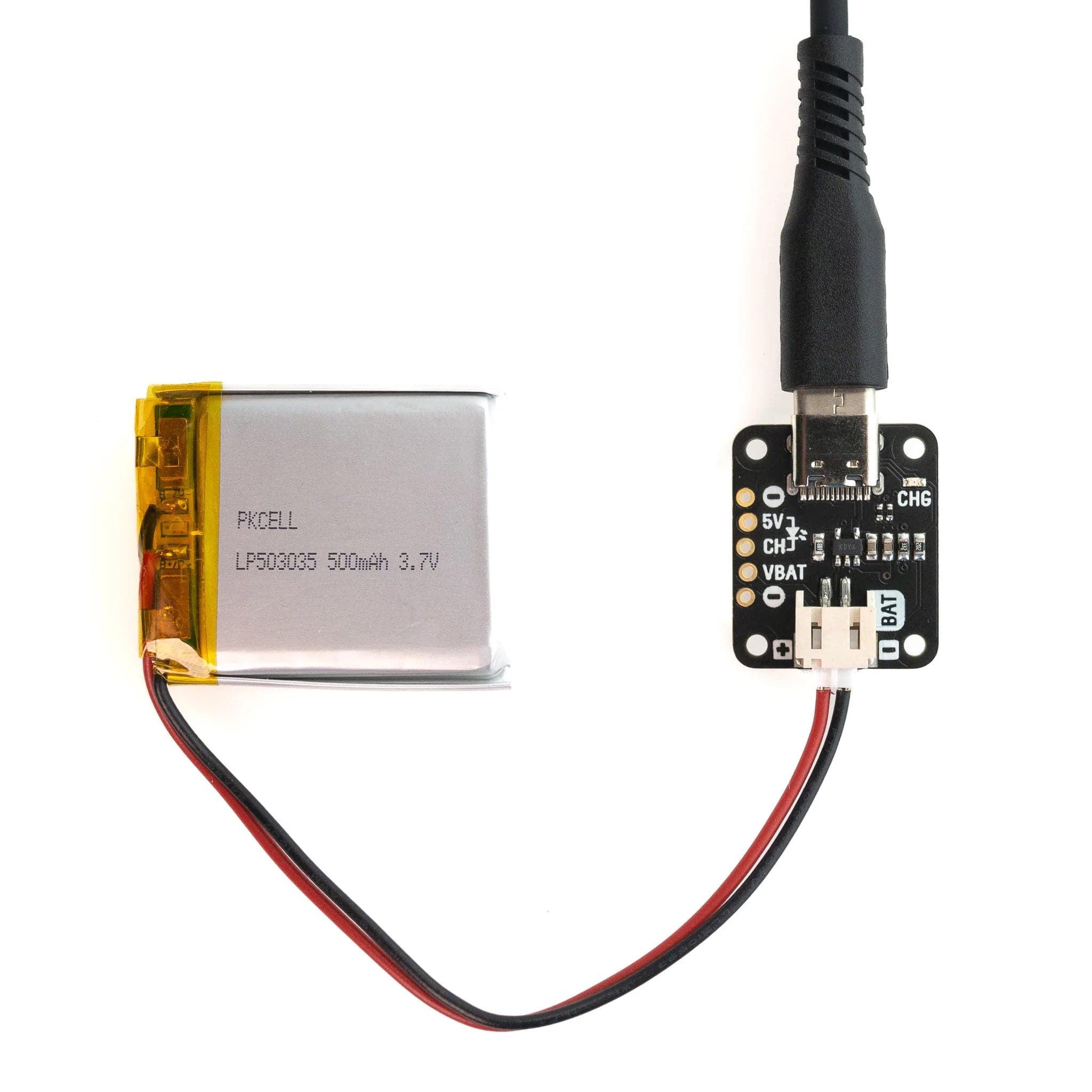
LiPo Amigo is a stamp-sized board with a USB-C connector on one end and a JST-PH connector on the other so you can plug in a LiPo or LiIon battery. Betwixt the two, you can find a perky red LED that will light up to tell you when battery charging is happening. Simples!
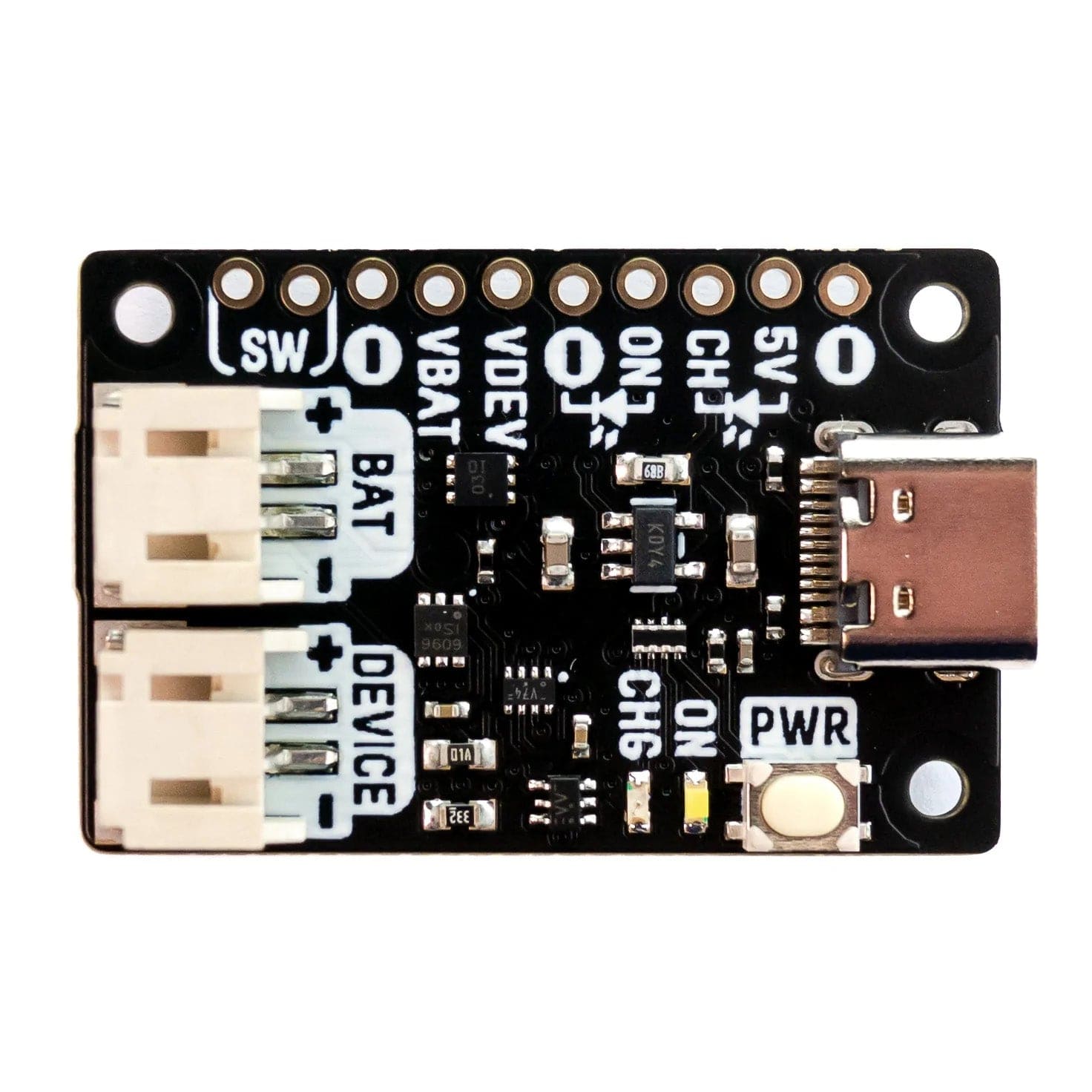
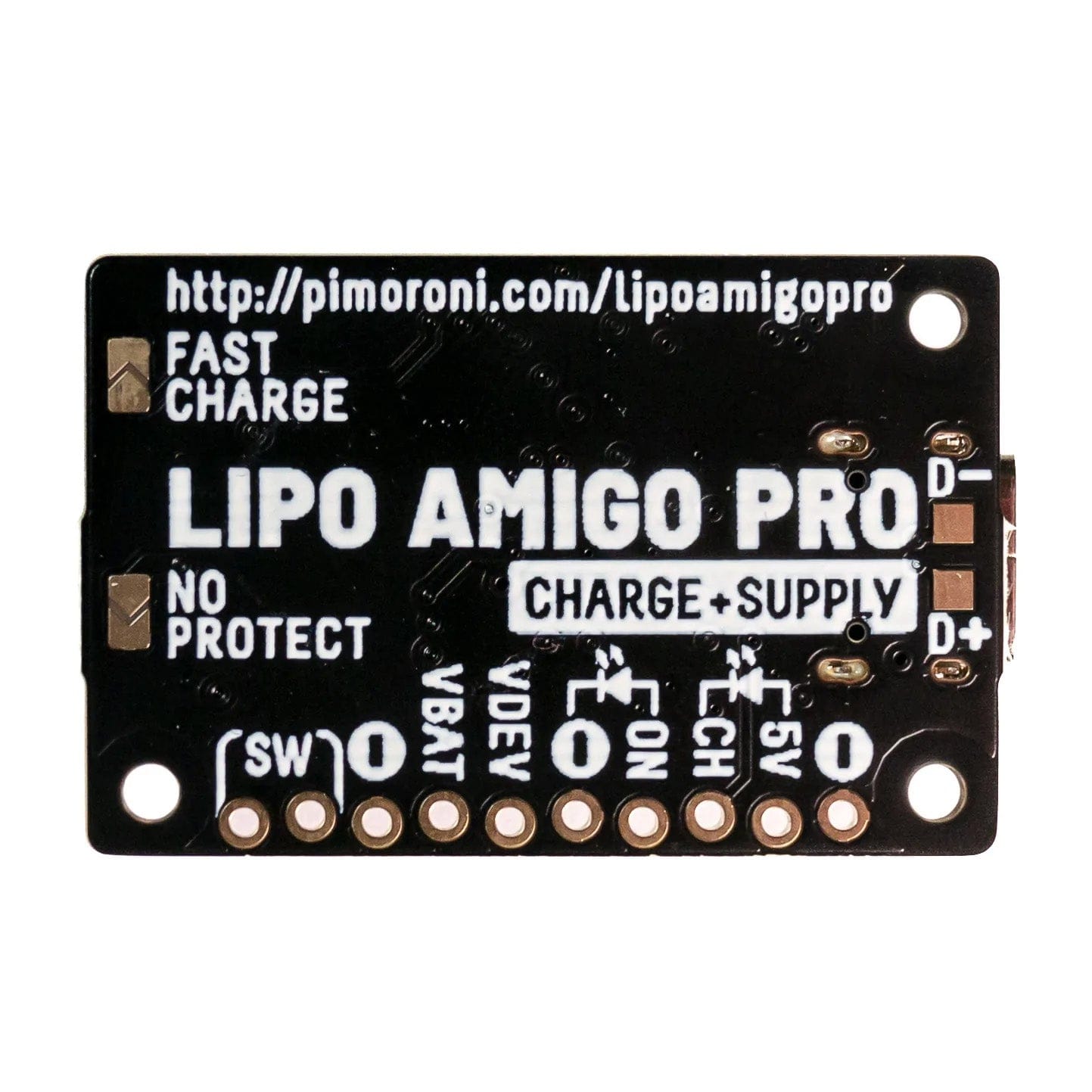
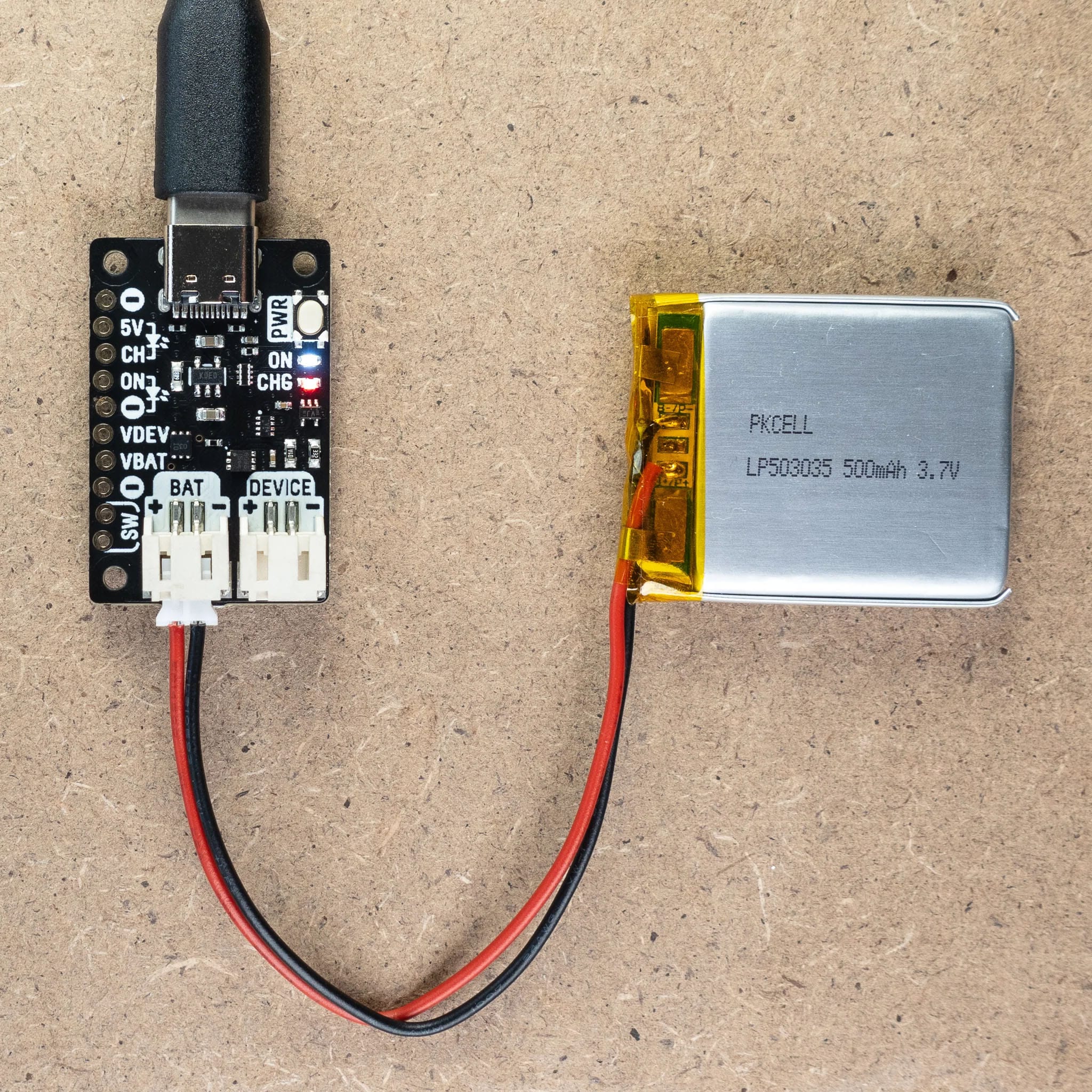
LiPo Amigo Pro is a bit larger and has some additional tricks up its sleeves. It's got two JST-PH connectors so you can charge your battery and power your device at the same time (and switch seamlessly between USB and battery power). It also has a power on/off button and extra built-in battery protection.
Select your required version before adding it to the cart. Batteries not included!
LiPo and Li-Ion batteries can be dangerous if not treated with respect! You should only use LiPo Amigo boards to charge 3.7V LiPo or Li-Ion batteries, and you should make sure that any project involving LiPos is sufficiently protected from being dented, bent, punctured or crushed.
We recommend only using LiPo batteries that have their own internal protection against overcharge, over-discharge and short circuits.
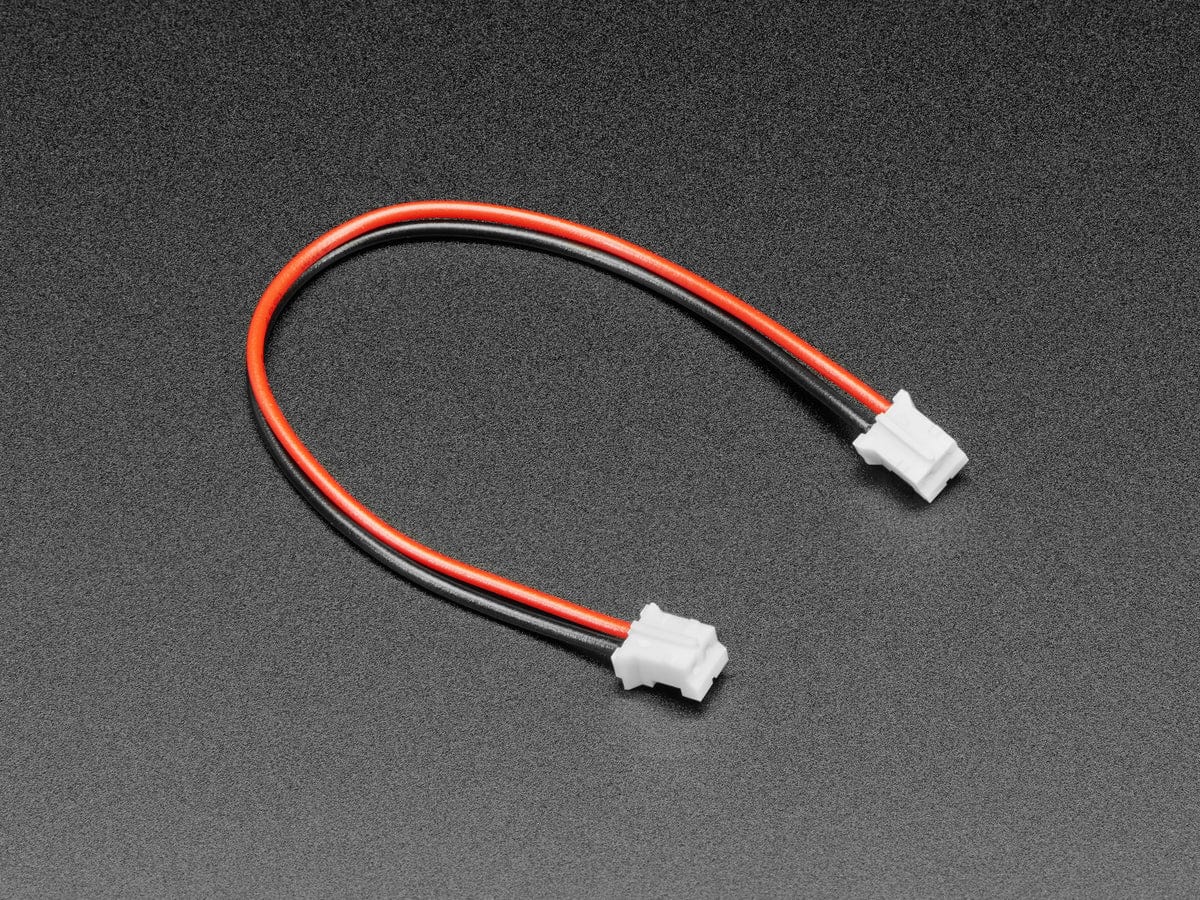
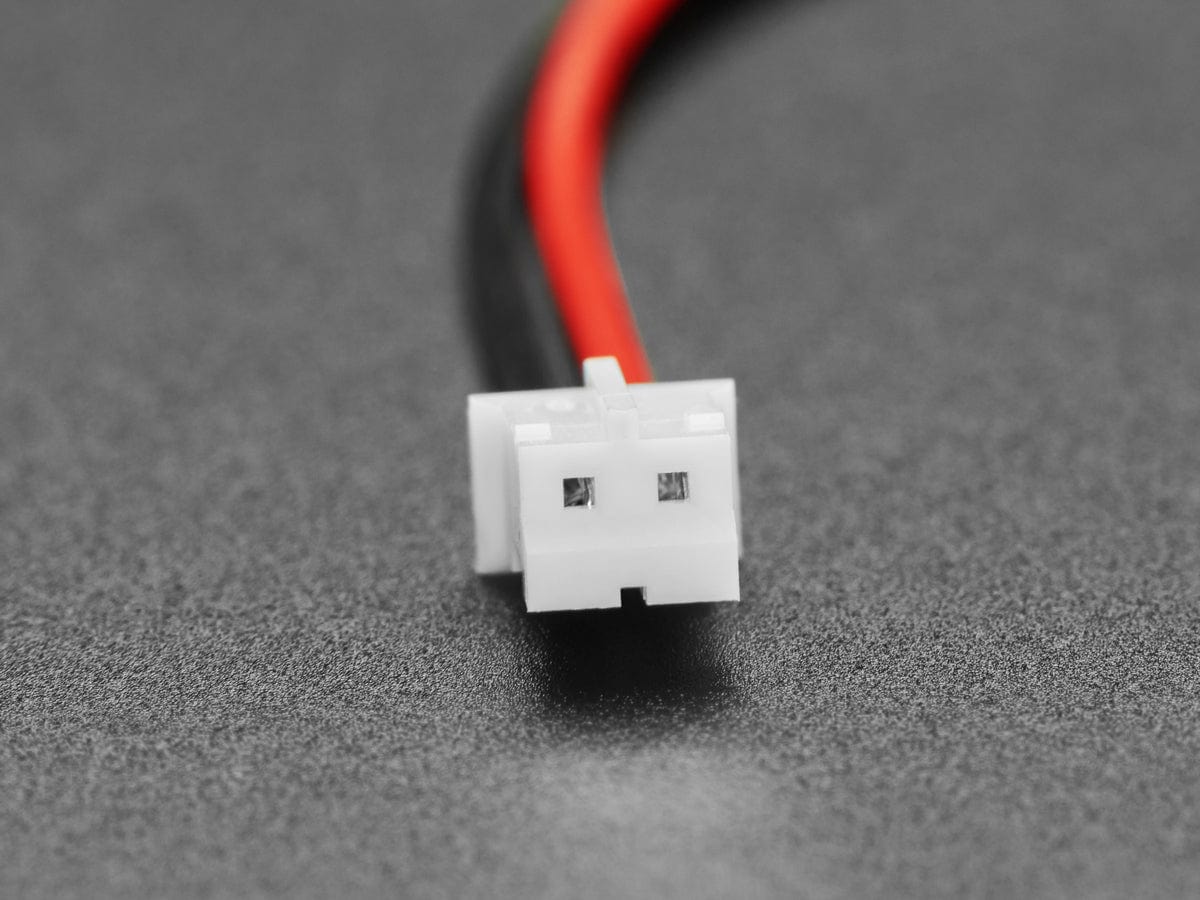
If you're using a battery bought from elsewhere, make sure the polarity of the wires matches the markings on our board before you plug it in!
Your payment information is processed securely. We do not store credit card details nor have access to your credit card information.