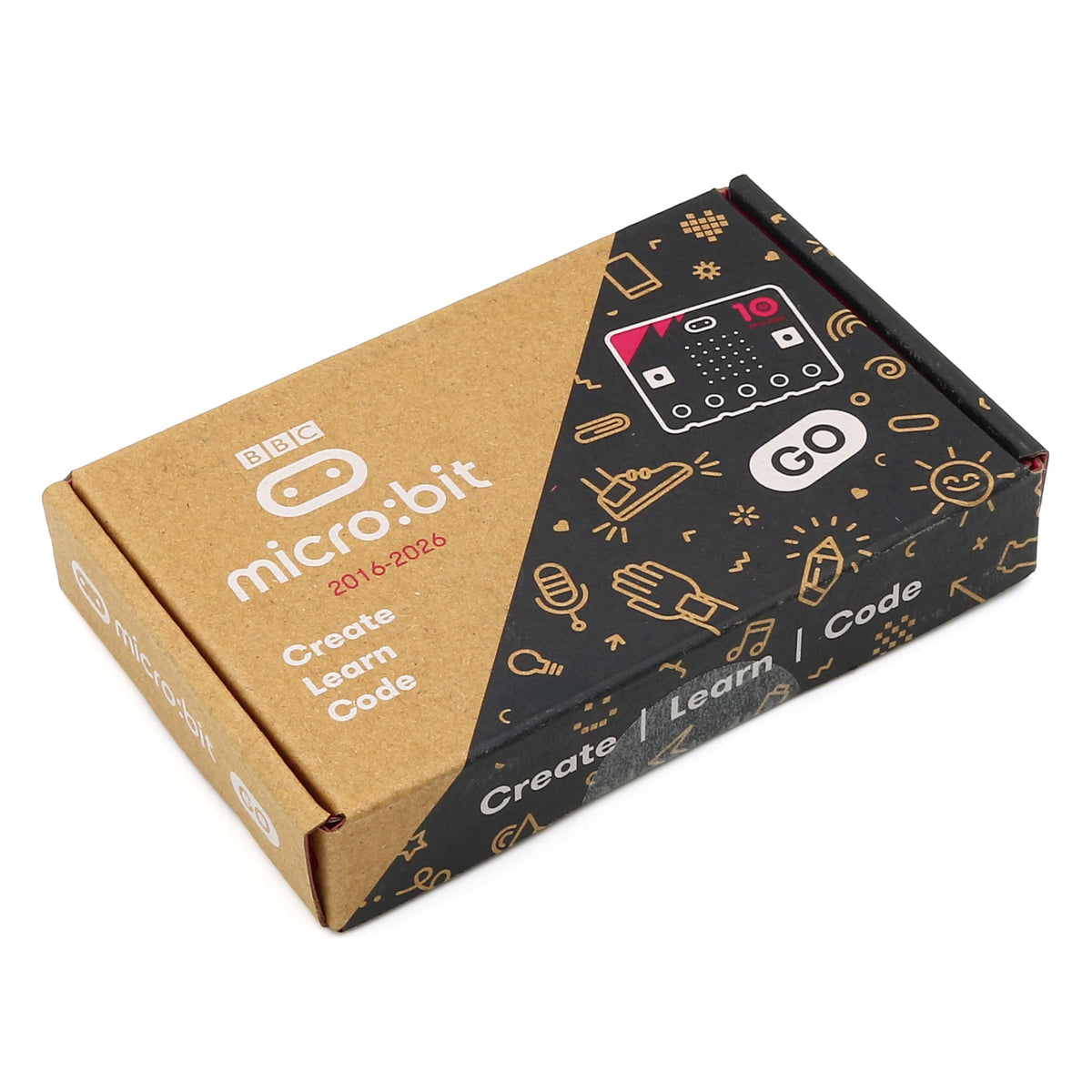
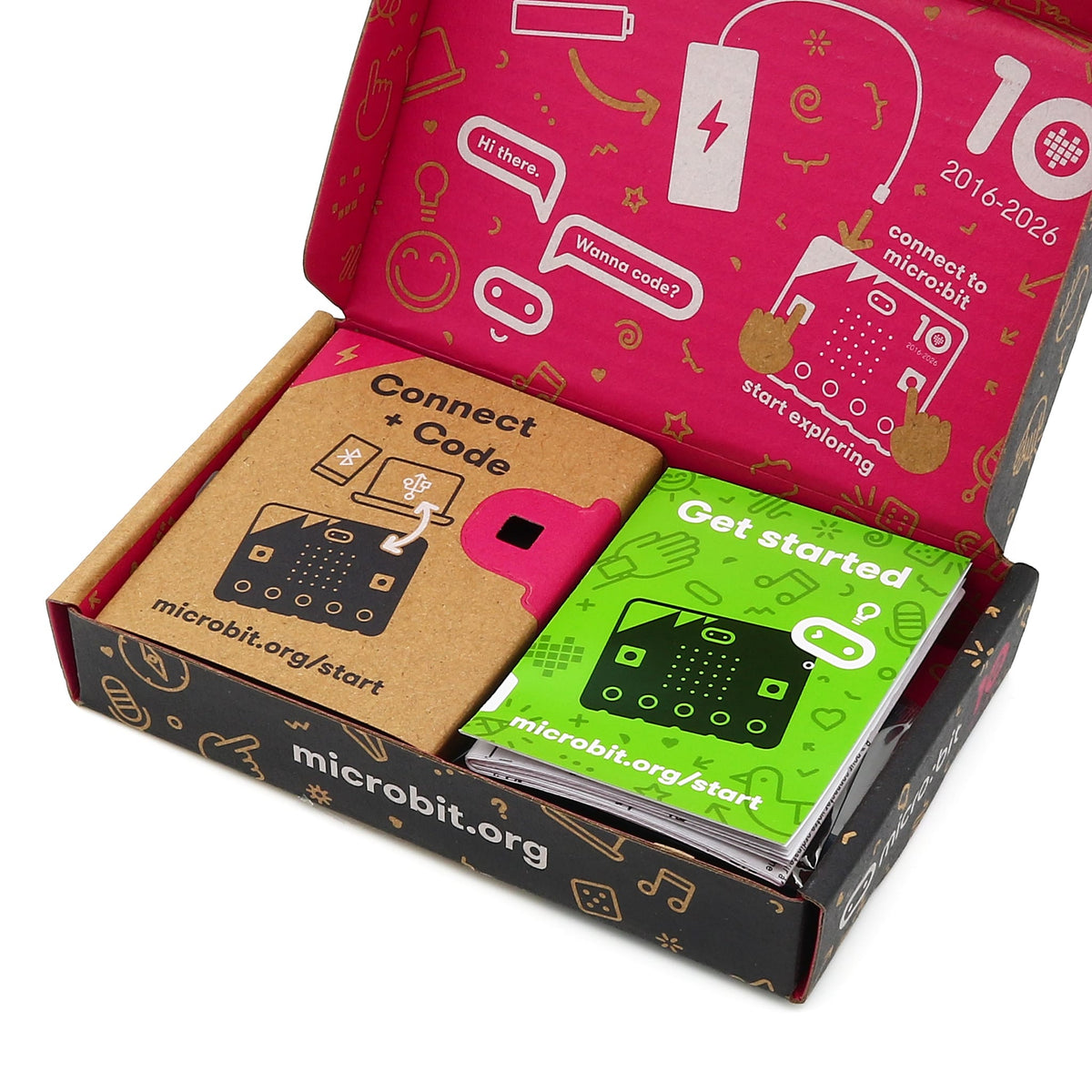
Celebrating 10 years of the BBC micro:bit, this is a special 10 year anniversary edition of the micro:bit V2 GO kit, including everything you need to get coding.
It's a pocket-sized computer that you can code, customise and control to bring your digital ideas, games and apps to life - a fantastic way to introduce budding coders into the wonderful world of computer programming. With the easy to use online code block editor and simple crocodile clip friendly board, coding fun projects and using electronic components is easier than ever.
The kit contains a V2.2 BBC micro:bit board (10 year anniversary edition), micro-USB cable, battery pack, 2x AAA batteries and the usual printed stuff (including a sticker!).
Inputs and outputs - Inputs and outputs are an important part of any computer system. As a very small computer, the BBC micro:bit has plenty of inputs and outputs to learn about and use with electrical components
LEDs - An LED, or light-emitting diode is an output device that gives off light. Your BBC micro:bit V2 has a display of 25 LEDs for you to program
Buttons - Buttons are a very common input device. Your micro:bit has two buttons you can program, and a reset button.
Radio - Radio is a way of sending and receiving messages and BBC micro:bits can use radio waves to communicate with each other
Accelerometer - An accelerometer is a motion sensor that measures movement. The accelerometer in your micro:bit detects when you tilt it left to right, backwards and forwards and up and down. Great for making games!
Compass - A digital compass is an input sensor that detects magnetic fields. Your BBC micro:bit has an inbuilt compass that can detect the direction in which it is facing
Light sensor - A light sensor is an input device that measures light levels. Your BBC micro:bit uses the LEDs to sense the levels of light and lets you program your micro:bit as a light sensor
Temperature sensor - A temperature sensor is an input device that measures temperature. Your BBC micro:bit has a temperature sensor inside the processor which can give you an approximation of the air temperature around it.
Pins - On the bottom edge of your BBC micro:bit there are 25 gold strips, called pins. These pins allow you to really get creative. You can create circuits, connect external things like buzzers and motors and make your own fun projects.
Sound - Your BBC micro:bit can be programmed to make a wide variety of sounds - from single notes, tones and beats to your own musical compositions.
USB interface - USBs, or Universal Serial Buses, are used to connect, communicate and power computers and digital devices. The BBC micro:bit has a USB interface to allow you to connect your computer to your micro:bit using a micro USB cable and power your micro:bit.
Processor - A processor is sometimes called the ‘brains’ of a computer and your BBC micro:bit has a microprocessor inside it. It’s an essential part of your micro:bit as it runs the programs you write.
Specifications
32-bit ARM Cortex-M4 processor with FPU (Nordic nRF52833)
Flash ROM: 512KB
RAM: 128KB
Speed: 64MHzProcessor:
Bluetooth Wireless: 2.4GHz
Motion sensor:
Features: 3 magnetic field and 3 acceleration axes, 2/4/8/16g ranges