
Adafruit Silicon MEMS Microphone Breakout - SPW2430
Price:
Sale price
£4.80
Stock:
Login / Signup
Cart
Your cart is empty


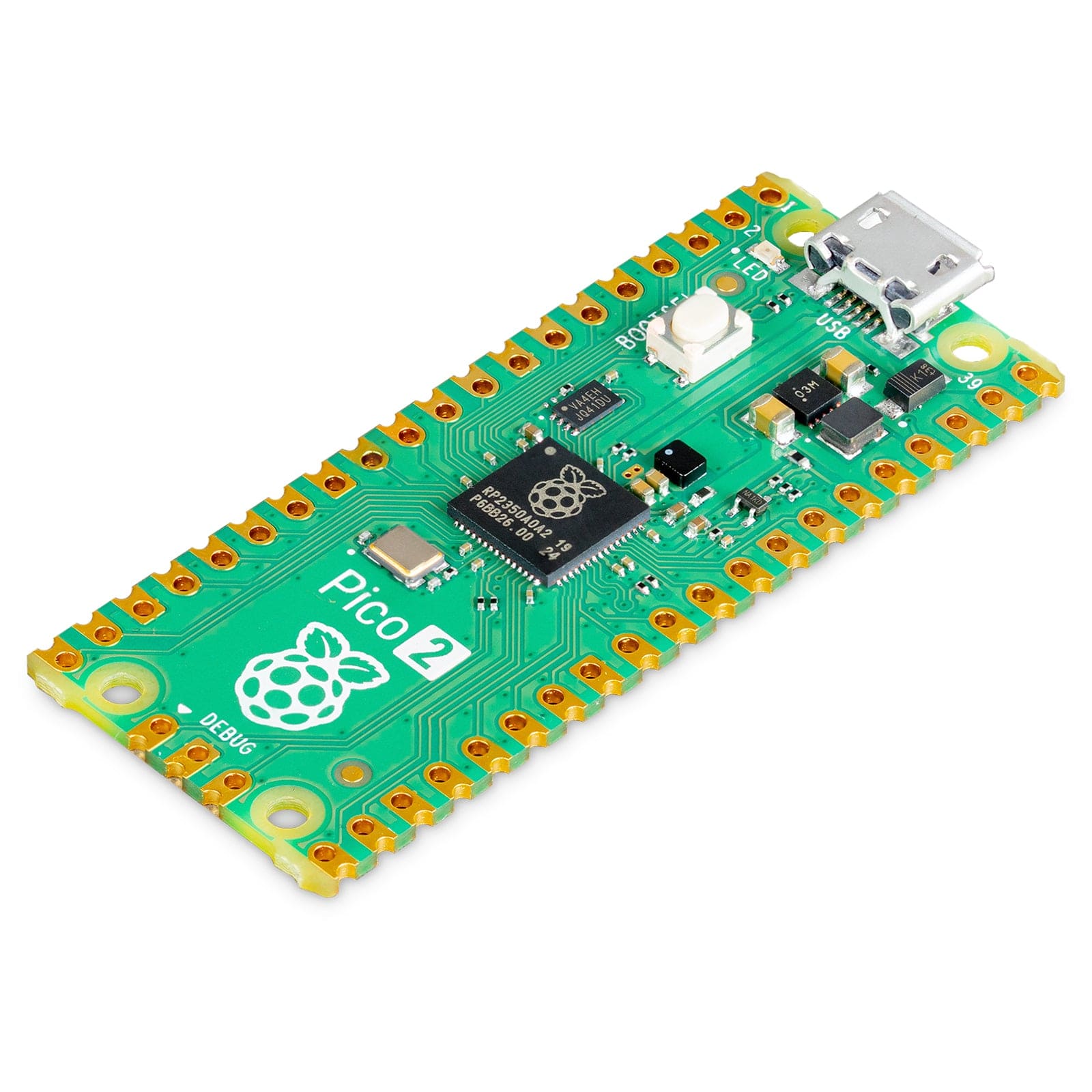
This SPW2430 MEMS microphone breakout gives you a simple way to capture audio from 100Hz–10kHz with no external biasing or amp needed. Power it from 3.3–5V, read audio from the DC or AC output, and connect straight to a microcontroller ADC.
Here’s a handy breakout for a super tiny MEMS microphone, perfect when you want to add sound detection or recording to a project without extra circuitry. Like a classic electret mic, it converts sound into a voltage signal, but because it’s a MEMS mic, it doesn’t need an external bias resistor or amplifier — it’s all built in. The onboard microphone is the SPW2430, a small, low-cost option with a 100Hz to 10kHz response range, making it a great fit for general audio capture and detection.
This Adafruit breakout works well for projects like voice changers, audio recording/sampling, and audio-reactive builds using FFT. To keep the board compact and simple, it includes only a 3V voltage regulator (the mic requires 3.3V DC) and filter capacitors — there’s no additional op-amp. The output has a 0.67V DC bias, with around 100mV peak-to-peak when speaking close to the mic, which suits line-level style inputs without clipping. For louder sounds, the output can reach up to 1V peak-to-peak. If you need adjustable gain or auto-gain control, it’s better to use one of the mic + amplifier options, or add a rail-to-rail op-amp and resistors if you want more output swing.
Wiring is straightforward: connect GND to ground and Vin to 3.3–5V DC. For best results, use the quietest power supply available (on an Arduino, that’s usually the 3.3V rail). The audio waveform is available on the DC pin, which sits at about 0.67V when quiet (with a little drift). If your audio equipment needs AC-coupled audio, you can use the AC pin, which has a 10µF capacitor in series.
The output isn’t meant to drive speakers (or anything beyond the smallest in-ear headphones). If you want to connect to speakers, you’ll need an external audio amplifier, such as a 3.7W stereo amp. If you’re connecting it to a microcontroller, you don’t need an amplifier or a decoupling capacitor — just connect the DC pin directly to the microcontroller ADC pin.
Your payment information is processed securely. We do not store credit card details nor have access to your credit card information.