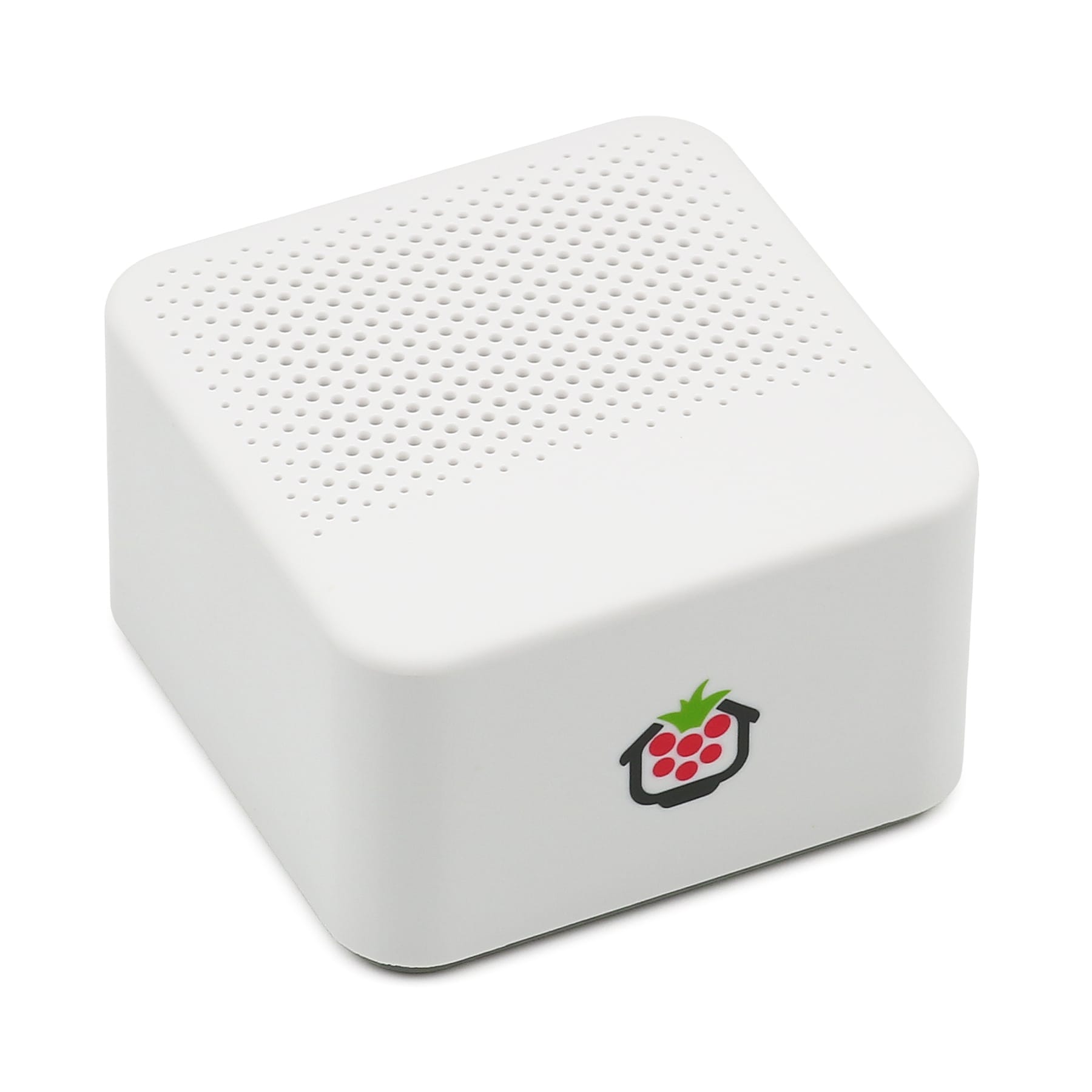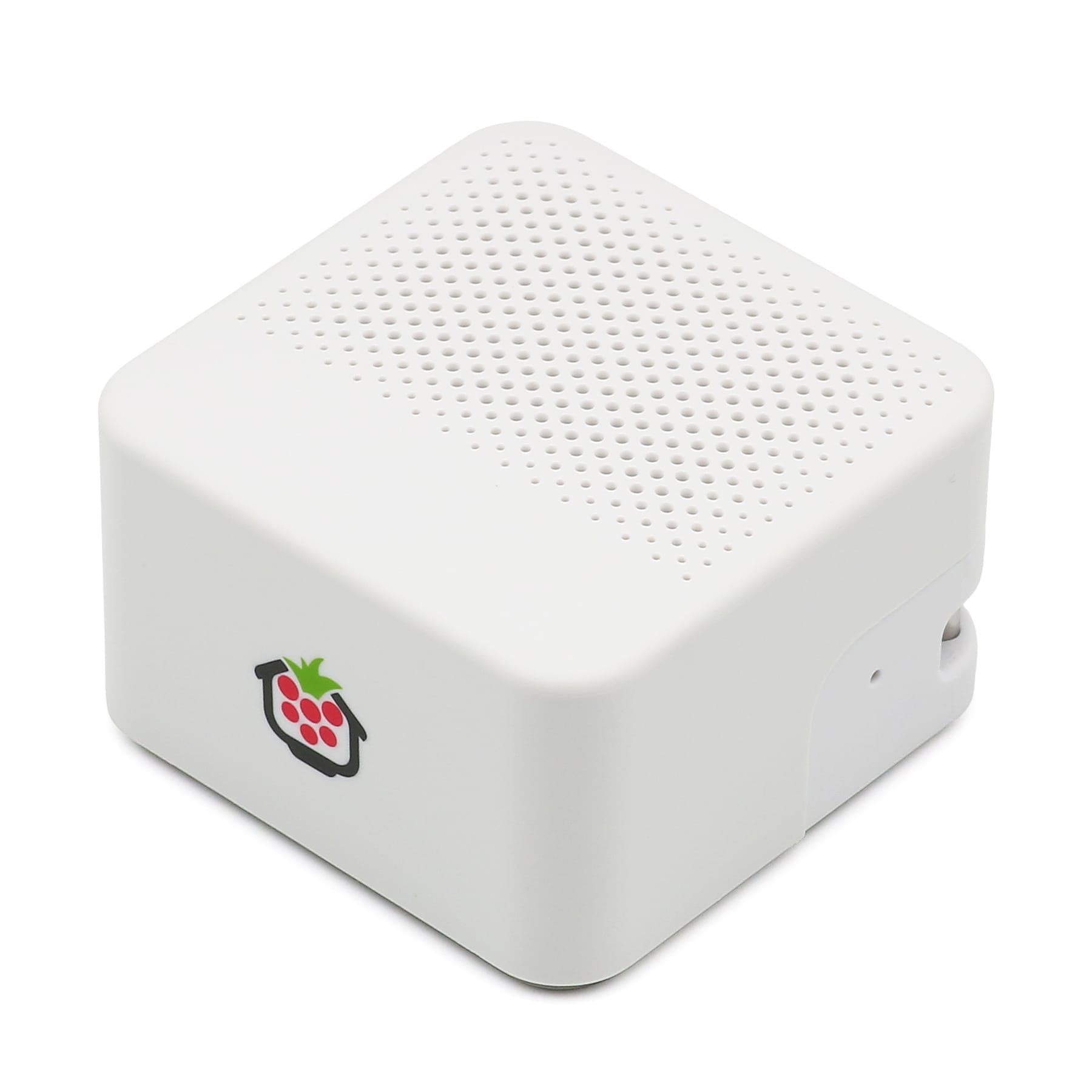
Mini Bluetooth Speaker for Raspberry Pi
Colour:White
Price:
Sale price
£13.90
Stock:
Quantity:
Login / Signup
Cart
Your cart is empty


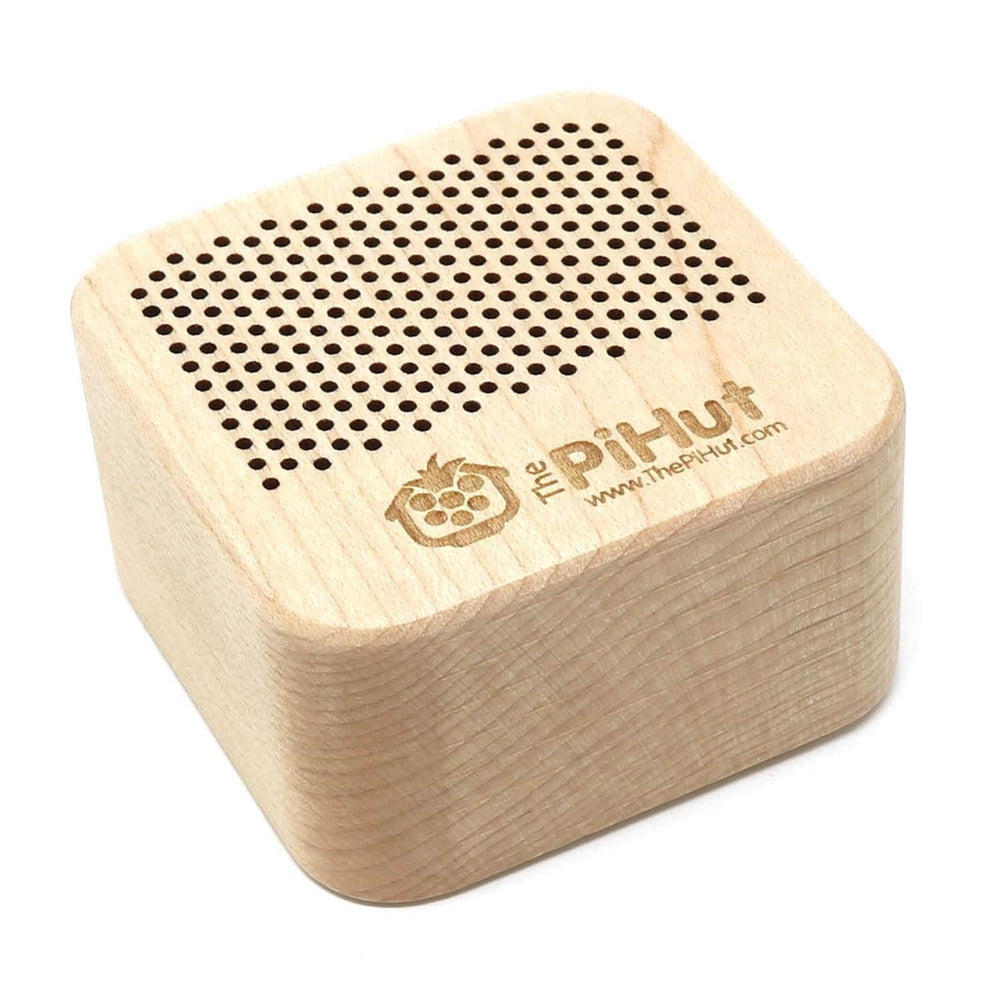

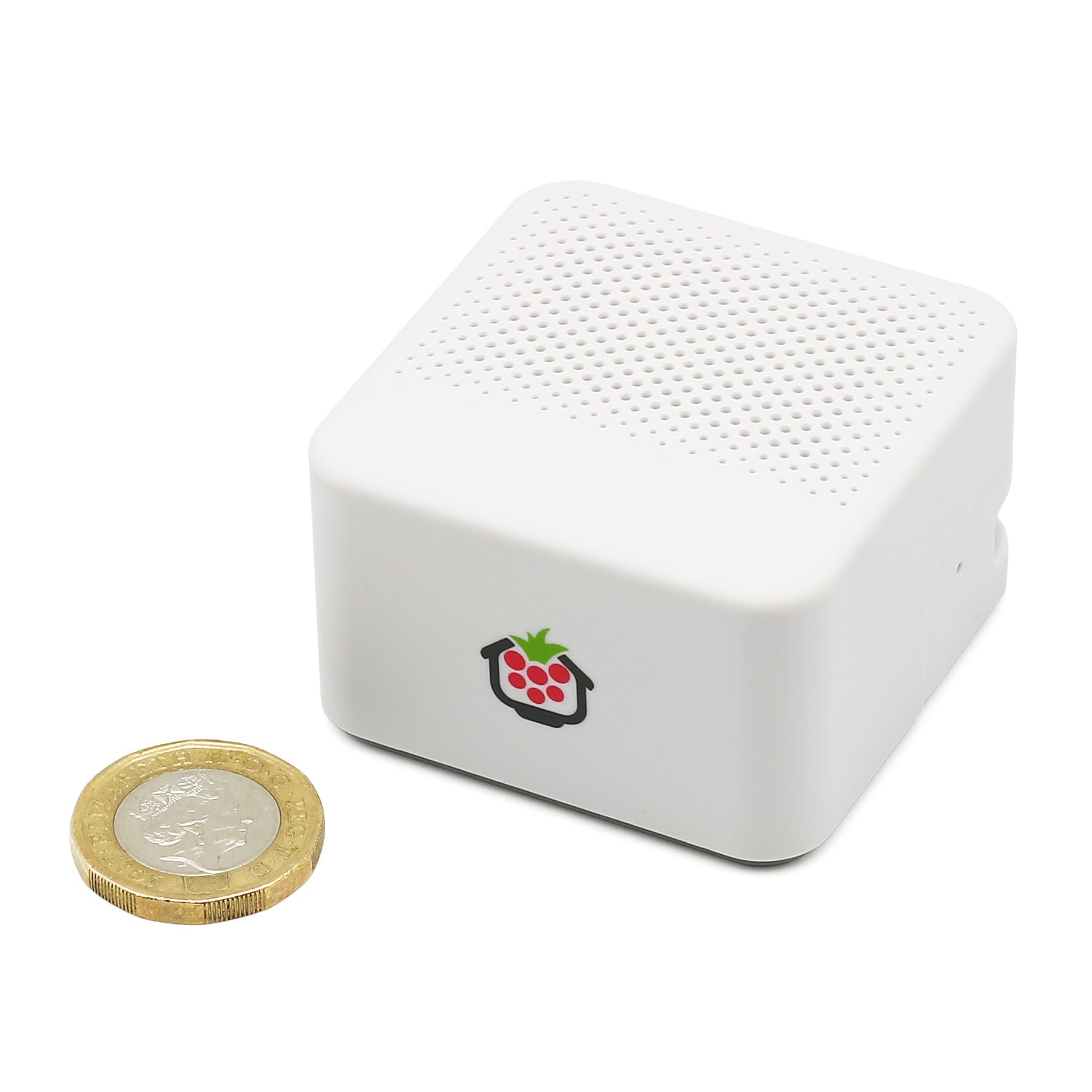
Don't be fooled by its size - our mini Bluetooth speaker packs a punch and is a great companion for your Raspberry Pi, working perfectly with the built-in Bluetooth on the Raspberry Pi 5, Pi 4, Zero 2, Pi 500 and Pi 400!
Connecting to the Raspberry Pi is quick and simple (see instructions below) and you'll enjoy around 3-4 hours of playback from a single charge. You can also use this with other Bluetooth devices such as your Android phone or laptop.
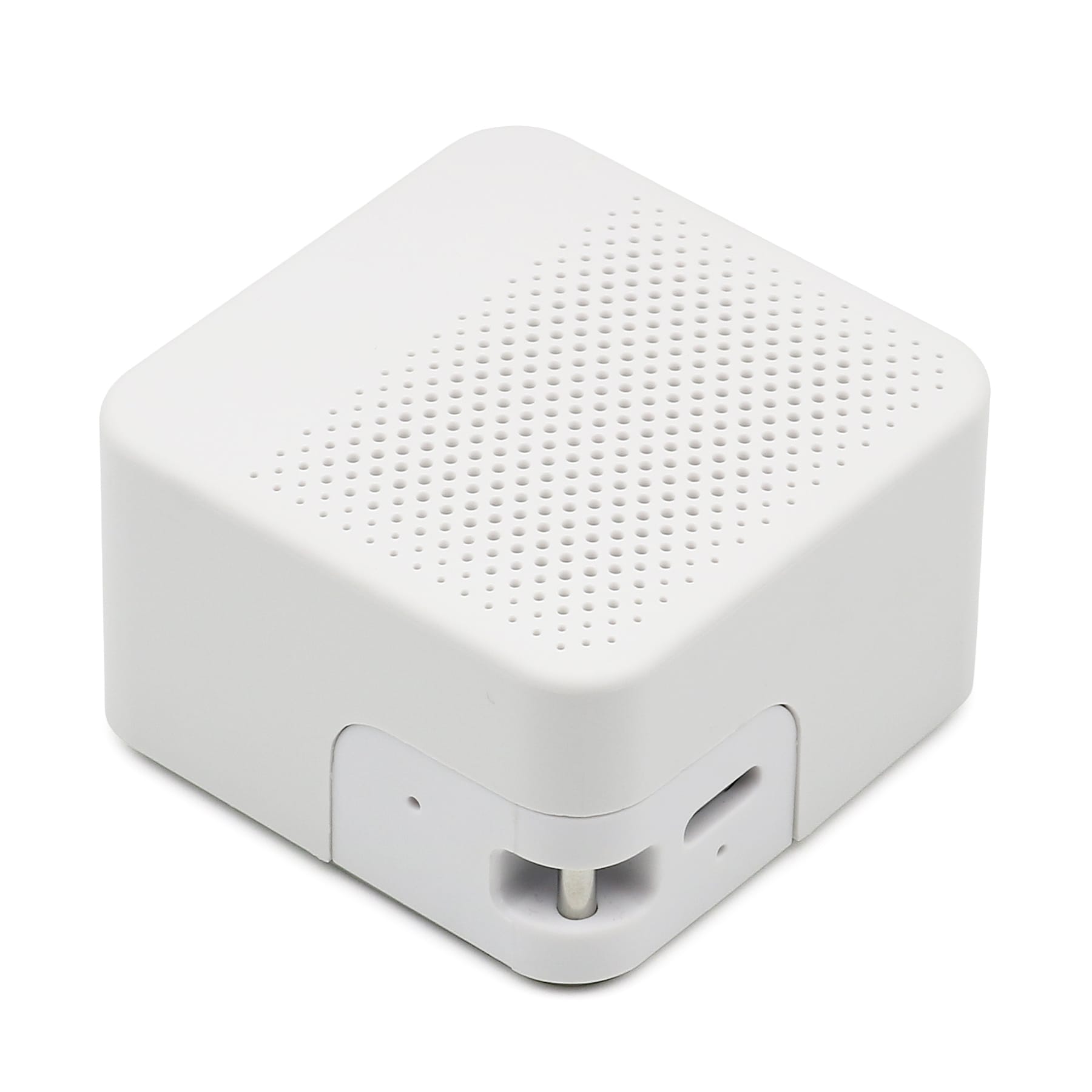
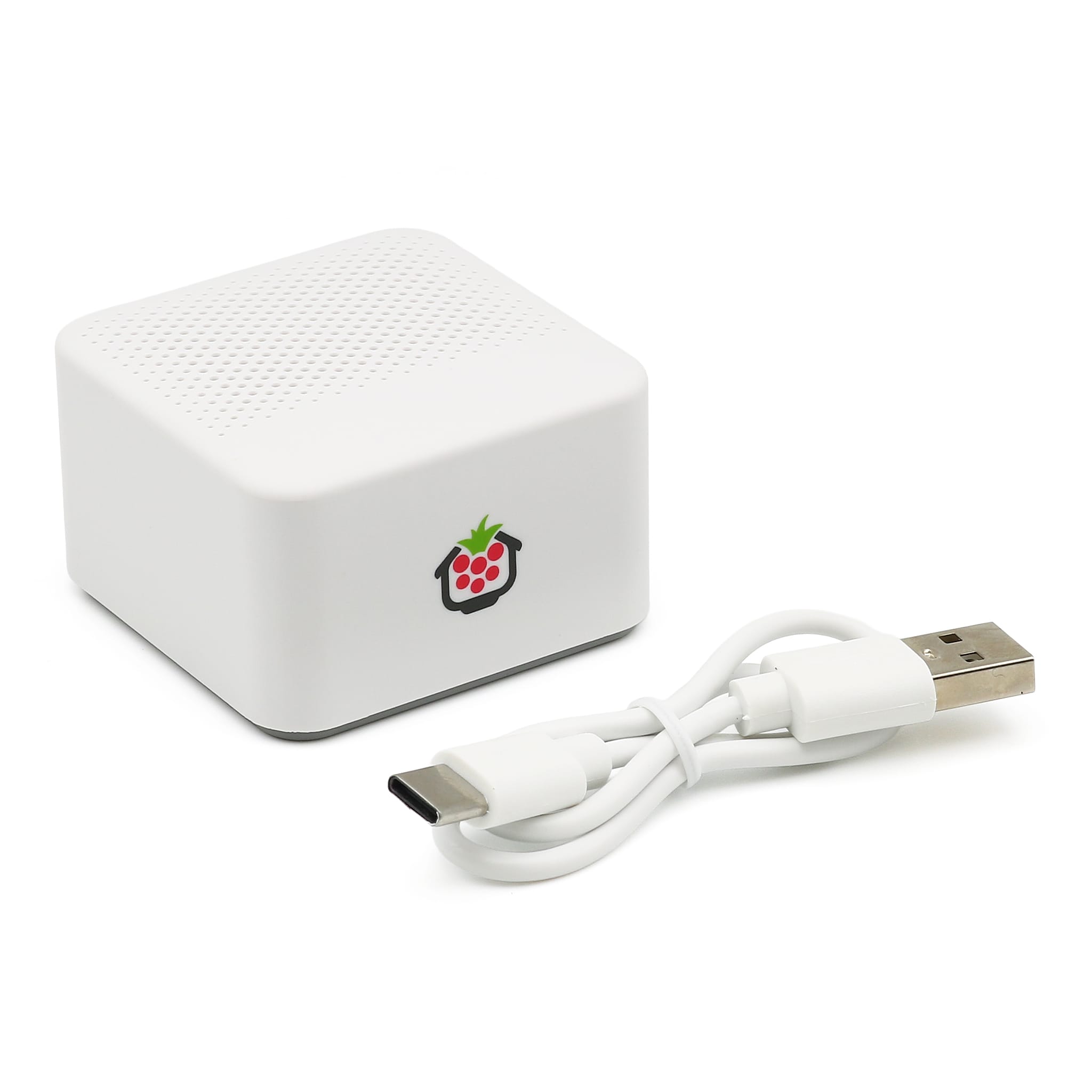
You can easily recharge the speaker with USB-C (5V 200mA), using the included short USB-C to USB-A charging cable.
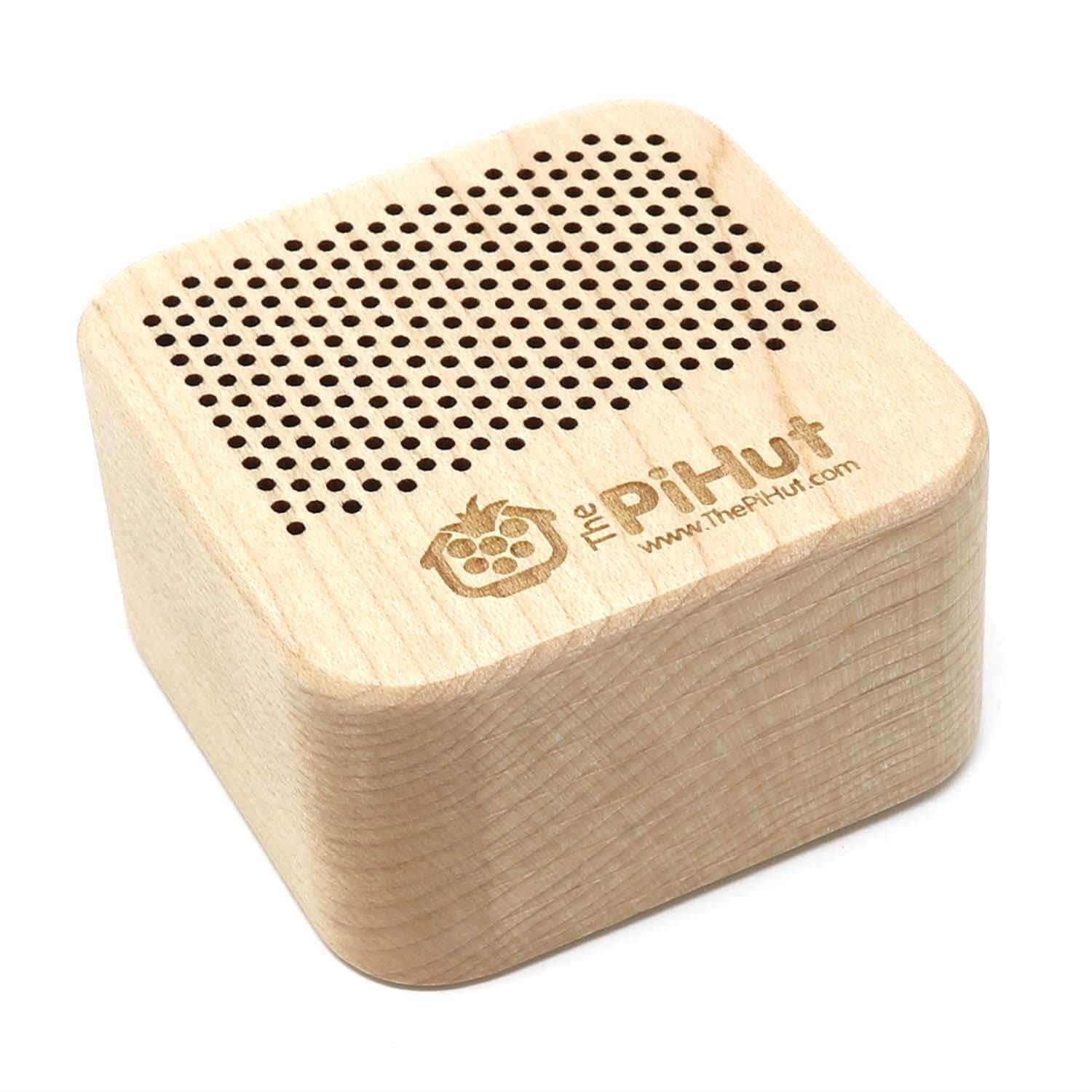
We stock two versions of this speaker. There is a slight size and weight difference between them (the wood version is a tad larger) that is detailed in the features section below. Both feature a sturdy rubber base that sits steadily on your desk:
Tip: Sit the speaker on a desk or similar surface for the best sound quality!
Lithium Battery Shipping: Due to courier restrictions, this product can only be shipped within the United Kingdom. With this item in your cart, your shipping options will be limited and may cost more than our usual rates. Why?
Connecting the speaker to your Raspberry Pi is easy.
Simply turn the speaker on by holding in the power button on the base for a few seconds (you'll hear a 'dong'), then click the Bluetooth icon on the Raspberry Pi OS desktop taskbar and select 'Add Device'. You will see 'TPH-AUDIO' (or similar) appear - select it and your Raspberry Pi will connect (you may need to create a 'key' in more recent versions of the OS - the window will guide you).
Once connected, click the audio icon on the Raspberry Pi OS desktop and select the speaker as the output device.
It may be due to the recent changes to Raspberry Pi OS, where it limits new devices to around 40% volume ('WirePlumber's' default). You can fix this by running the following command in a terminal window, which will allow 100% volume for all devices:
wpctl settings --save device.routes.default-sink-volume 1.0Then reboot and sliding the volume up should create much greater volume levels. Too loud? Change the end of that command to 0.75 or a different value and run it (and reboot) again.
If the command above doesn't work for you, try running the following command instead:
wpctl set-volume @DEFAULT_AUDIO_SINK@ 100%To un-do your changes, run this:
wpctl settings --reset device.routes.default-sink-volumeYour payment information is processed securely. We do not store credit card details nor have access to your credit card information.